Basic3D Scene (Capsule) - Bullet Physics
The same first scene as E01_3D_BasicScene, running on the legacy Bullet physics engine instead of Bepu. The scene code is character-for-character identical; the only difference is which toolkit package is referenced and which namespace is opened. That is the point of the example - physics is swapped at the project level, not by rewriting the scene.
The Program.cs file shows how to:
- Running the base 3D scene on the legacy Bullet physics engine
- Switching engine by namespace: Stride.CommunityToolkit.Bullet in place of .Bepu
- Why the scene code needs no change when the physics engine does
- Using helpers: SetupBase3DScene, AddSkybox, Create3DPrimitive
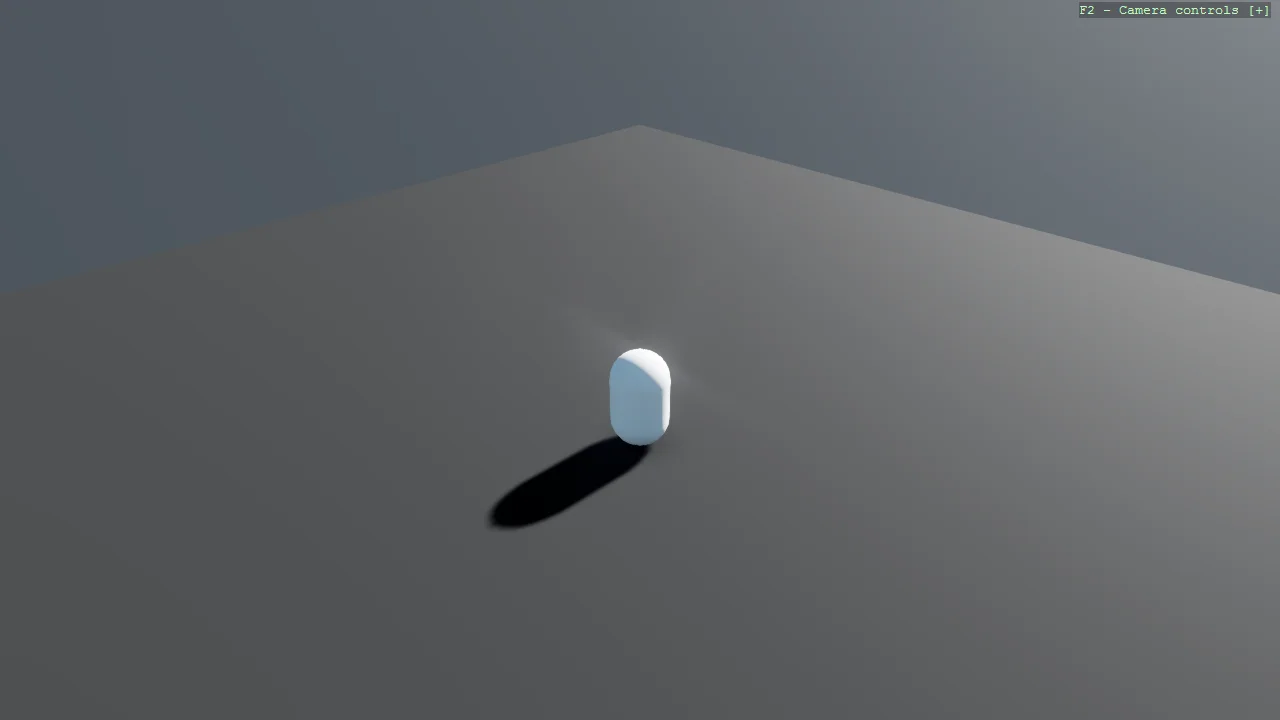
View on GitHub.
using Stride.CommunityToolkit.Bullet;
using Stride.CommunityToolkit.Engine;
using Stride.CommunityToolkit.Rendering.ProceduralModels;
using Stride.CommunityToolkit.Skyboxes;
using Stride.Core.Mathematics;
using Stride.Engine;

using var game = new Game();

game.Run(start: (Scene rootScene) =>
{
    game.SetupBase3DScene();
    game.AddSkybox();

    var entity = game.Create3DPrimitive(PrimitiveModelType.Capsule);

    entity.Transform.Position = new Vector3(0, 8, 0);

    entity.Scene = rootScene;
});