Basic 3D Scene (Falling Shapes)
The next step after the basic 3D scene: thirty shapes of five kinds and five colours, dropped in a column that topples into a pile. It adds a loop, a list of shapes with a colour each, and a material per colour. Bepu physics does the rest. The 2D twin, E01_2D_FallingShapes, drops the same shapes in the same colours.
The Program.cs file shows how to:
- Creating many 3D primitives in a loop with CreatePrimitive
- A list of shape types with a colour each
- Applying a material with CreateMaterial
- Positioning entities so that they fall into a pile
- Using helpers: SceneSetup3D, UseSkybox, AddGrabber
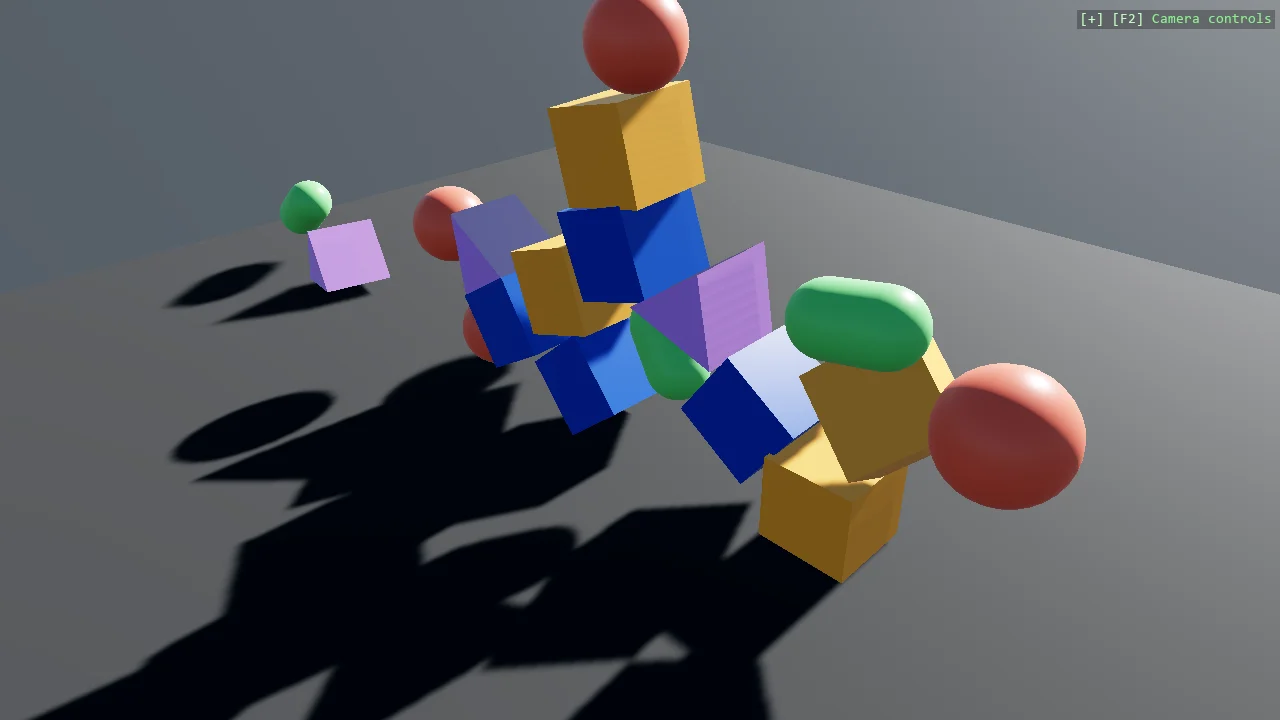
View on GitHub.
using Stride.CommunityToolkit.Bepu;
using Stride.CommunityToolkit.Engine;
using Stride.CommunityToolkit.Rendering.ProceduralModels;
using Stride.CommunityToolkit.Skyboxes;
using Stride.Core.Mathematics;
using Stride.Engine;

const int ShapeCount = 30;

// The shapes to drop, and the colour of each
(Primitive3D Type, Color Colour)[] shapes =
[
    (Primitive3D.Cube(), new Color(30, 70, 170)),
    (Primitive3D.Box(new(0.5f, 1, 1)), new Color(240, 150, 60)),
    (Primitive3D.Sphere(), new Color(235, 100, 80)),
    (Primitive3D.Capsule(), new Color(110, 200, 110)),
    (Primitive3D.TriangularPrism(Vector3.One), new Color(190, 130, 230)),
];

using var game = new Game();

game.Run(new SceneSetup3D().UseBepu().UseSkybox(), start: Start);

void Start(Scene rootScene)
{
    // Left mouse grabs any body, drags it and throws it on release
    game.AddGrabber();

    for (var i = 0; i < ShapeCount; i++)
    {
        // Each kind of shape in turn
        var (type, colour) = shapes[i % shapes.Length];

        var entity = game.CreatePrimitive(type, new()
        {
            Material = game.CreateMaterial(colour)
        });

        // One above the other, each a little to one side, so the column topples into a pile
        entity.Transform.Position = new Vector3(0.1f * (i % 3 - 1), 8 + i * 1.5f, 0);
        entity.Scene = rootScene;
    }
}