Falling Shapes with Physics Options (2D)
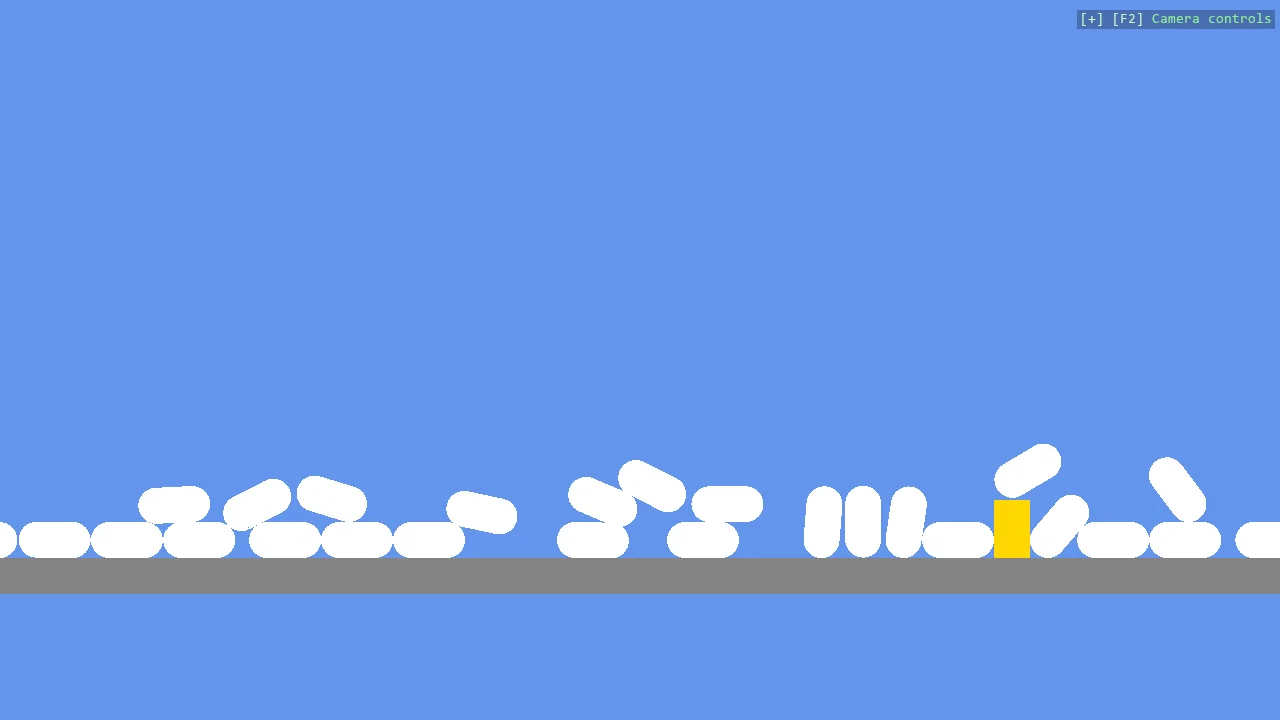
Thirty capsules and a rectangle dropped in a column, as in E01_2D_FallingShapes, with one thing added: each capsule is given its own Body2DComponent with a lower FrictionCoefficient, so the pile spreads wider than with the default. It shows where a body's physics options go when a primitive is created.
The Program.cs file shows how to:
- Passing a Body2DComponent to CreatePrimitive to set physics options
- FrictionCoefficient - a lower value lets the pile spread
- An empty CompoundCollider that the helper fills with the fitted shape
- Using helpers: SceneSetup2D, CreatePrimitive, CreateFlatMaterial, AddGrabber
View on GitHub.
using Stride.BepuPhysics.Definitions.Colliders;
using Stride.CommunityToolkit.Bepu;
using Stride.CommunityToolkit.Engine;
using Stride.CommunityToolkit.Rendering.ProceduralModels;
using Stride.Core.Mathematics;
using Stride.Engine;

const int ShapeCount = 30;

using var game = new Game();

game.Run(new SceneSetup2D { Profiler = true }.UseBepu(), start: Start);

void Start(Scene rootScene)
{
    // Left mouse grabs any dynamic body, drags it and throws it on release
    game.AddGrabber();

    var otherShape = game.CreatePrimitive(Primitive2D.Rectangle(0.5f, 0.8f), new()
    {
        Material = game.CreateFlatMaterial(Color.Gold),
        Position = new Vector3(0.2f, 4f, 0),
    });

    otherShape.Scene = rootScene;

    for (int i = 0; i < ShapeCount; i++)
    {
        var shape = game.CreatePrimitive(Primitive2D.Capsule(), new BepuPhysicsOptions
        {
            Material = game.CreateFlatMaterial(Color.White),
            Component = new Body2DComponent
            {
                Collider = new CompoundCollider(),
                FrictionCoefficient = 0.35f
            },
            Position = new Vector3(0.001f * i, 10 + i * 2, 0)
        });

        shape.Scene = rootScene;
    }
}