First-Person Character (Bepu)
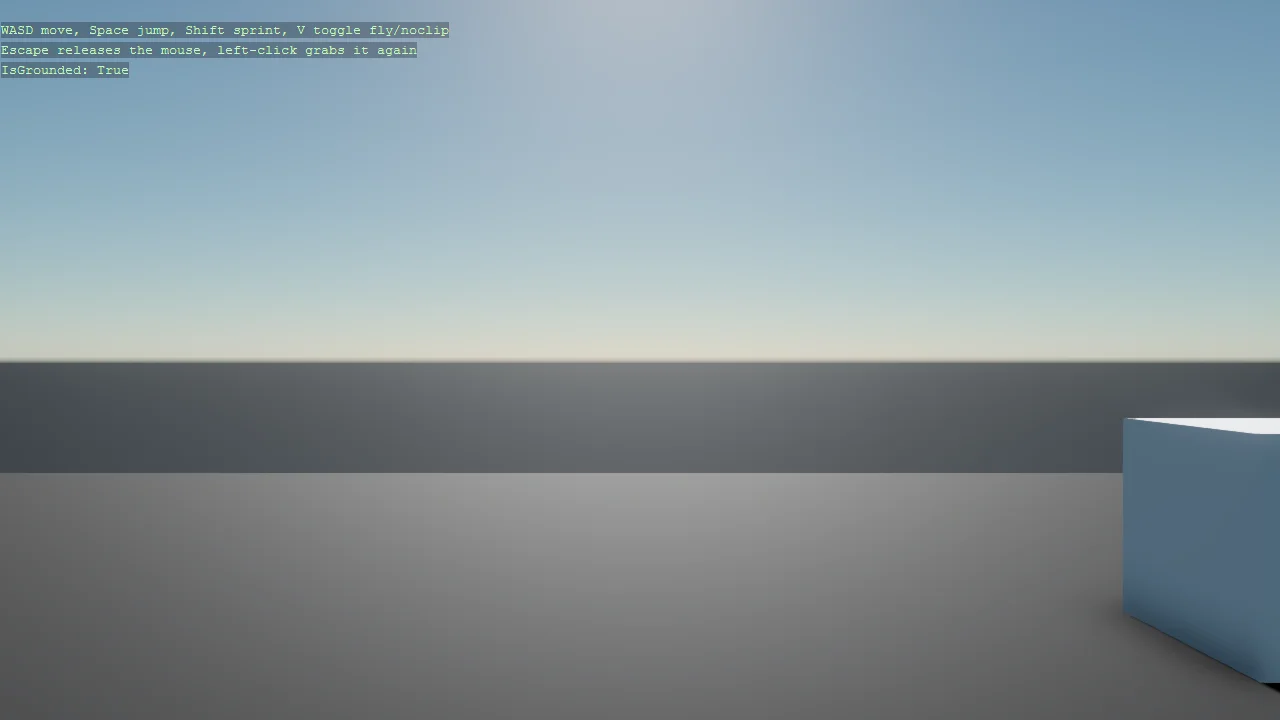
A first-person character built entirely from code - no Game Studio scene - on a Bepu CharacterComponent, with boxes to walk into and jump onto. Two details make it work. The scene uses SetupBase3D rather than SetupBase3DScene, because the latter attaches the fly-around debug camera that would fight the controller for the same camera. And the controller is a component plus a processor pair, registered automatically by DefaultEntityComponentProcessor, which is how you add per-frame behaviour to many entities without a script on each one.
The Program.cs file shows how to:
- Building a character controller with Bepu CharacterComponent
- Attaching a collider by passing the component through Bepu3DPhysicsOptions
- Why SetupBase3D, not SetupBase3DScene, for a custom camera
- Pairing an EntityComponent with an EntityProcessor
- Auto-registering a processor with [DefaultEntityComponentProcessor]
- Driving a physics body from the camera entity
- Using helpers: SetupBase3D, Add3DGround, AddSkybox, Create3DPrimitive
View on GitHub.
using E05_3D_FirstPersonCharacter;
using Stride.BepuPhysics;
using Stride.BepuPhysics.Definitions.Colliders;
using Stride.CommunityToolkit.Bepu;
using Stride.CommunityToolkit.Engine;
using Stride.CommunityToolkit.Rendering.ProceduralModels;
using Stride.CommunityToolkit.Scripts.Utilities;
using Stride.CommunityToolkit.Skyboxes;
using Stride.Core.Mathematics;
using Stride.Engine;
using Stride.Games;

// A code-only first-person character controller on Bepu physics:
//  • a CharacterComponent capsule built entirely from code (no Game Studio),
//  • driven by a custom EntityComponent + EntityProcessor pair that auto-registers itself
//    via [DefaultEntityComponentProcessor] - see FirstPersonControllerComponent.cs.

CharacterComponent? character = null;

using var game = new Game();

game.Run(start: Start);

void Start(Scene scene)
{
    // SetupBase3D = graphics compositor + camera + directional light. Deliberately NOT
    // SetupBase3DScene(): that would also attach the fly-around debug camera controller, which
    // would fight our first-person controller for the same camera.
    game.SetupBase3D();
    game.Add3DGround();
    game.AddSkybox();

    // A few boxes to walk into and jump onto.
    for (int i = 0; i < 5; i++)
    {
        var box = game.Create3DPrimitive(PrimitiveModelType.Cube);
        box.Transform.Position = new Vector3(3 + i * 2.5f, 0.5f + i * 0.4f, -4);
        box.Scene = scene;
    }

    // The character body: a Bepu CharacterComponent riding a capsule primitive. Passing the
    // component through Bepu3DPhysicsOptions makes Create3DPrimitive attach a matching capsule
    // collider to it.
    character = new CharacterComponent
    {
        Speed = 6f,
        JumpForce = 8f,
        Collider = new CompoundCollider(),
        Gravity = true,
    };
    var body = game.Create3DPrimitive(PrimitiveModelType.Capsule, new Bepu3DPhysicsOptions { Component = character });
    body.Transform.Position = new Vector3(0, 2f, 0);
    body.Scene = scene;

    // The controller lives on the CAMERA entity and drives the body. Adding the component is all
    // it takes - [DefaultEntityComponentProcessor] spins up FirstPersonControllerProcessor
    // automatically.
    var camera = scene.GetCamera();
    camera?.Entity.Add(new FirstPersonControllerComponent { Character = character });

    // The keys, then the live state; the callback runs every frame the overlay is drawn
    DebugOverlay.GetOrCreate(game).AddSection("Character", () =>
    [
        new("W A S D", "Move", Color.Gold),
        new("Space", "Jump", Color.Gold),
        new("Shift", "Hold to sprint", Color.Gold),
        new("V", "Toggle fly / noclip", Color.Gold),
        new("Escape", "Release the mouse", Color.Gold),
        new("Left click", "Grab the mouse again", Color.Gold),
        new(""),
        new(character?.IsGrounded == true ? "Grounded" : "In the air", Color.LightGreen),
    ]);
}