SyncScript - moving a body every frame
A cube driven in a circle by a SyncScript, which is the ordinary way to run code every frame. The part worth copying is how it moves: the body is made kinematic and steered with SetTargetPose rather than by assigning Transform.Position. With a physics body attached the simulation owns the transform, so writing the position directly is overwritten, and moving a kinematic body correctly is what lets it still push dynamic bodies out of the way.
The Program.cs file shows how to:
- Running per-frame logic by deriving from SyncScript
- Attaching a script to an entity with Entity.Add
- Fetching a sibling component with Entity.Get
- Why physics owns the transform once a body is attached
- Moving a kinematic body with SetTargetPose, not Transform.Position
- Framerate independence with Game.UpdateTime.Elapsed
- Using helpers: SetupBase3DScene, AddSkybox, AddProfiler, Create3DPrimitive
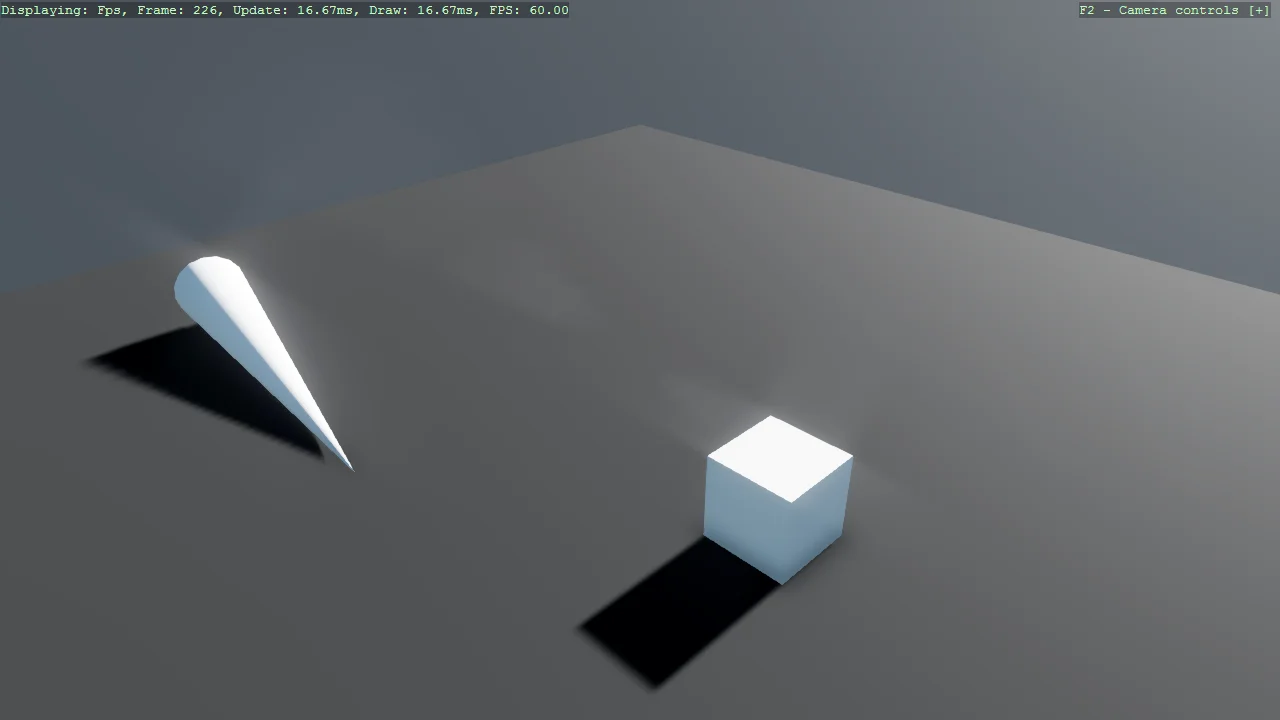
View on GitHub.
using E02_3D_SyncScript;
using Stride.CommunityToolkit.Bepu;
using Stride.CommunityToolkit.Engine;
using Stride.CommunityToolkit.Rendering.ProceduralModels;
using Stride.CommunityToolkit.Skyboxes;
using Stride.Core.Mathematics;
using Stride.Engine;

using var game = new Game();

game.Run(start: Start);

void Start(Scene scene)
{
    game.SetupBase3DScene();
    game.AddSkybox();
    game.AddProfiler();

    var entity = game.Create3DPrimitive(PrimitiveModelType.Cube);
    entity.Transform.Position = new Vector3(1f, 0.5f, 3f);
    entity.Add(new RotationComponentScript());
    entity.Scene = scene;

    var entityCone = game.Create3DPrimitive(PrimitiveModelType.Cone, new() { Size = new(0.5f, 5, 0) });
    entityCone.Transform.Position = new Vector3(0, 6, 0);
    entityCone.Scene = scene;
}