Code-Only Examples
Every code-only example, with a screenshot of what it actually renders. Each one is a complete, self-contained program you can copy and run.
Prefer a list? Each level has its own page, linked from the table of contents.
Note
Most examples run from a copy of their project with the toolkit packages from NuGet. Stride.CommunityToolkit.Box2D, Stride.CommunityToolkit.Charts and Stride.CommunityToolkit.ImGuiNet are not on NuGet yet,
so the examples built on them run from a clone of the repository: Box2D Explosion, Box2D Joints, Box2D Car, Box2D Character Mover, Charts 2D, Charts 3D, Basic 2D Scene (Stress Pile, Box2D), Junkyard (Box2D), Junkyard Playground (Box2D), Box2D.NET Physics, ImGui.NET Text Rendering.
C# Getting Started
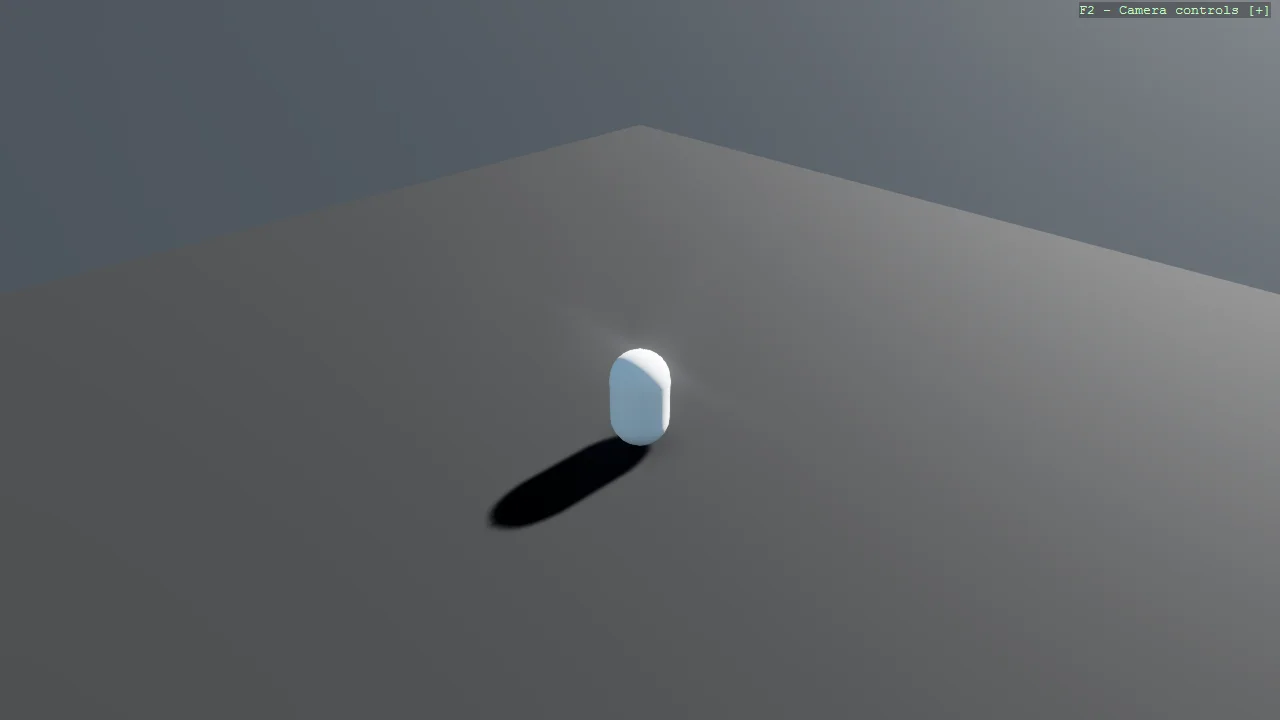
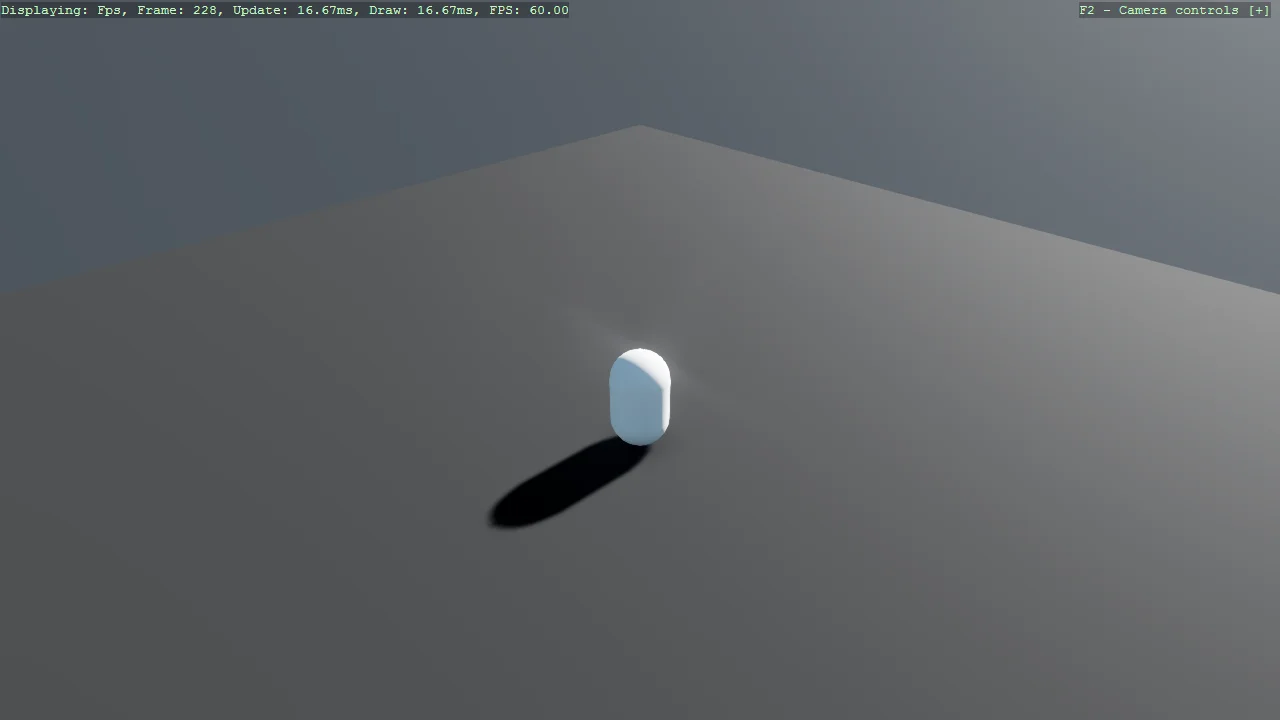
Basic3D Scene (Capsule)
Shapes
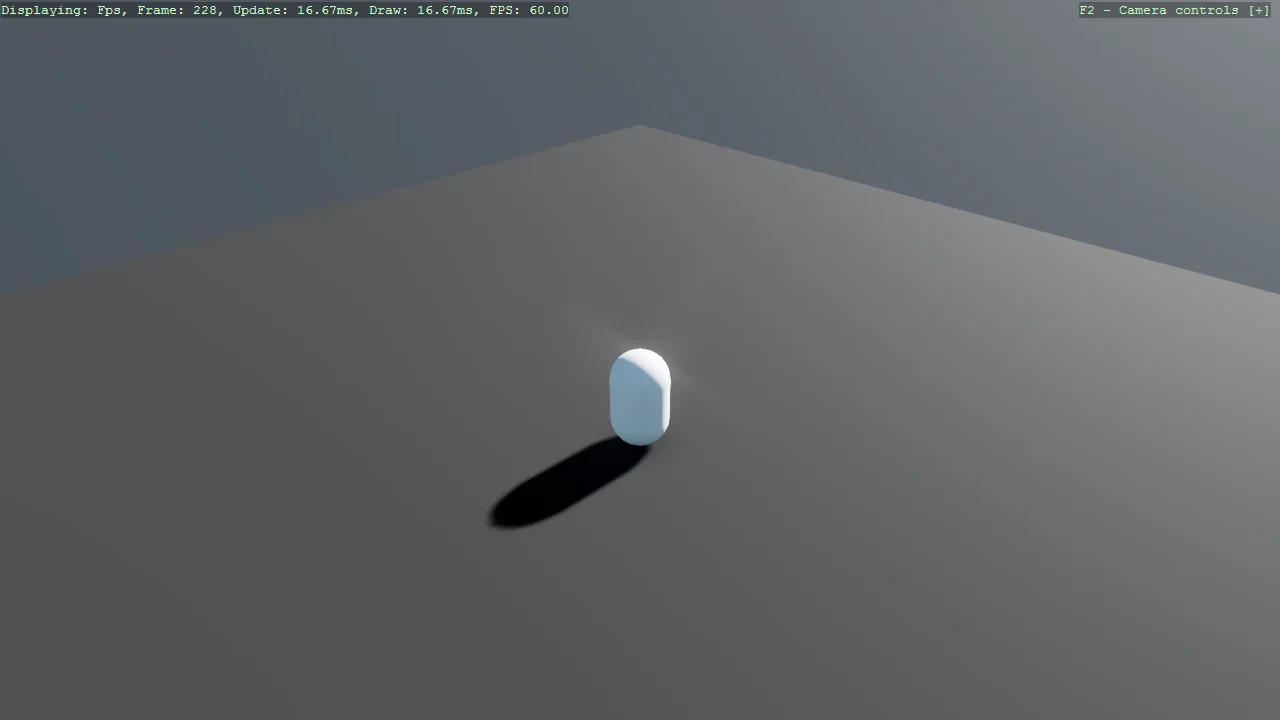
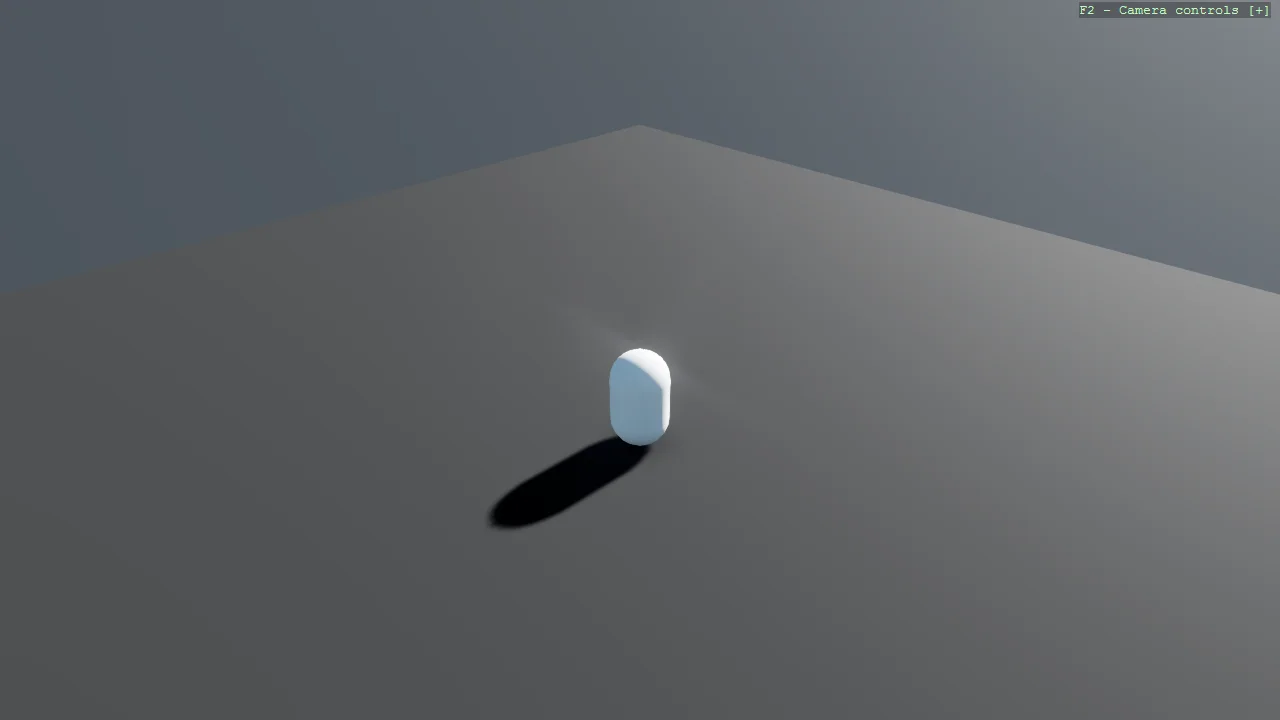
Create a minimal 3D scene using toolkit helpers, add a skybox, and place a single capsule primitive.
Basic3D Scene (Engine Only)
Shapes
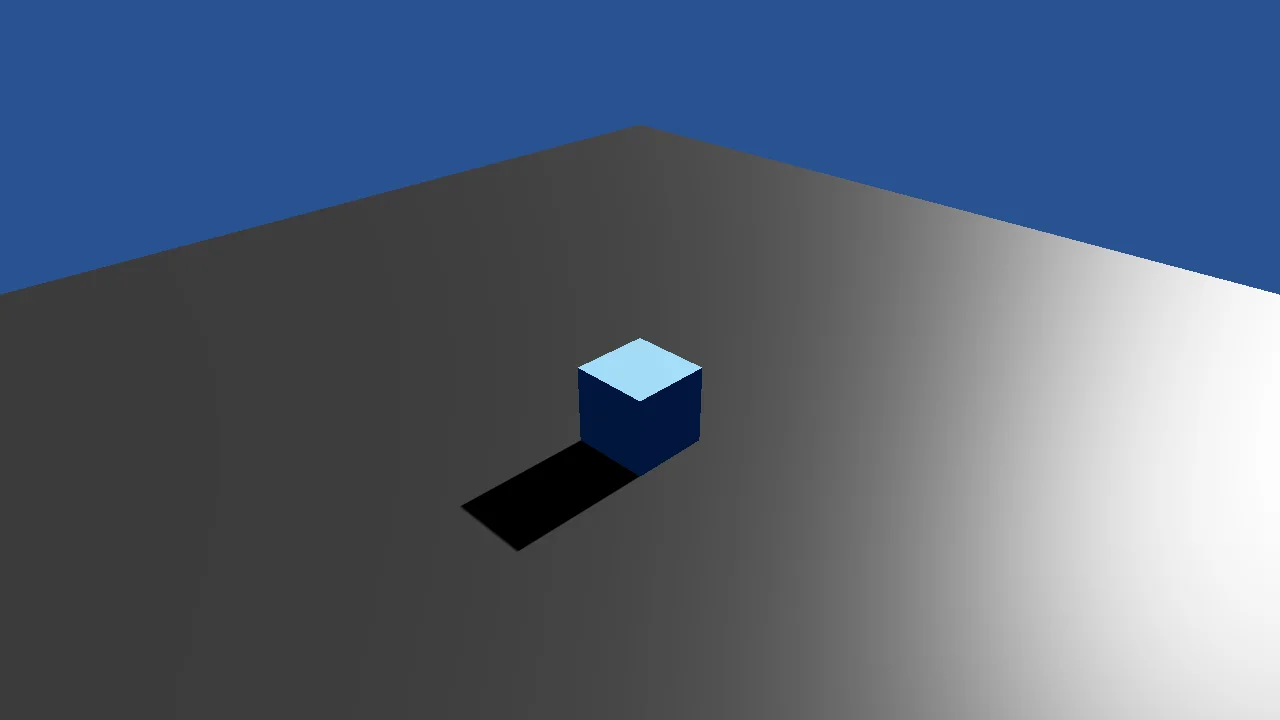
A ground, a cube and a camera written against Stride alone, with no toolkit package: the graphics compositor, the camera, the lights, the procedural...
Basic3D Scene (Capsule) - File-Based App
Shapes
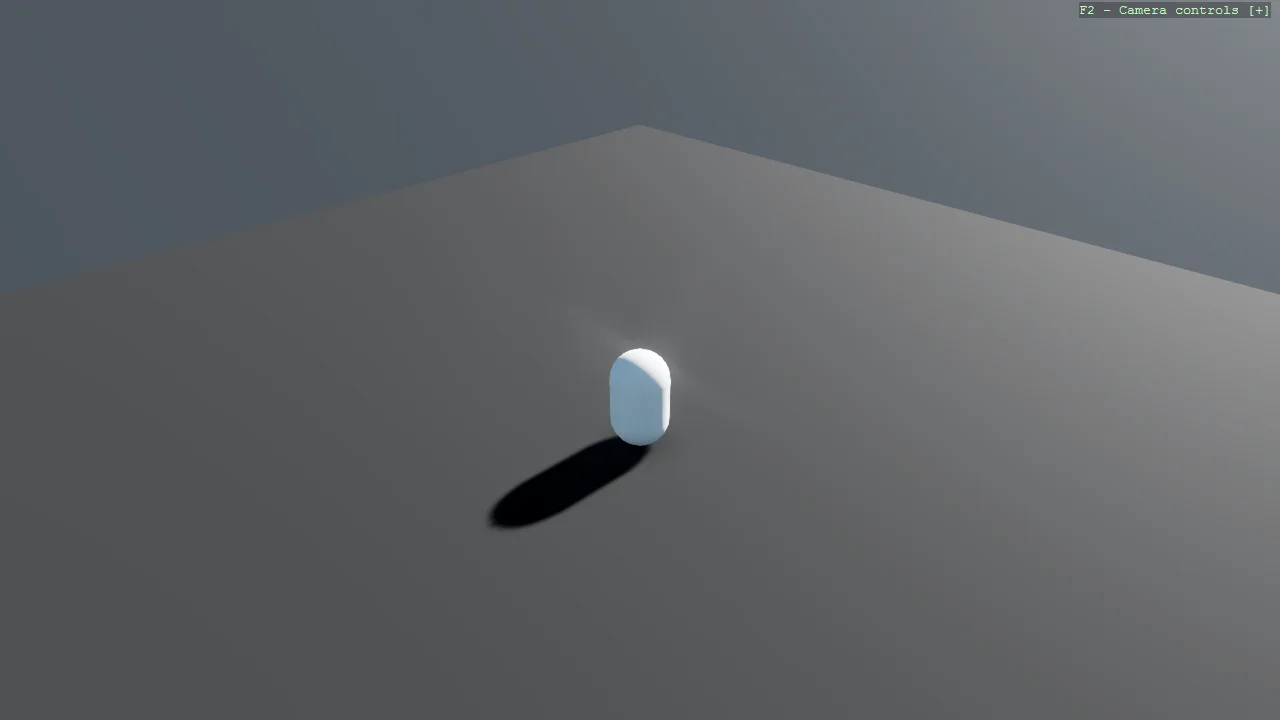
The same minimal 3D scene as E01_3D_BasicScene, written as a .NET 10 file-based app: a single C# file with no .csproj.
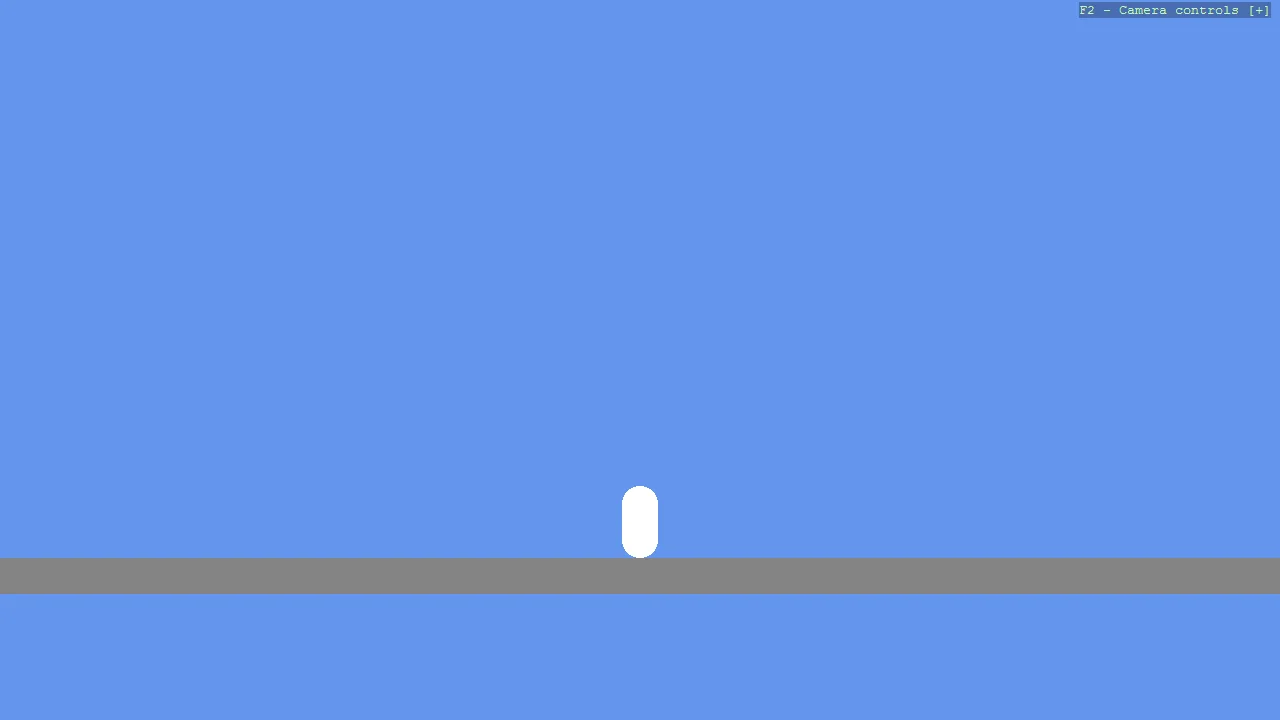
Basic2D Scene (Capsule)
Shapes
Create a minimal 2D scene using toolkit helpers and place a single capsule primitive with a flat material.
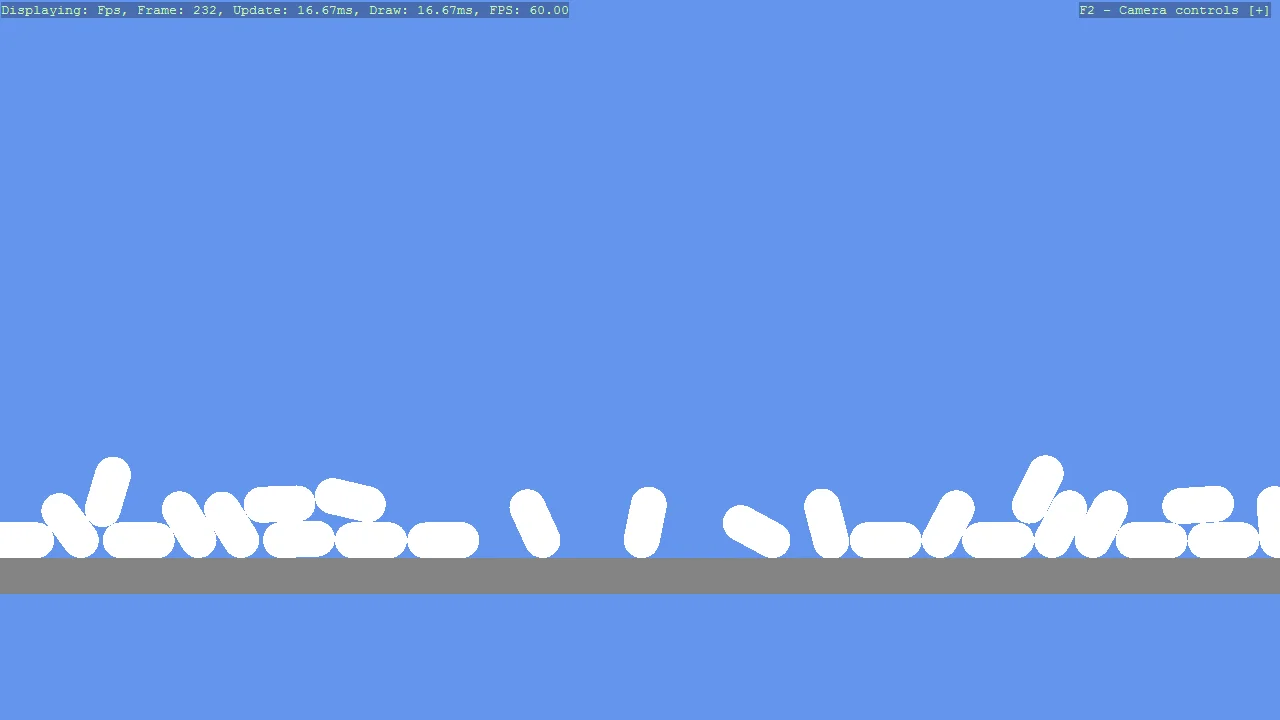
Basic2D Scene (Capsule) - Bullet Physics
Shapes
Create a minimal 2D scene using toolkit helpers and place a single capsule primitive.
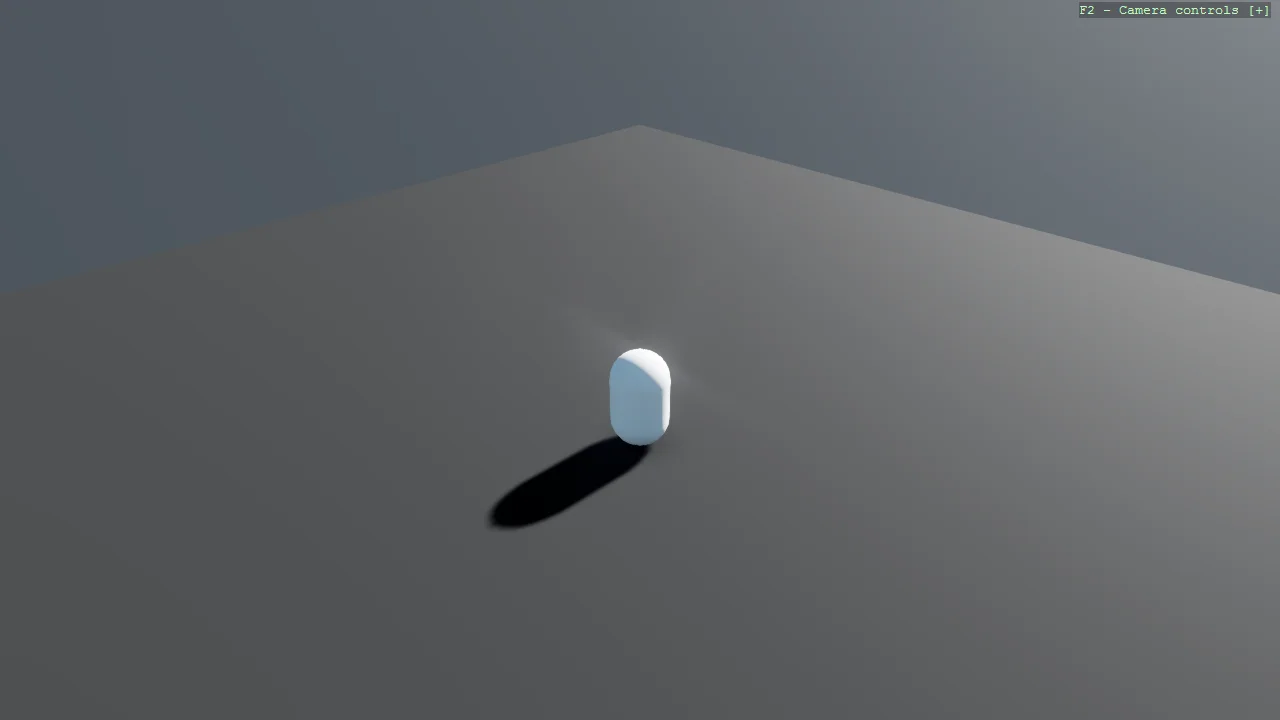
Basic3D Scene (Capsule) - Bullet Physics
Shapes
The same first scene as E01_3D_BasicScene, running on the legacy Bullet physics engine instead of Bepu.
C# Beginner
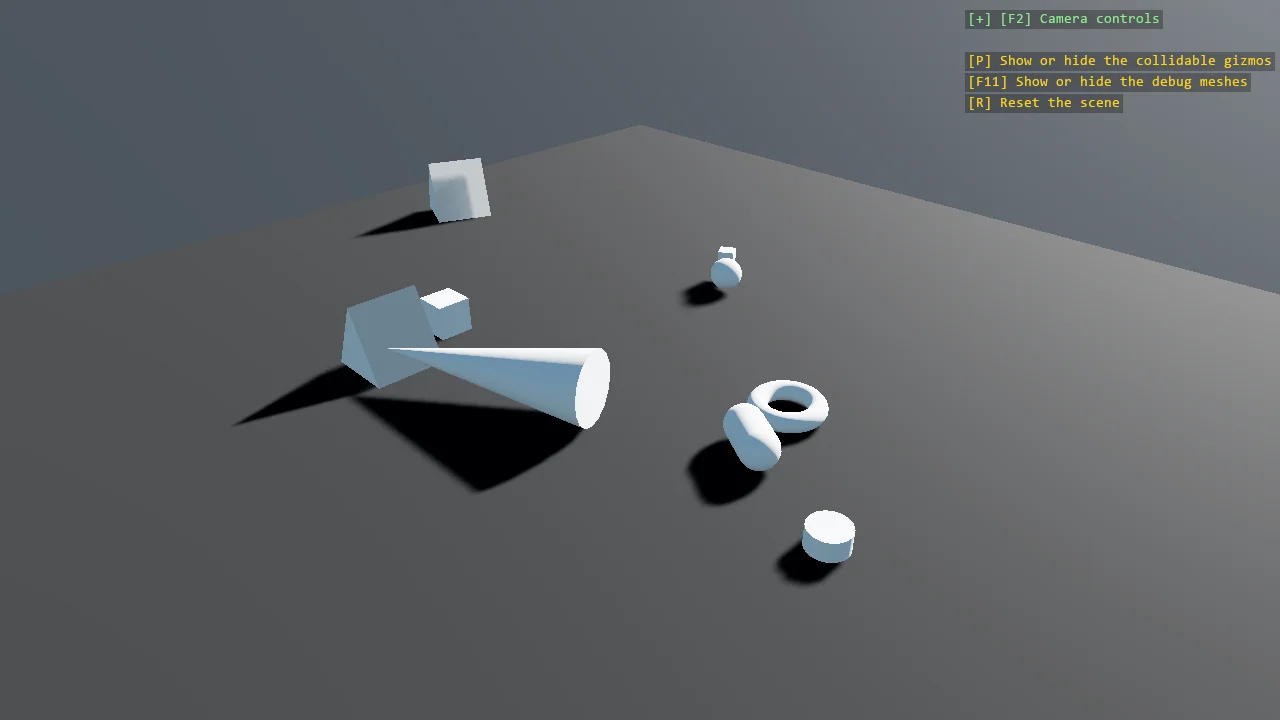
Basic3D Scene (Every Primitive)
Shapes
Every 3D primitive the toolkit can build - cube, cone, capsule, sphere, cylinder, teapot, torus and triangular prism - dropped into one scene so the...

Basic Gum UI Setup
UI
Initialize Gum UI in Stride using the official Gum.Stride runtime and the Stride Community Toolkit.
Material
Rendering
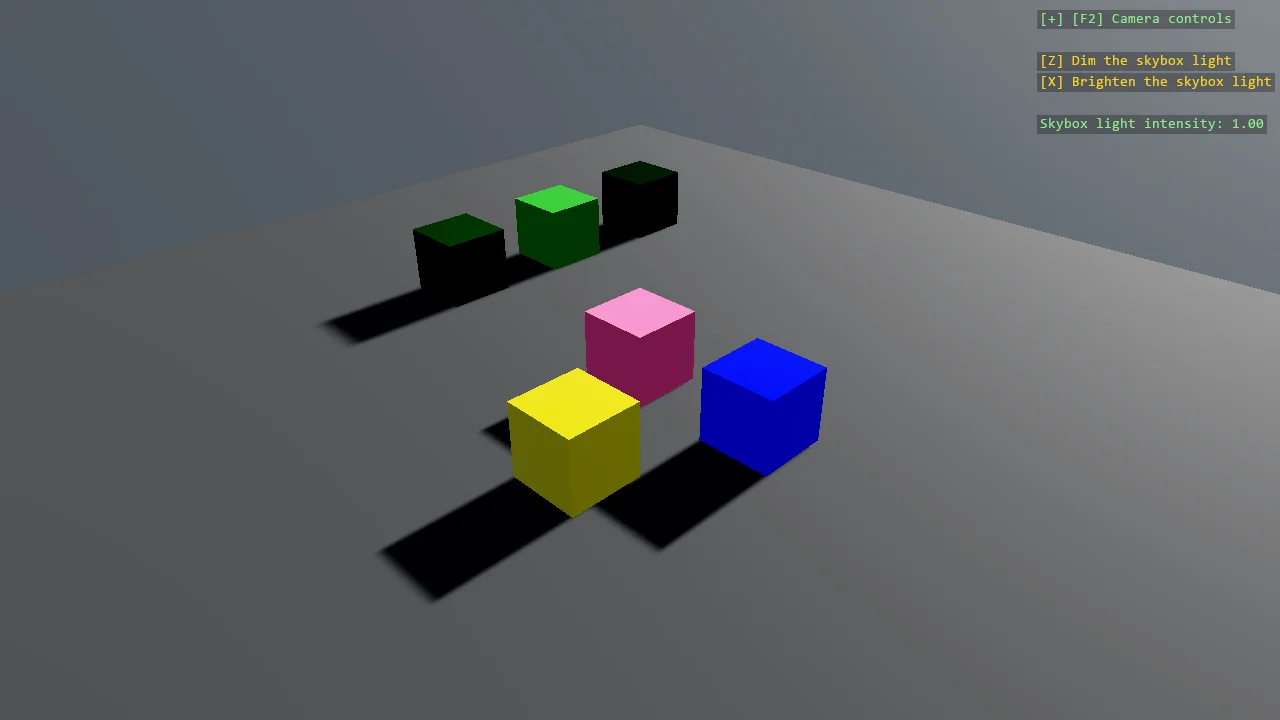
The four numbers of a material, one per row of cubes: a glossiness sweep from rough to mirror, a metalness sweep from dielectric to metal, and a front...
Post Effects
Rendering
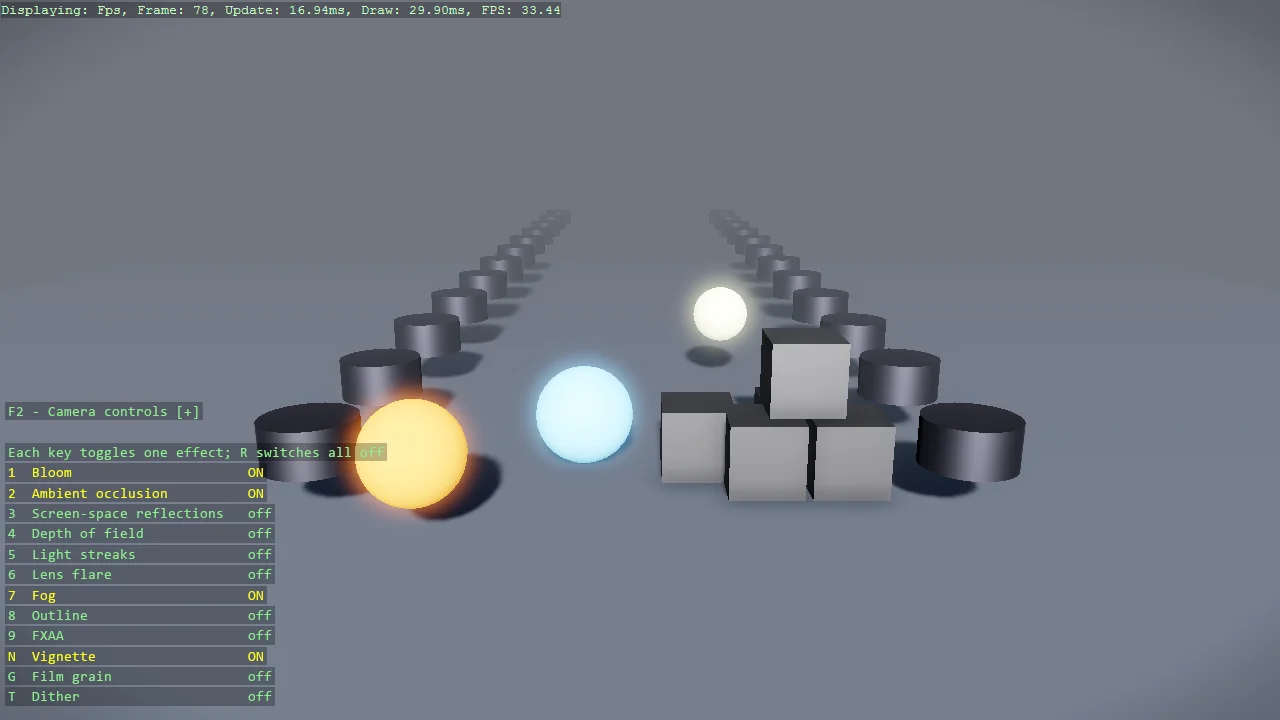
Every post effect Stride ships, one key each: bloom, ambient occlusion, screen-space reflections, depth of field, light streaks, lens flare, fog,...
Mesh Line
Geometry
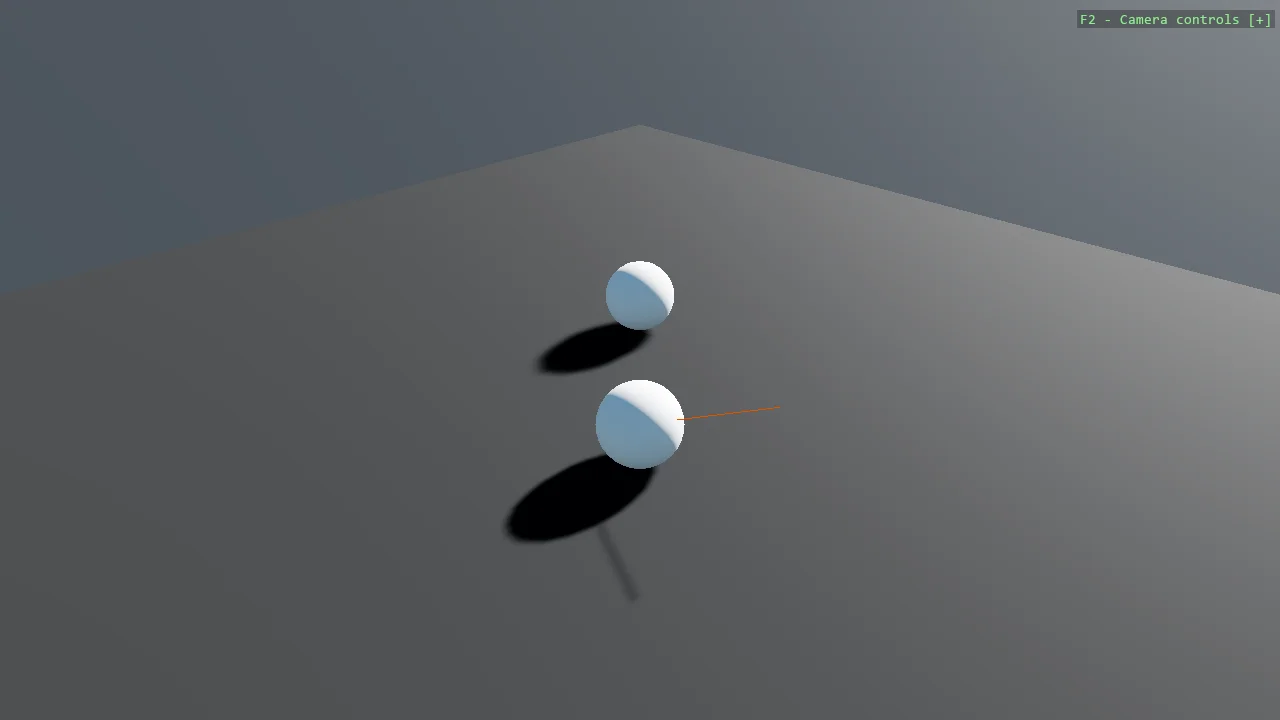
A line drawn between two spheres, built as a real mesh rather than a debug primitive.
Wav File
Audio
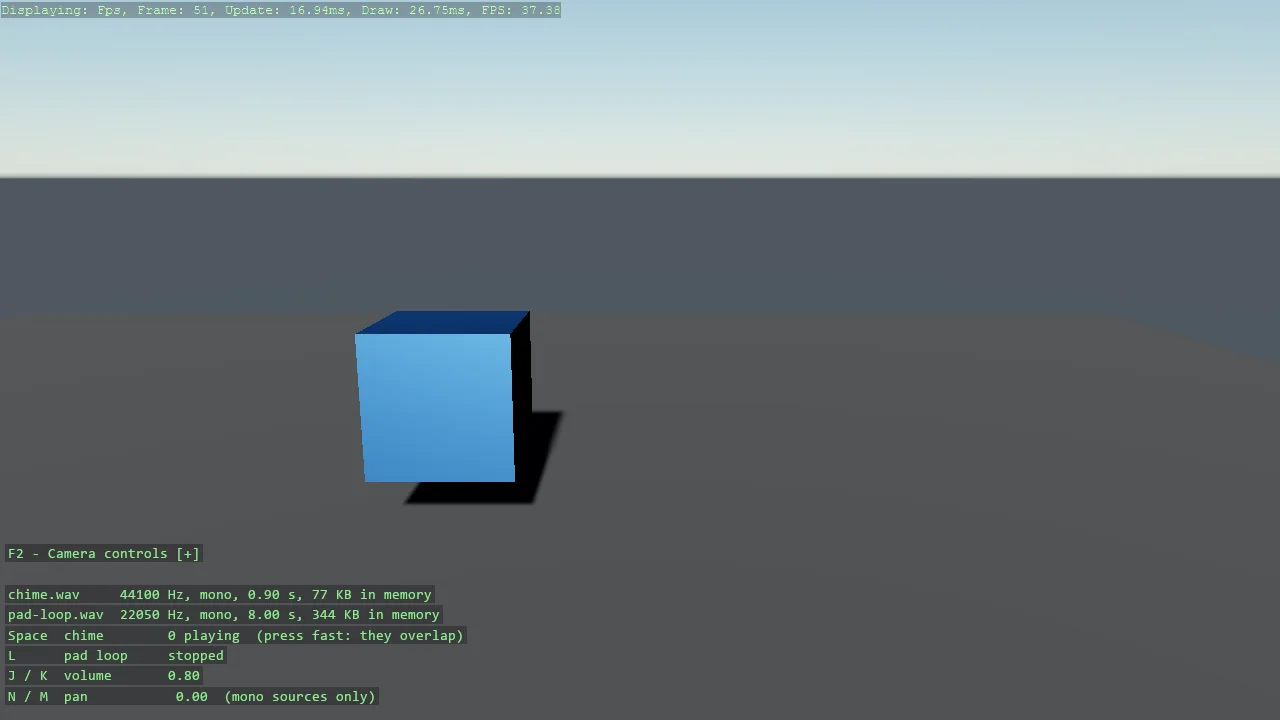
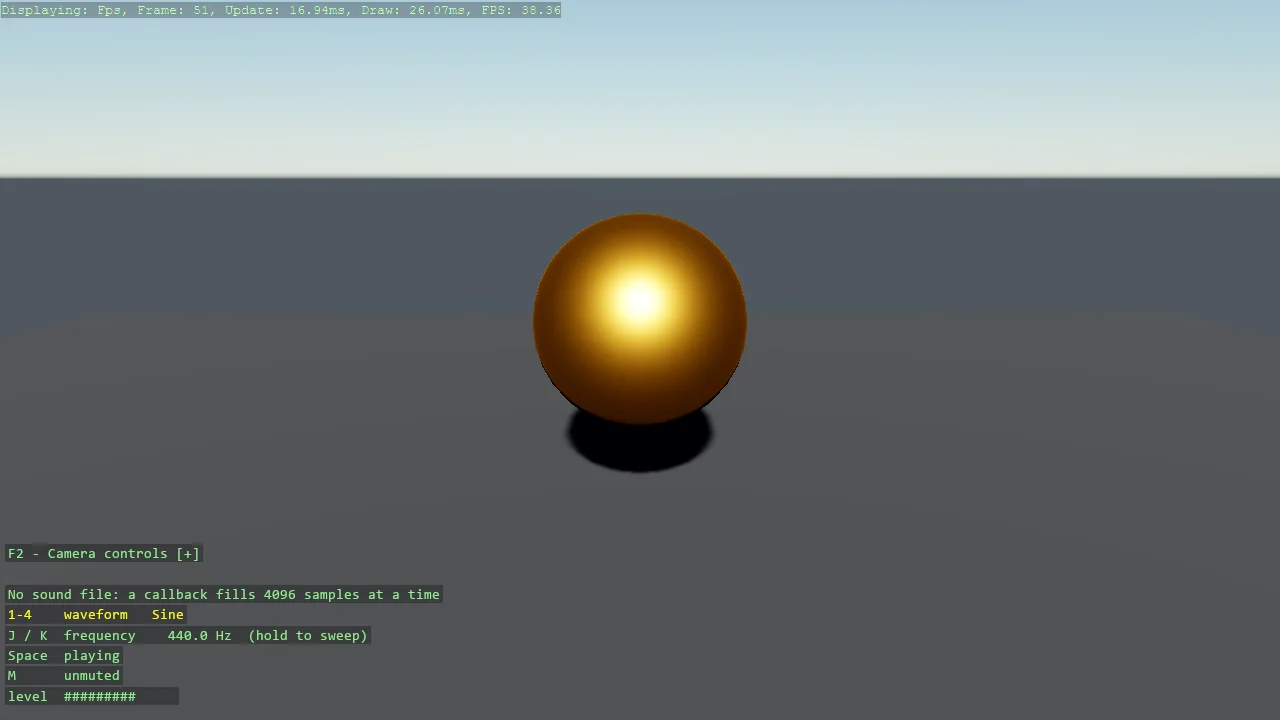
Play a .wav read from disk at runtime, with no compiled asset: LoadWav decodes the file into memory and each CreateInstance is an independent...
Give Me a Cube
Scripts
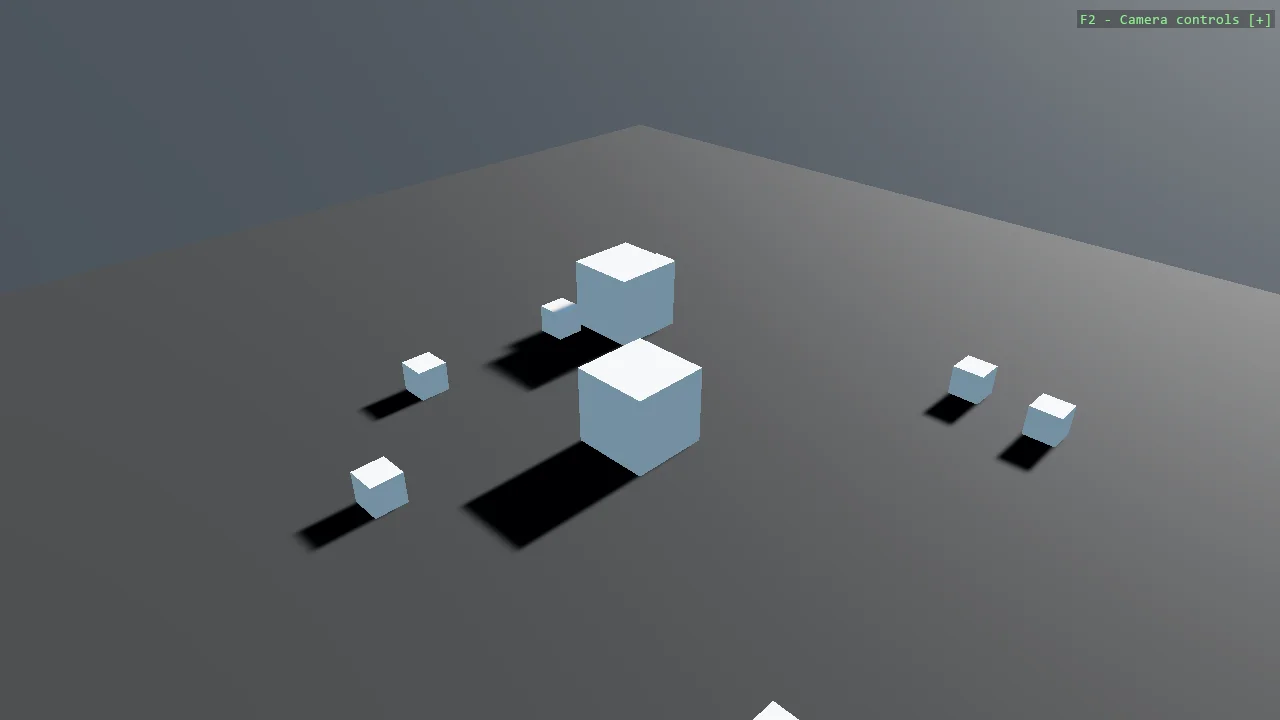
Add behaviour to an entity with a SyncScript component instead of the update callback of game.Run.
Grabber
Physics
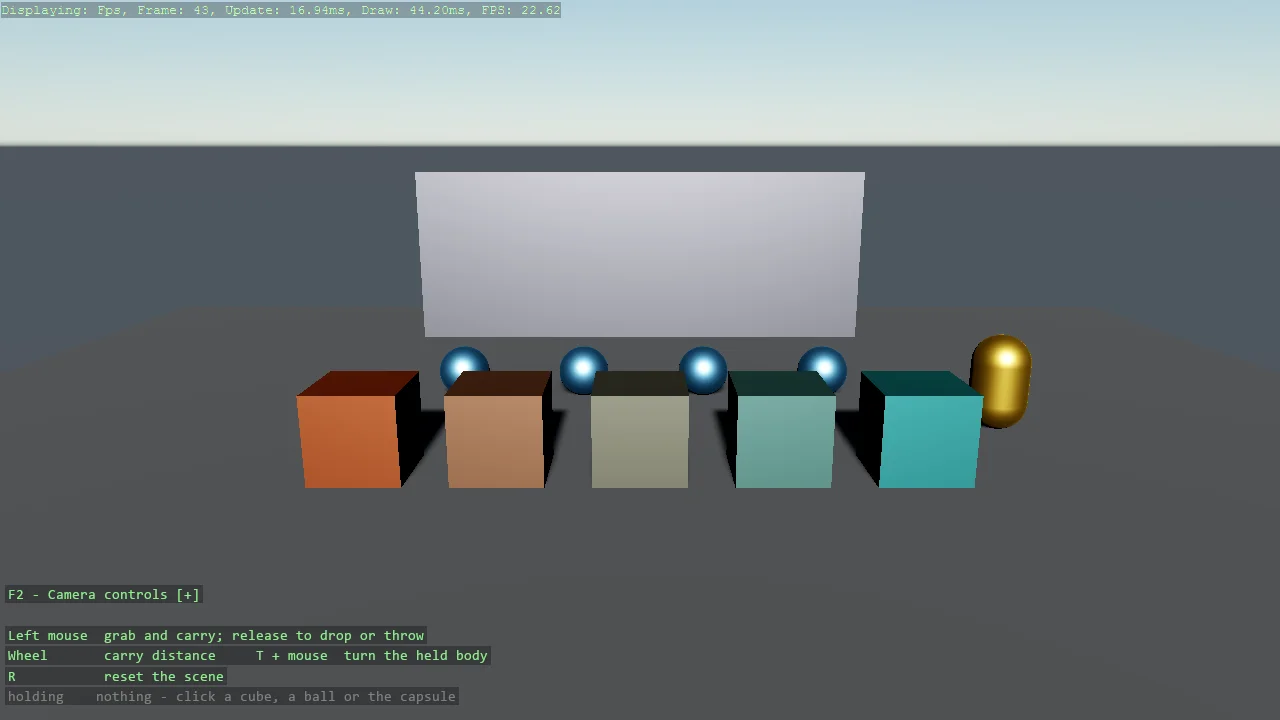
A gravity gun: click any body to pick it up, carry it on the end of the camera ray, and let go - with its velocity, so a flick throws it.
SyncScript - moving a body every frame
Scripts
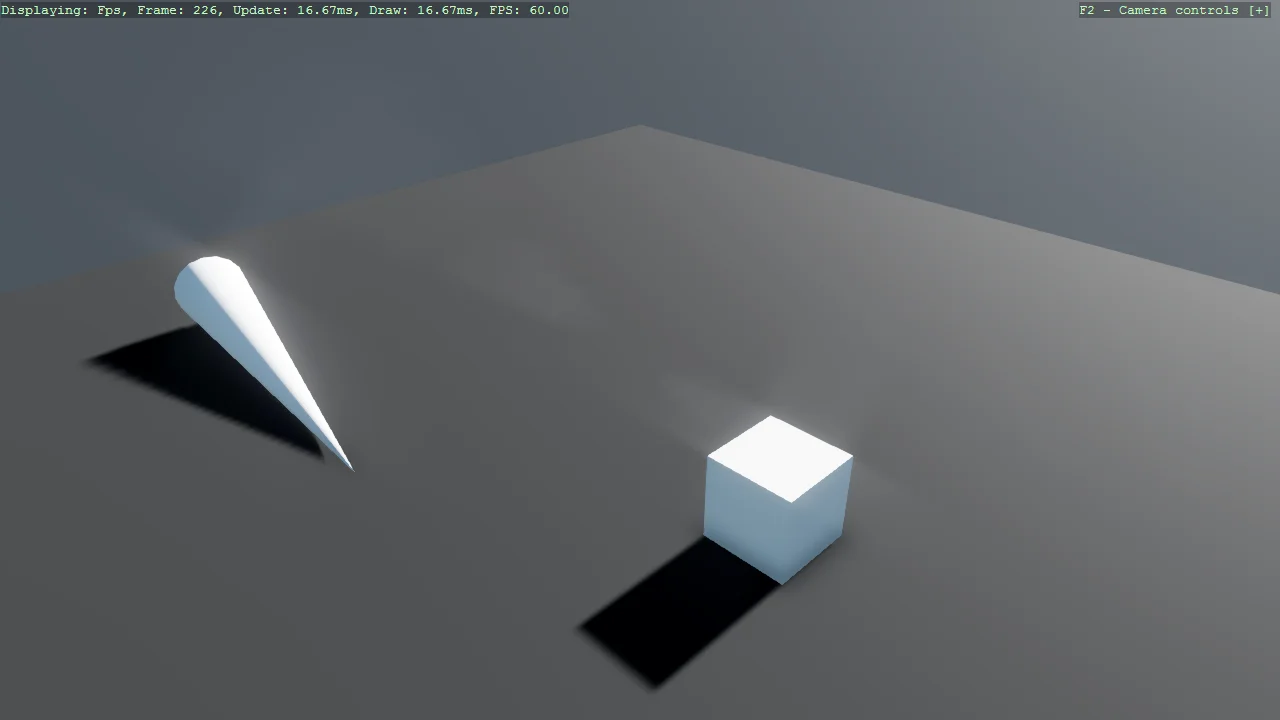
A cube driven in a circle by a SyncScript, which is the ordinary way to run code every frame.
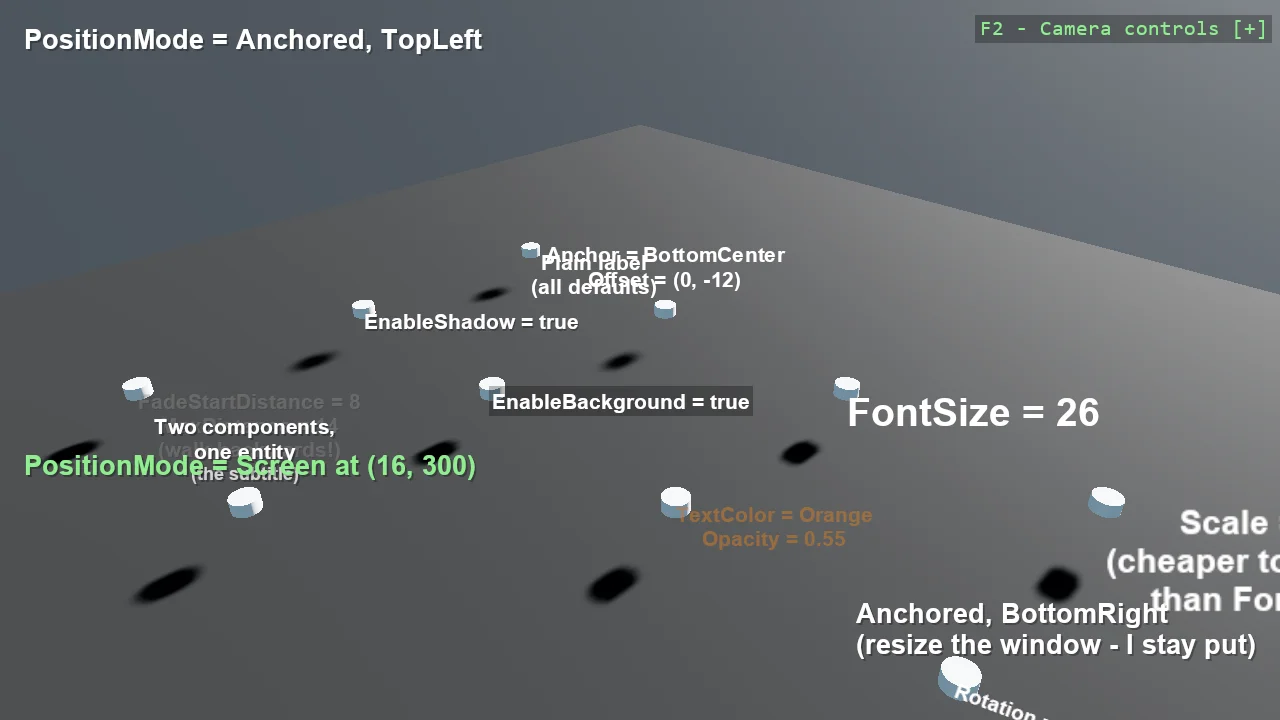
Entity Text (Screen-Space)
Text
A gallery of everything EntityTextComponent can do, one feature per pole: anchoring, shadows, backgrounds, scaling, rotation, opacity, distance...
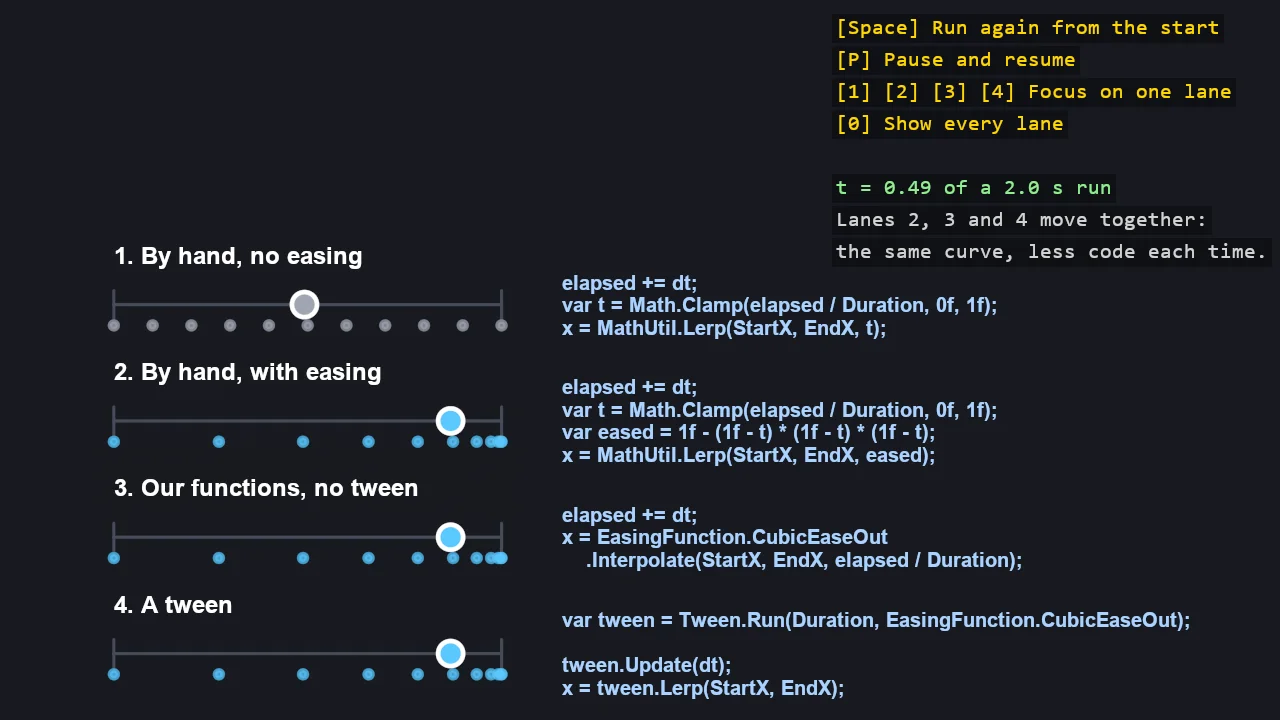
Easing Basics
Mathematics
Easing from the ground up, in four lanes that move a disc over the same two seconds: by hand with no easing, by hand with one formula, with the...
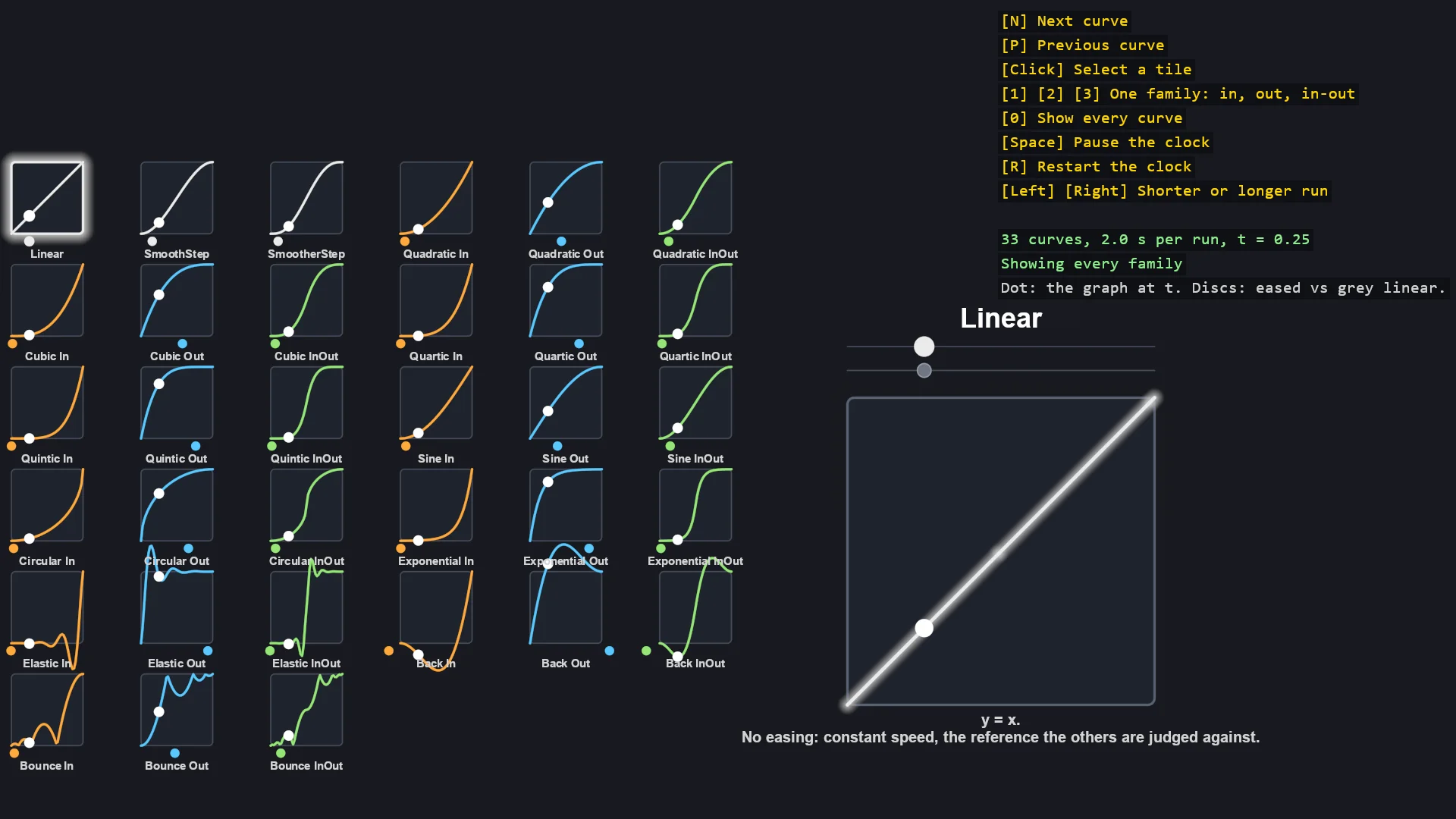
Easing Cheat Sheet
Mathematics
Every easing curve in the toolkit on one screen: a tile per curve with its graph, a dot riding the graph on a shared clock, and a slider that moves...
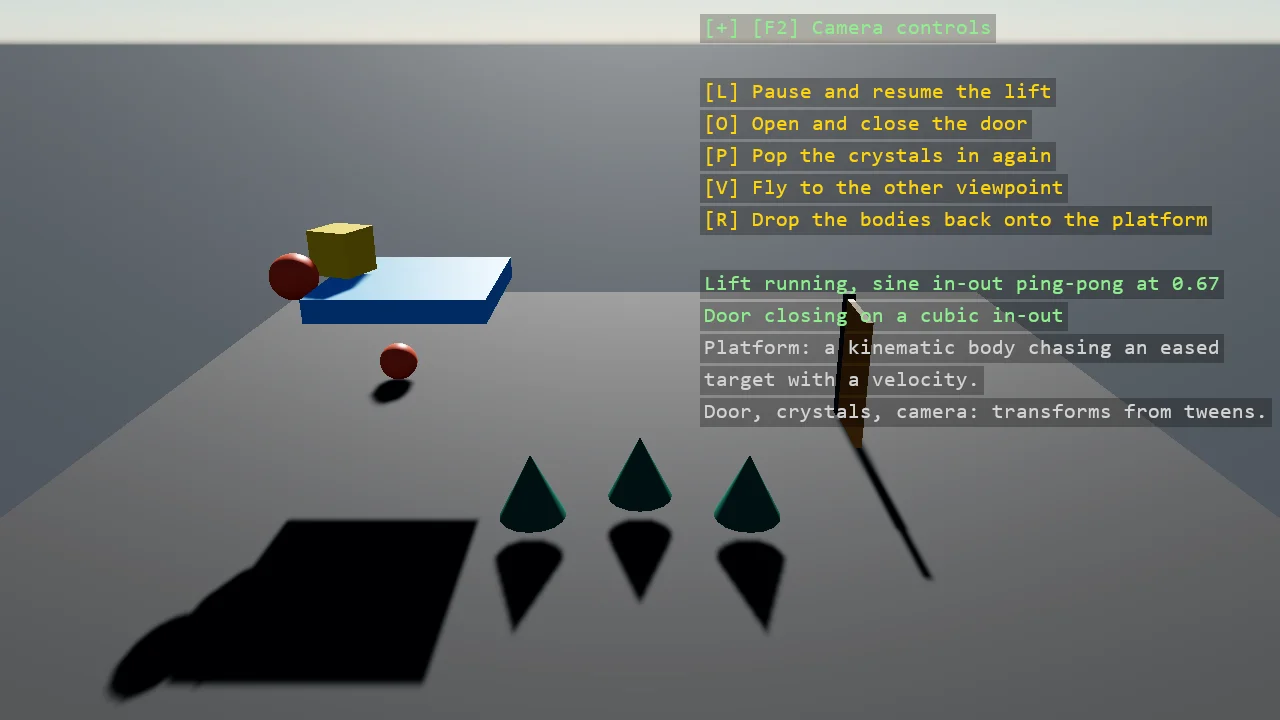
Easing in a 3D Game
Mathematics
Easing doing real work in a 3D scene, four ways, each one a Tween: a kinematic platform lifts a stack of physics bodies on a sine curve and comes back...
Easing in a 2D Game
Mathematics
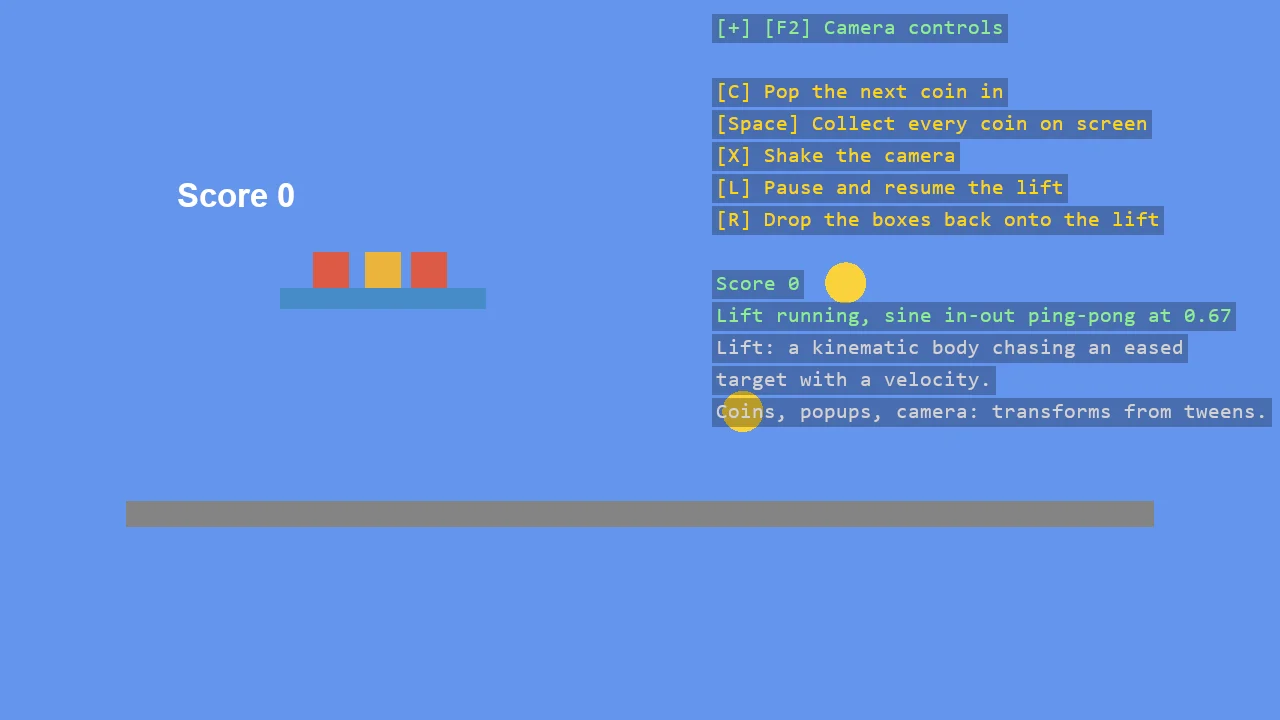
Easing doing real work in a 2D physics scene, each piece a Tween: a kinematic lift carries a stack of boxes up and down on a sine curve, coins pop in...
World Text (In-Scene)
Text
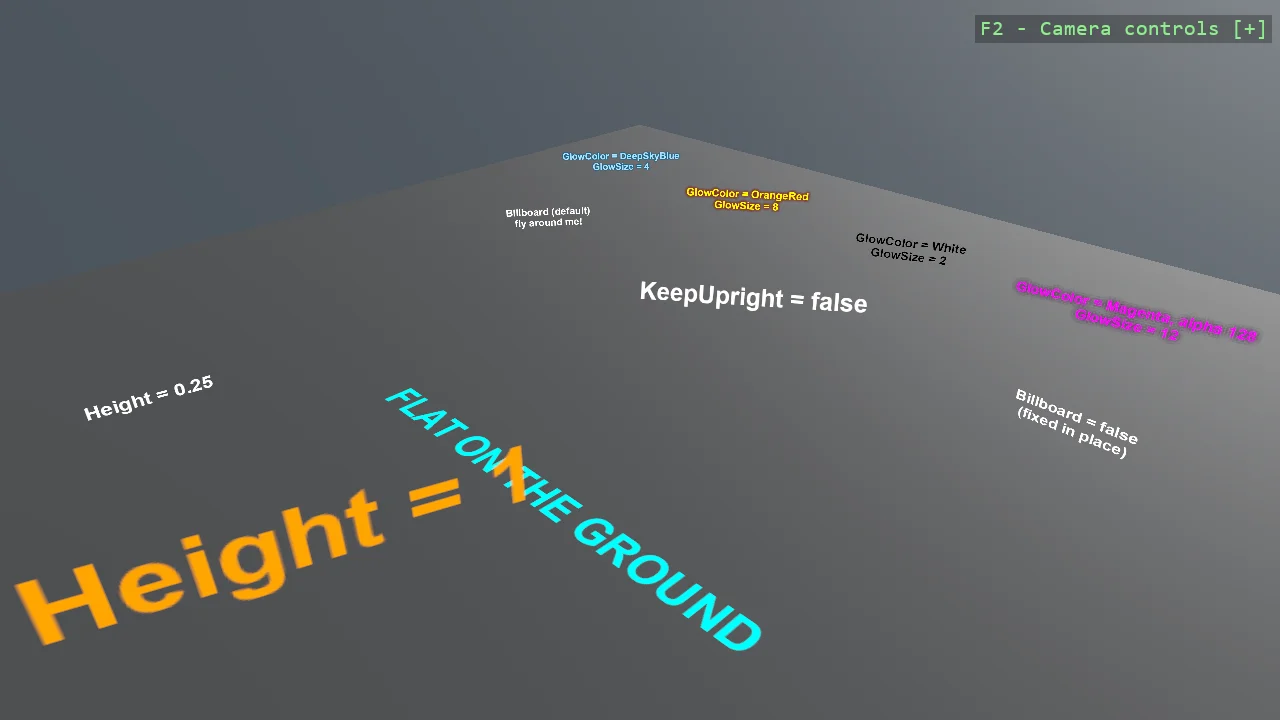
A gallery of everything WorldTextComponent can do, one setting per station: billboarding that stays upright, free billboarding, text fixed in place,...
2D Panels and Text
Shapes
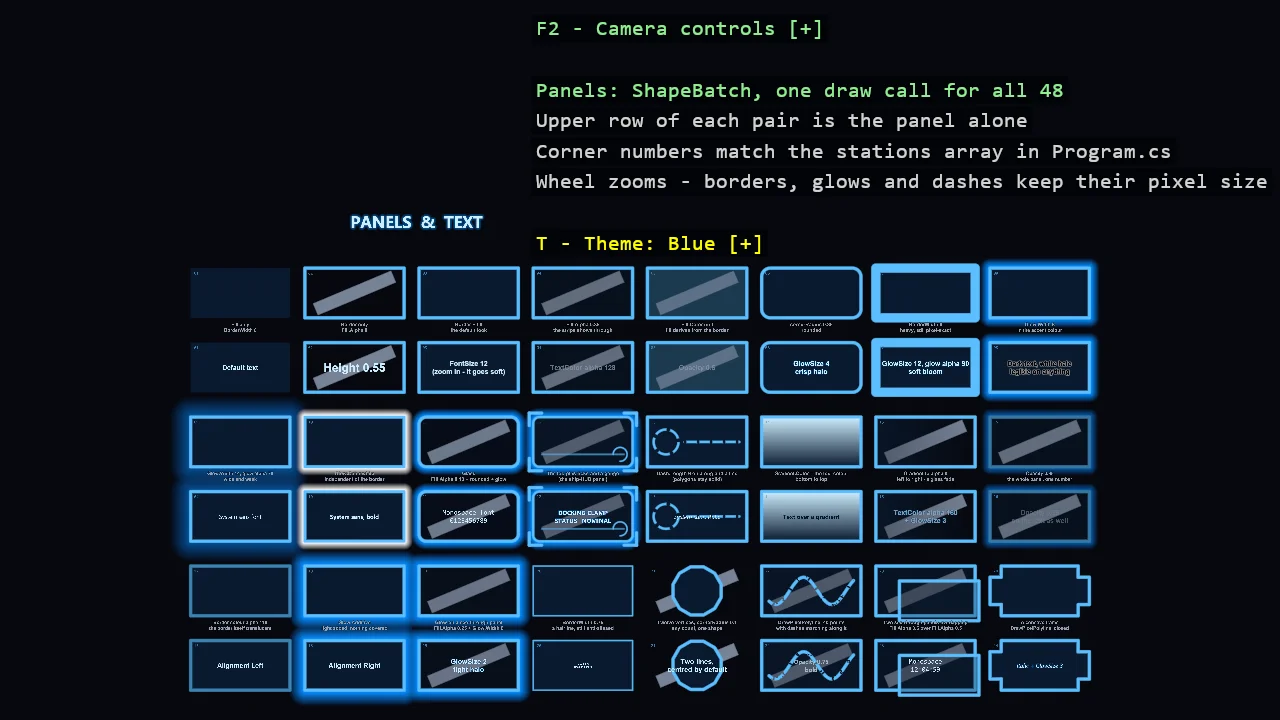
Twenty-four HUD panel recipes side by side, each one property away from the last: fill only, border only, transparent fill over a stripe that proves...
Basic2D Scene (Multiple Primitives)
Shapes
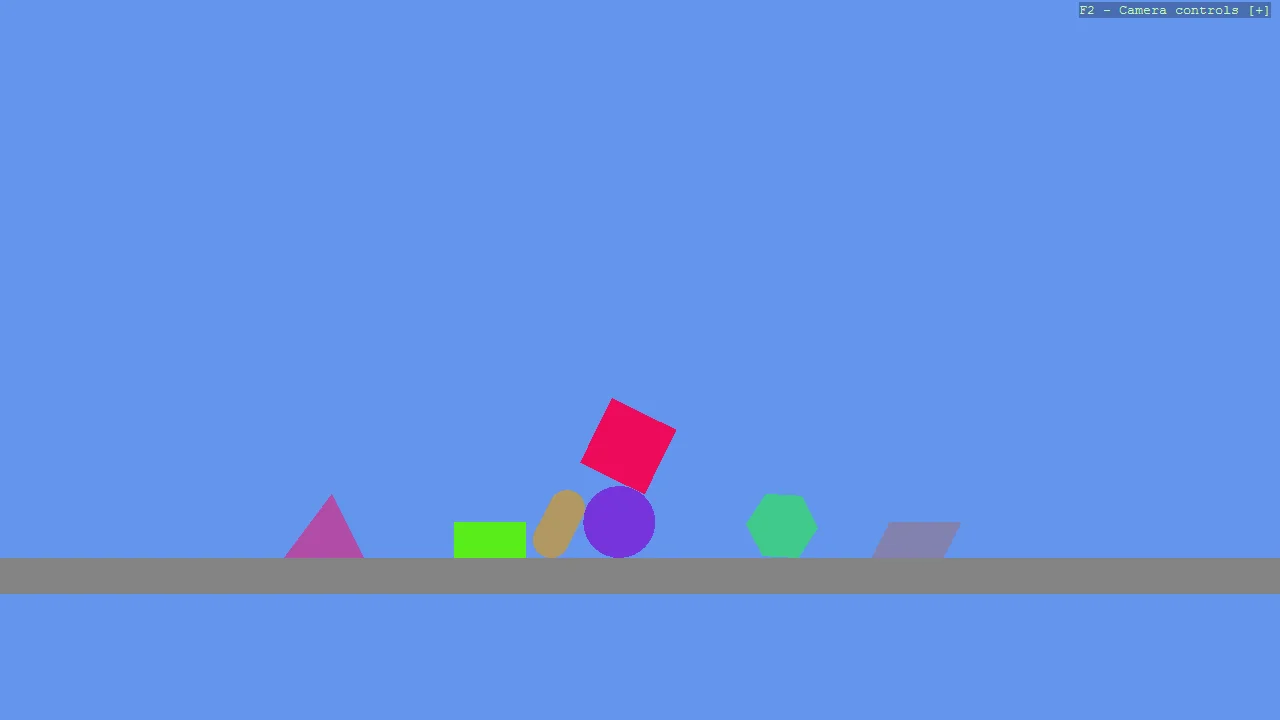
Create a minimal 2D scene using toolkit helpers and place multiple different primitive shapes.
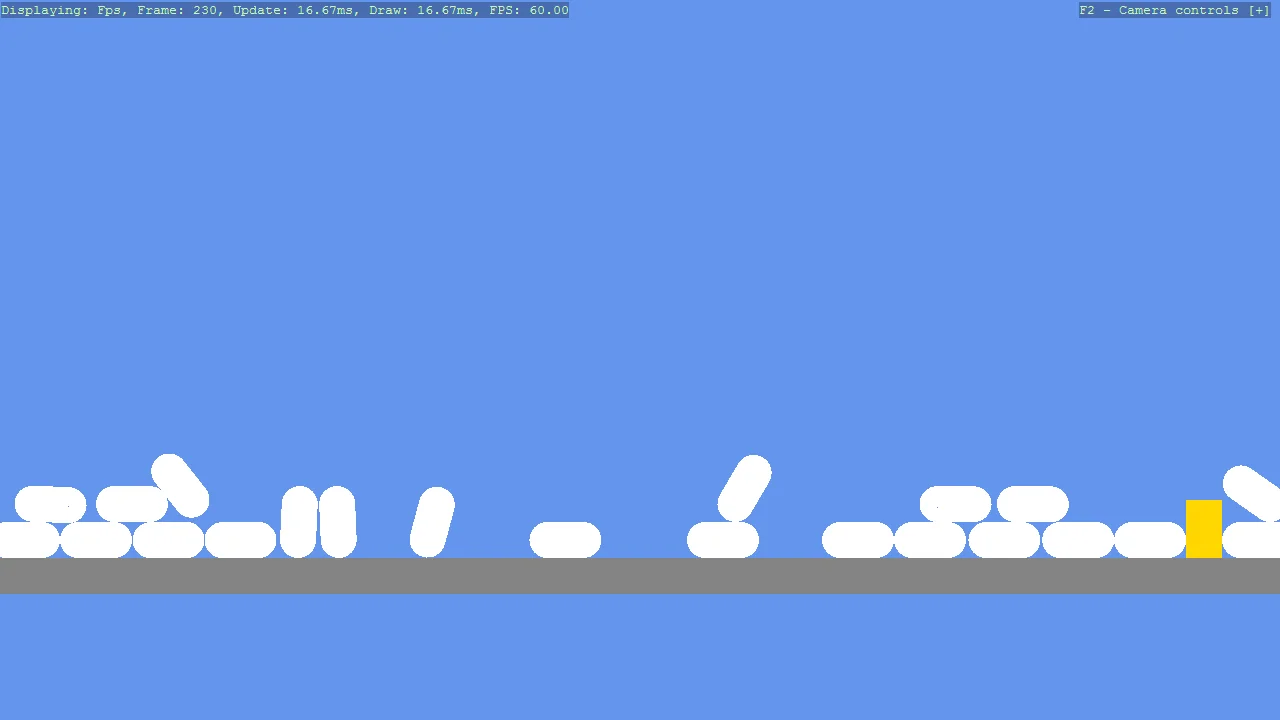
Basic2D Scene (Falling Shapes)
Physics
Create a minimal 2D scene using toolkit helpers and place multiple capsule primitives with flat materials.
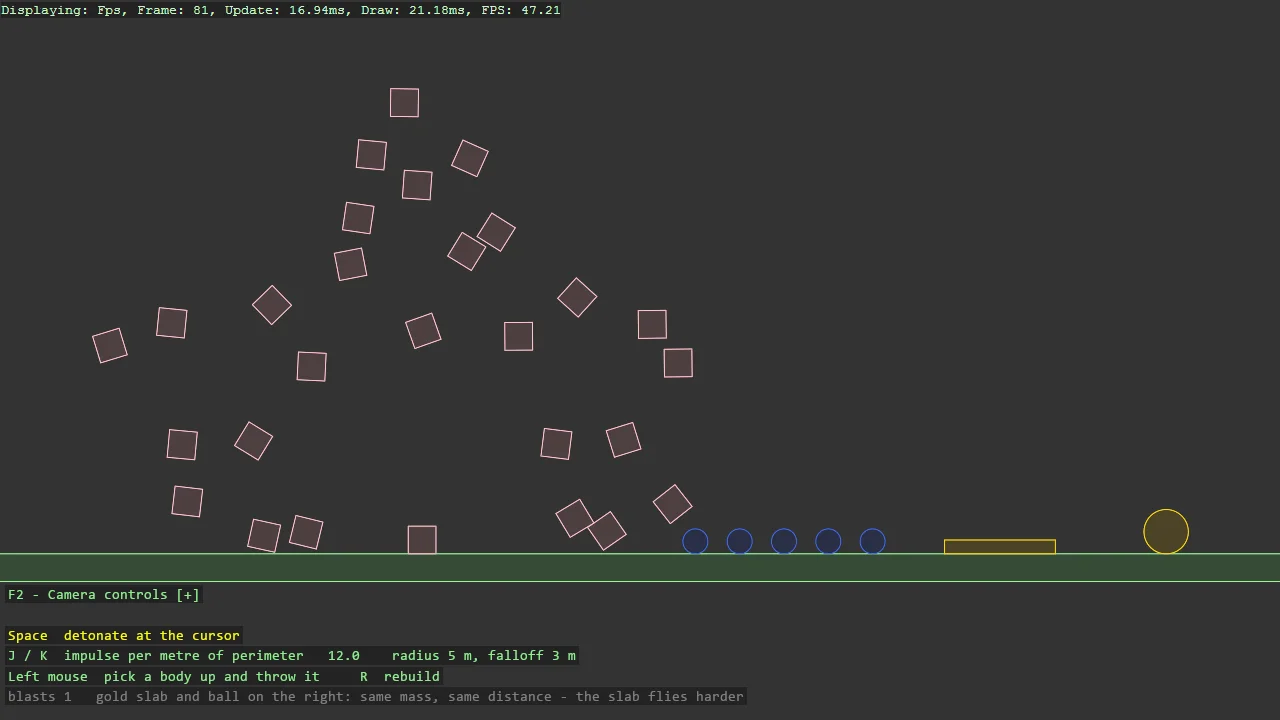
Box2D Explosion
Physics
A grenade in one call: Explode gives every shape within a radius an impulse away from the centre, per metre of perimeter facing the blast, so a wide...
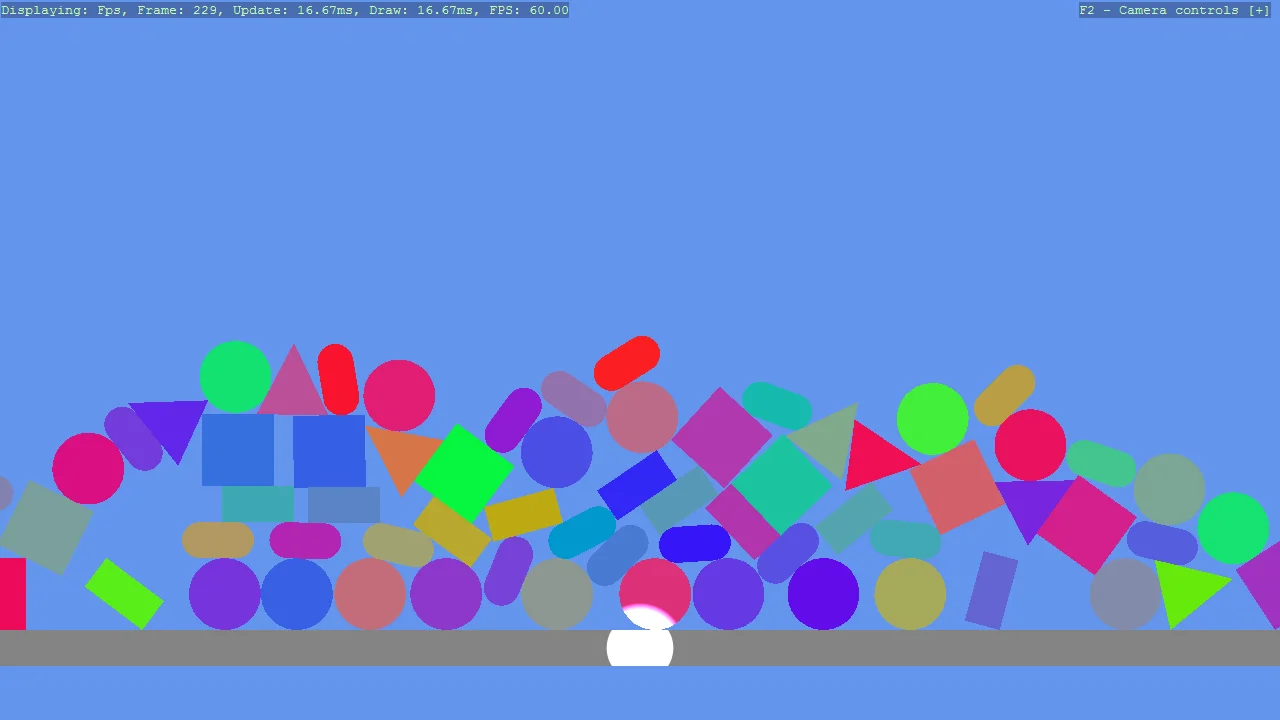
Basic2D Scene (Debug Rendering)
Debug
A pile of falling 2D shapes with the physics debug overlays turned on, so what the simulation is actually solving can be seen rather than inferred.
C# Intermediate
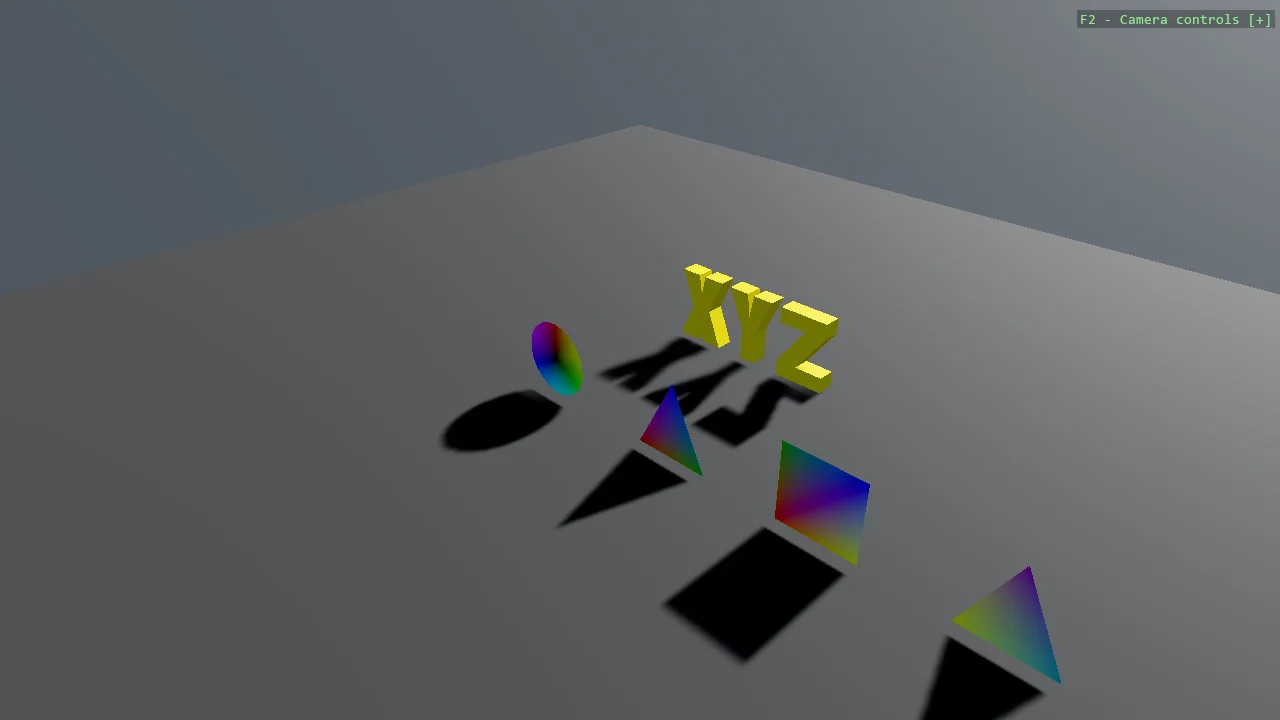
Procedural Geometry
Geometry
A triangle, a plane and a circle built at runtime with MeshBuilder, which handles the vertex layout and buffer bookkeeping that raw buffers make you...
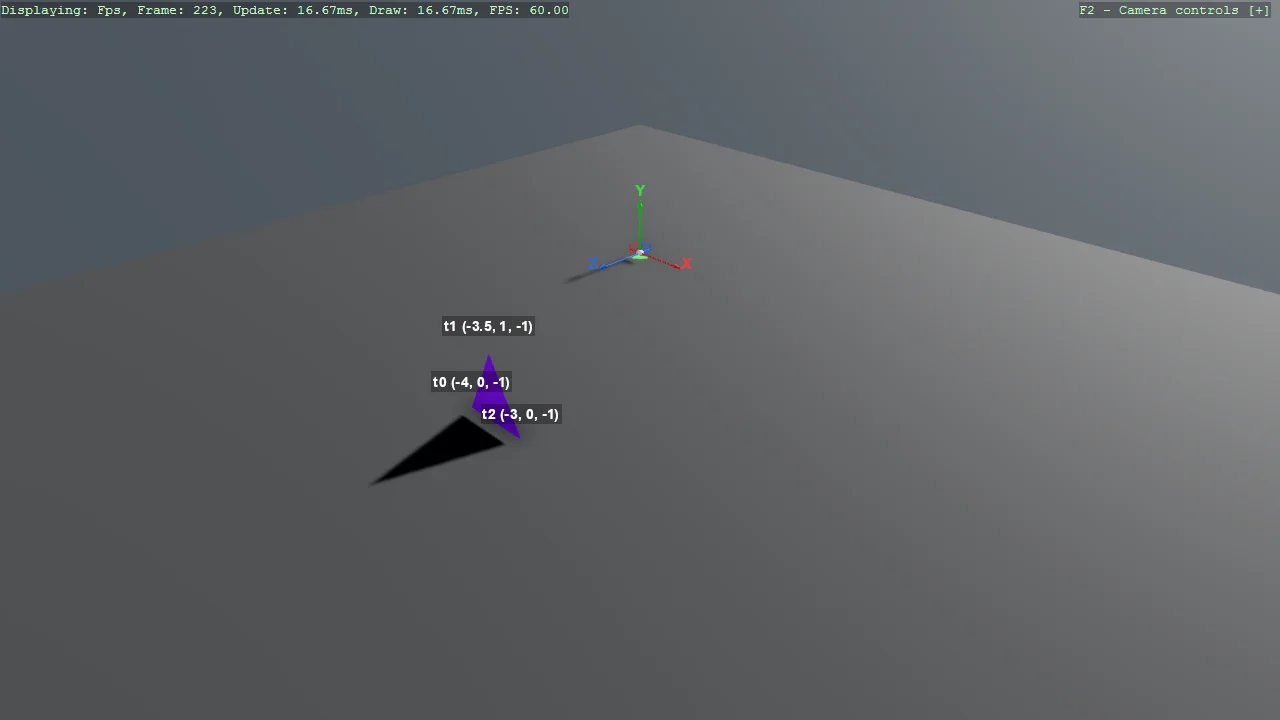
Simple Geometry (Labelled Triangle)
Geometry
The smallest possible custom mesh - one triangle from three vertices - with each vertex labelled on screen so the relationship between the numbers in...
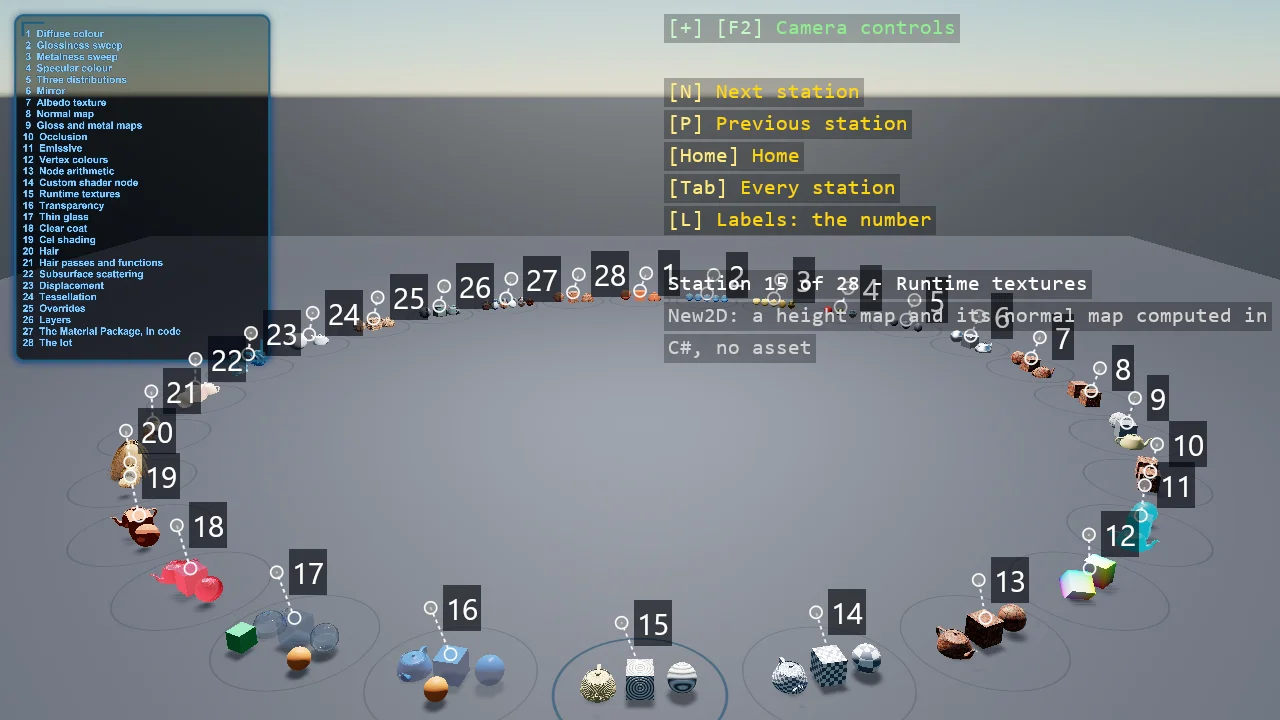
Material Gallery
Rendering
The engine's material system on a ring of stations, all from code: the four numbers of a PBR material first, then the maps, the inputs a map can be...
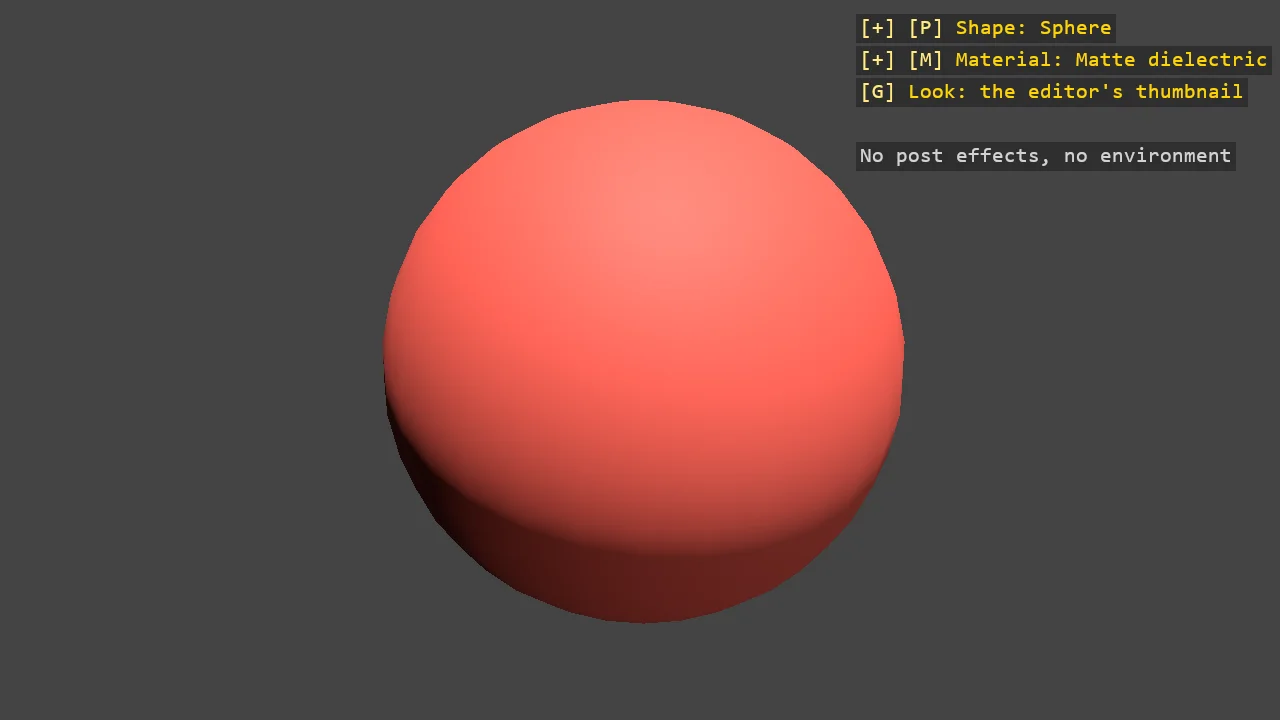
Material Preview
Rendering
Game Studio's material thumbnail rebuilt in code, with the editor's own numbers: the forward renderer with no post effects on a grey background, a...
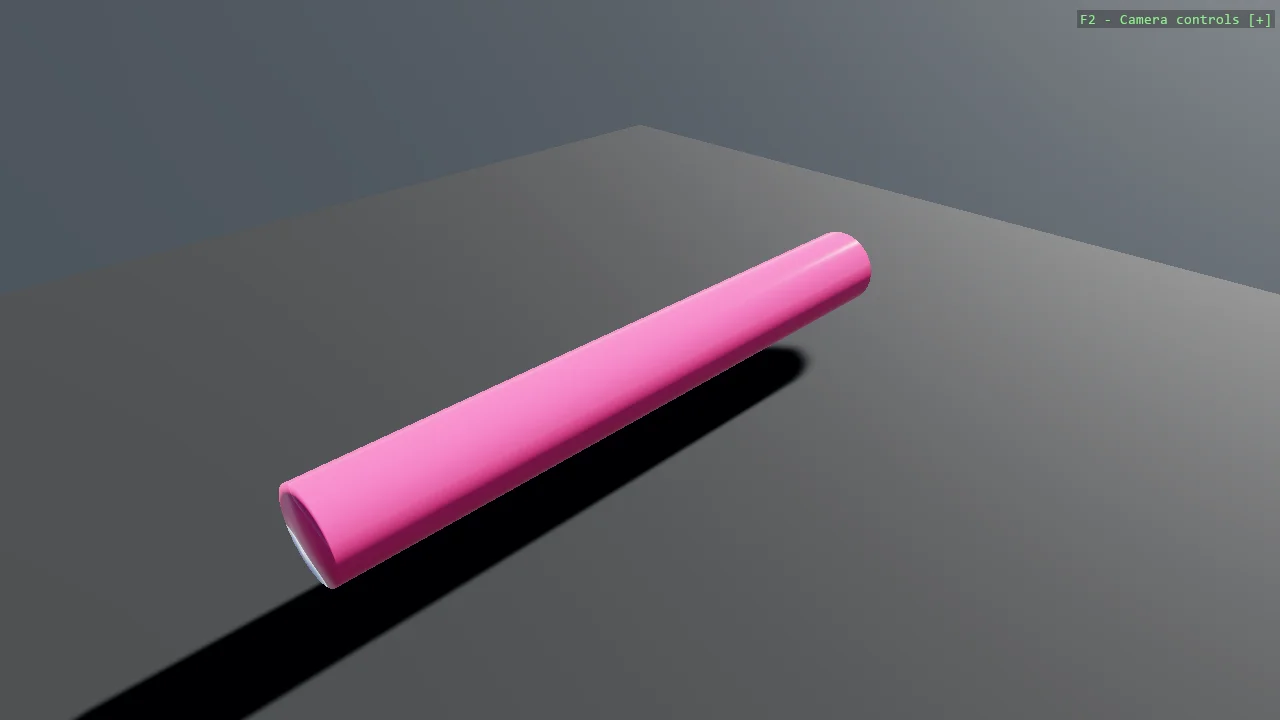
Cylinder Mesh
Geometry
A cylinder generated with MeshBuilder, split into the three jobs any surface of revolution needs: place a ring of vertices, join consecutive rings...
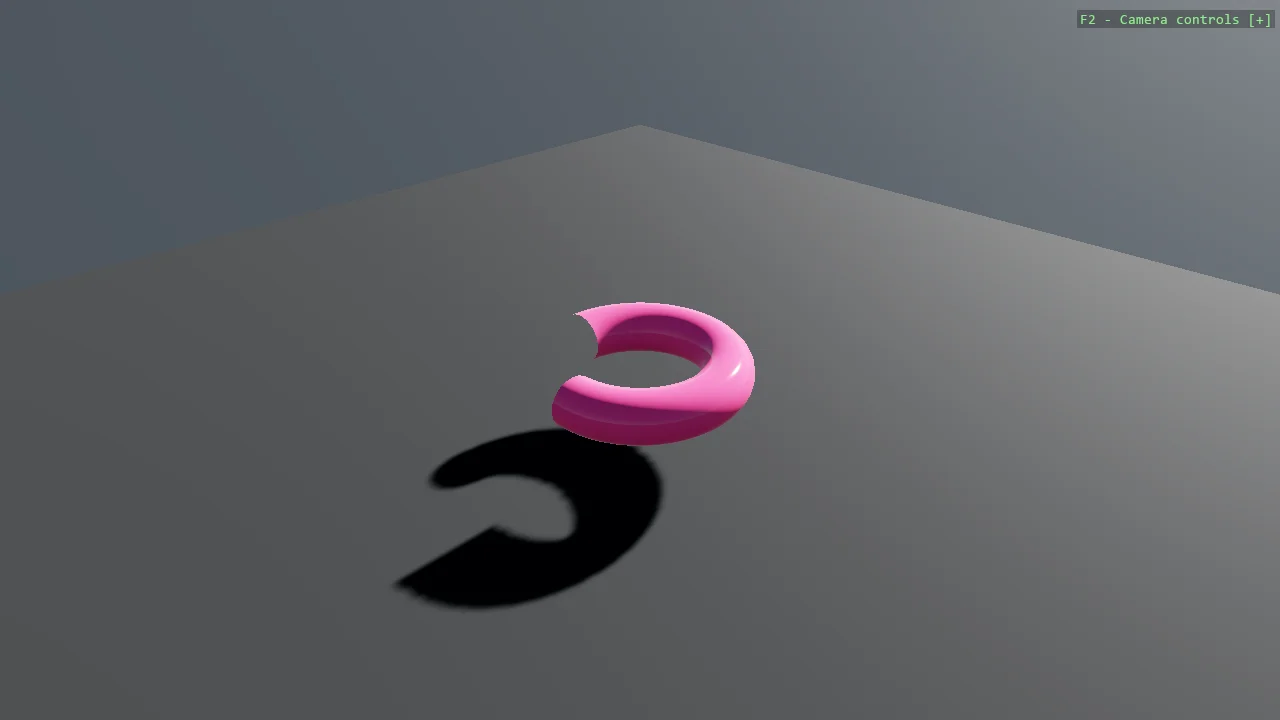
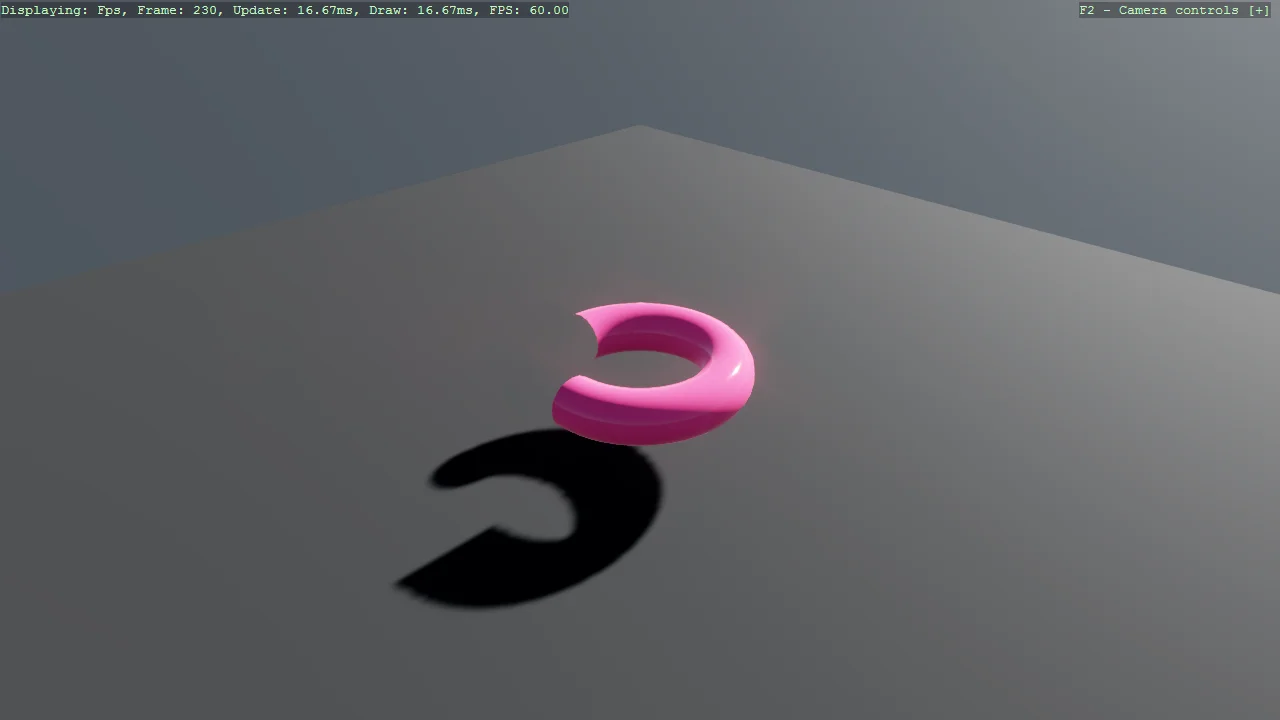
Partial Torus Mesh
Geometry
A torus defined parametrically from two angles - one around the tube, one around the ring - and cut short by limiting the second, which turns the same...
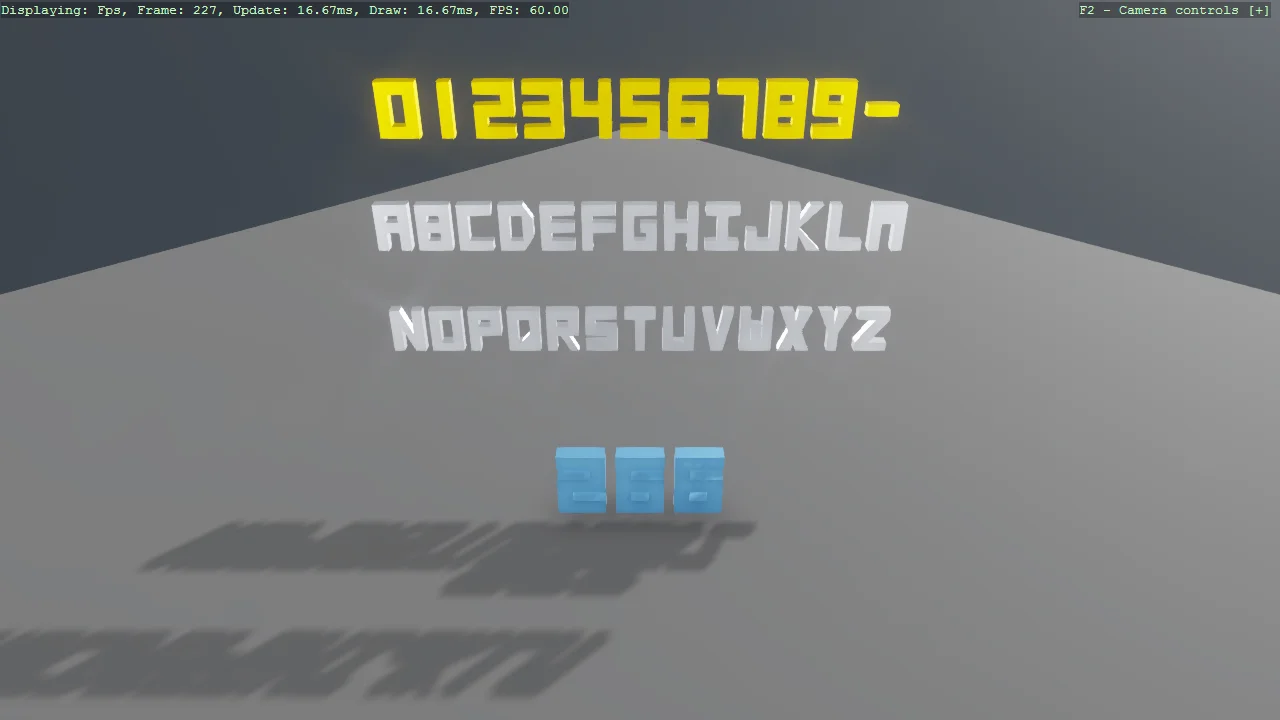
3D Letters (Mesh Text)
Text
A gallery of every glyph LetterMeshFactory can build - the digits, the full A-Z alphabet and the dash - as solid extruded meshes that catch the light...
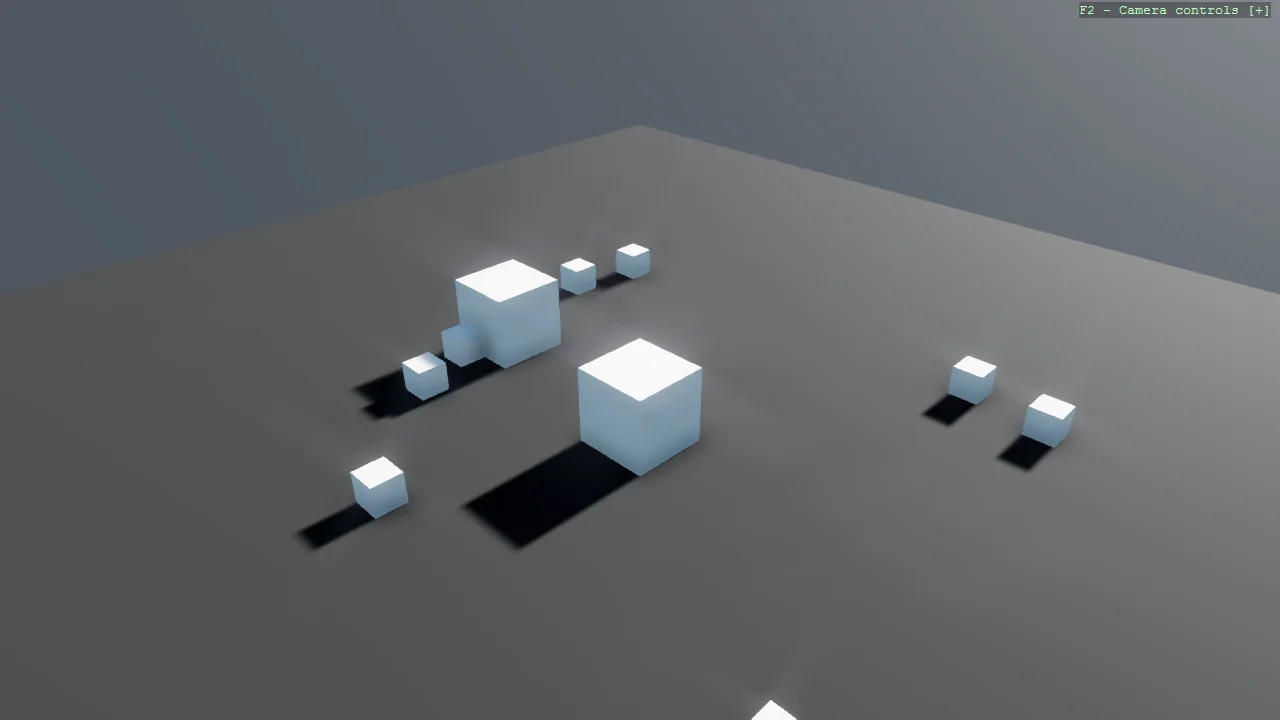
Give Me a Cube (SimulationUpdate)
Physics
Drive an entity from the physics clock instead of the render loop.
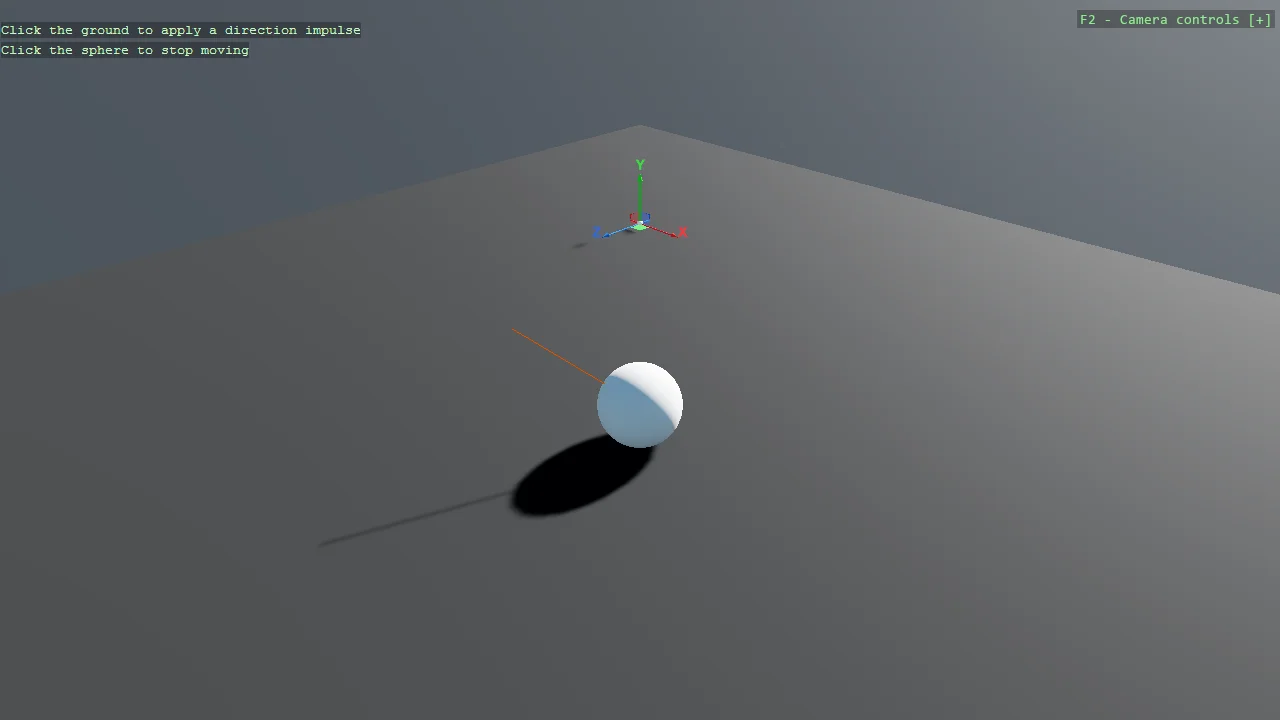
Raycast
Physics
Click the ground and a sphere is kicked towards where you clicked; click the sphere and it stops dead.
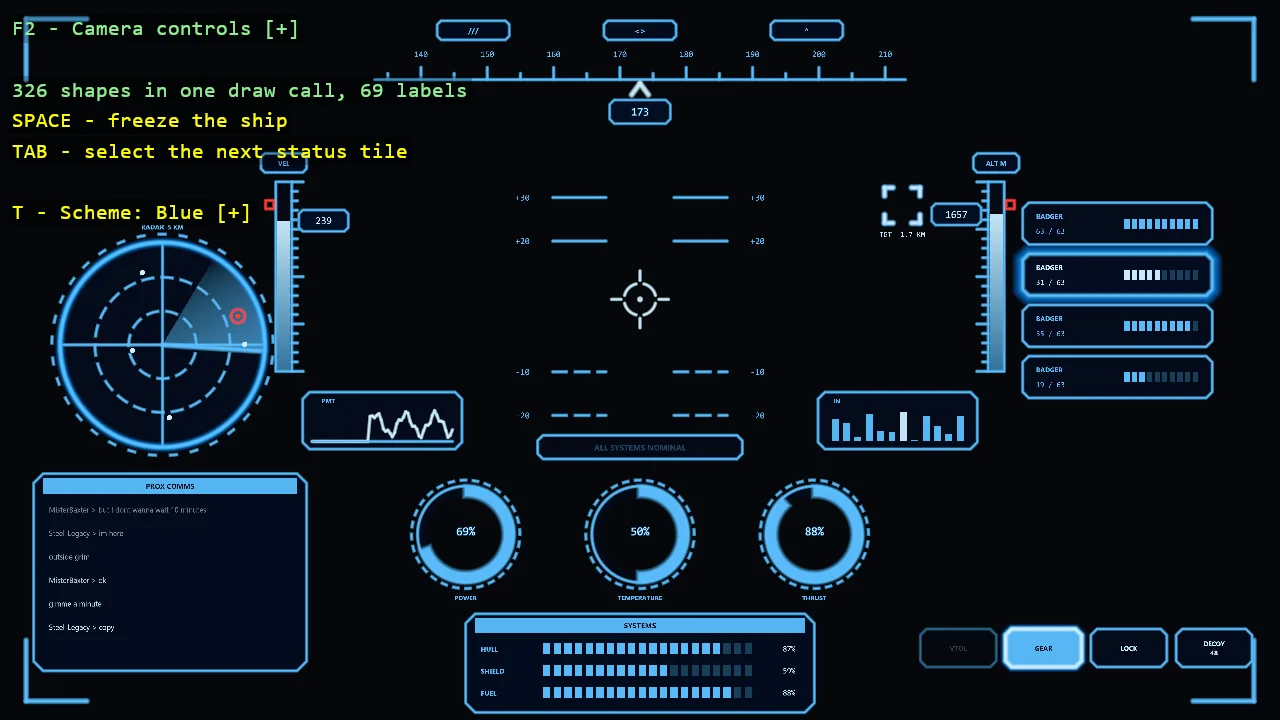
Ship HUD
Shapes
A cockpit HUD composed from the toolkit's shapes and world text: a heading tape that scrolls, a pitch ladder, a gun-sight, speed and altitude tapes...
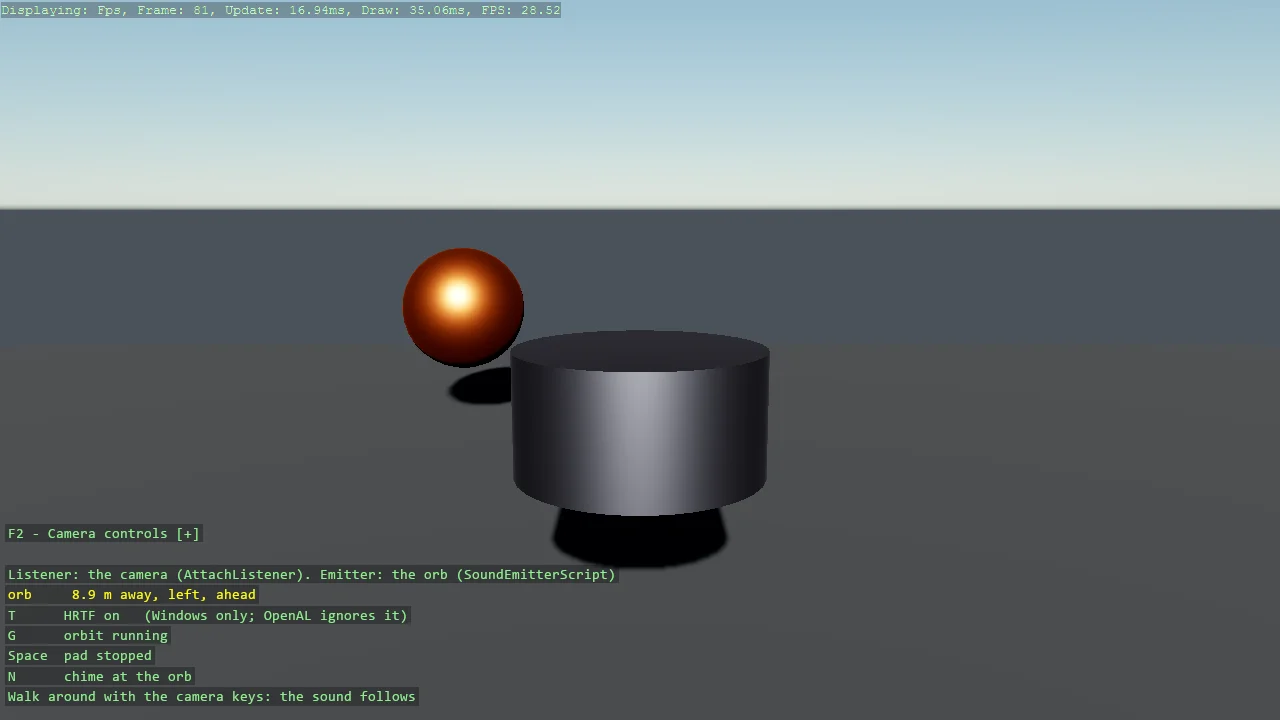
Spatial Sound
Audio
3D positional audio for a runtime sound: a looping pad on an orb that circles a pillar, heard from the camera.
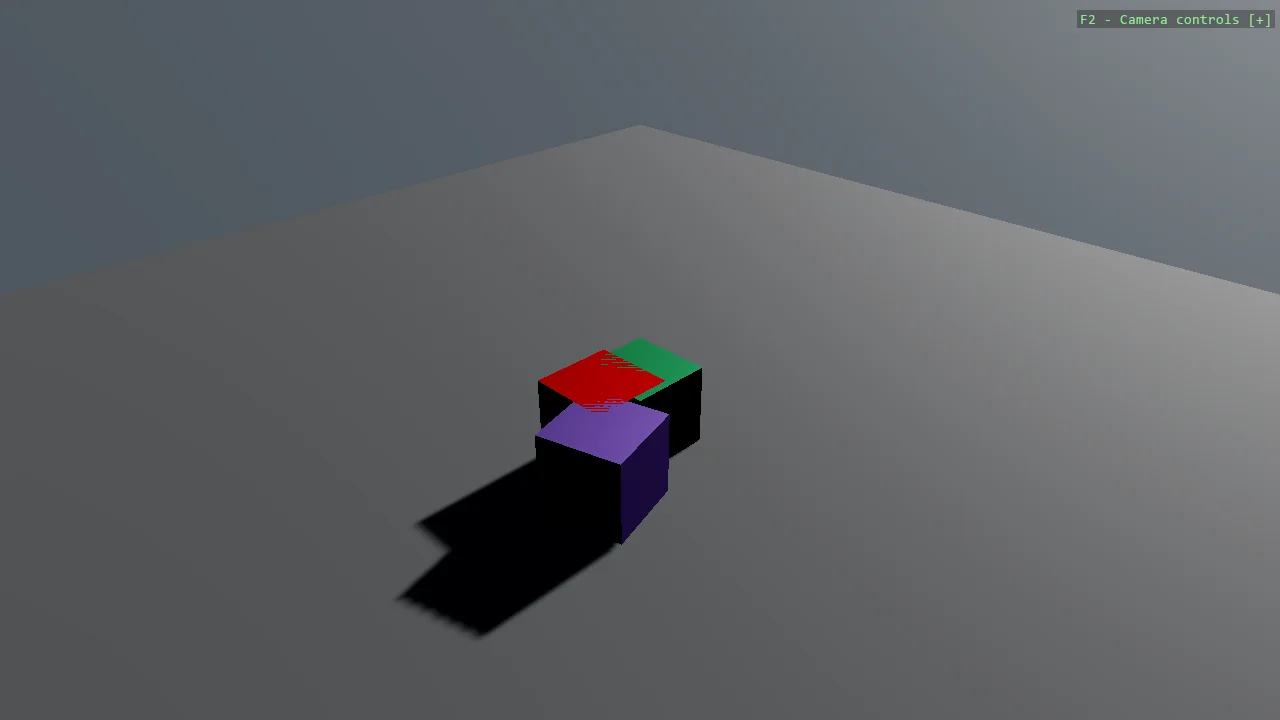
Collision Group
Physics
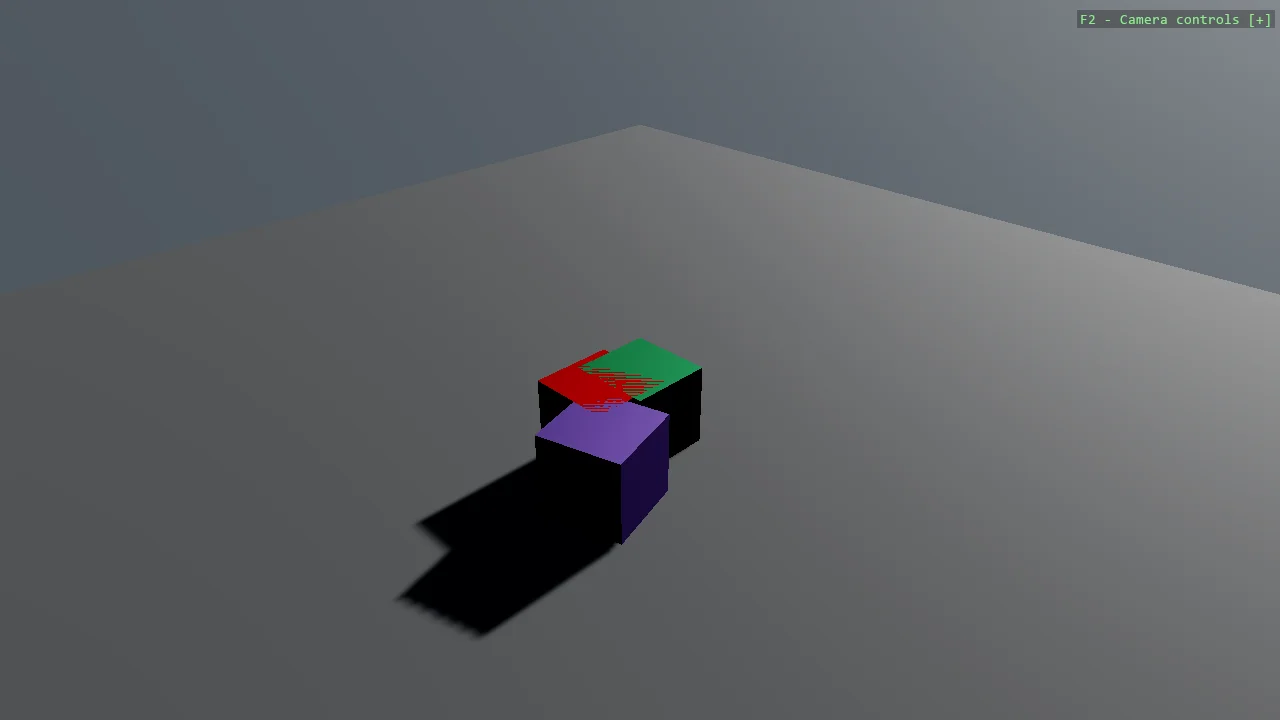
Two players and an enemy, where the players collide with each other but the enemy passes through both.
Collision Layer
Physics
The same players-and-enemy scene as the collision group example, solved the other way.
Box2D Joints
Physics
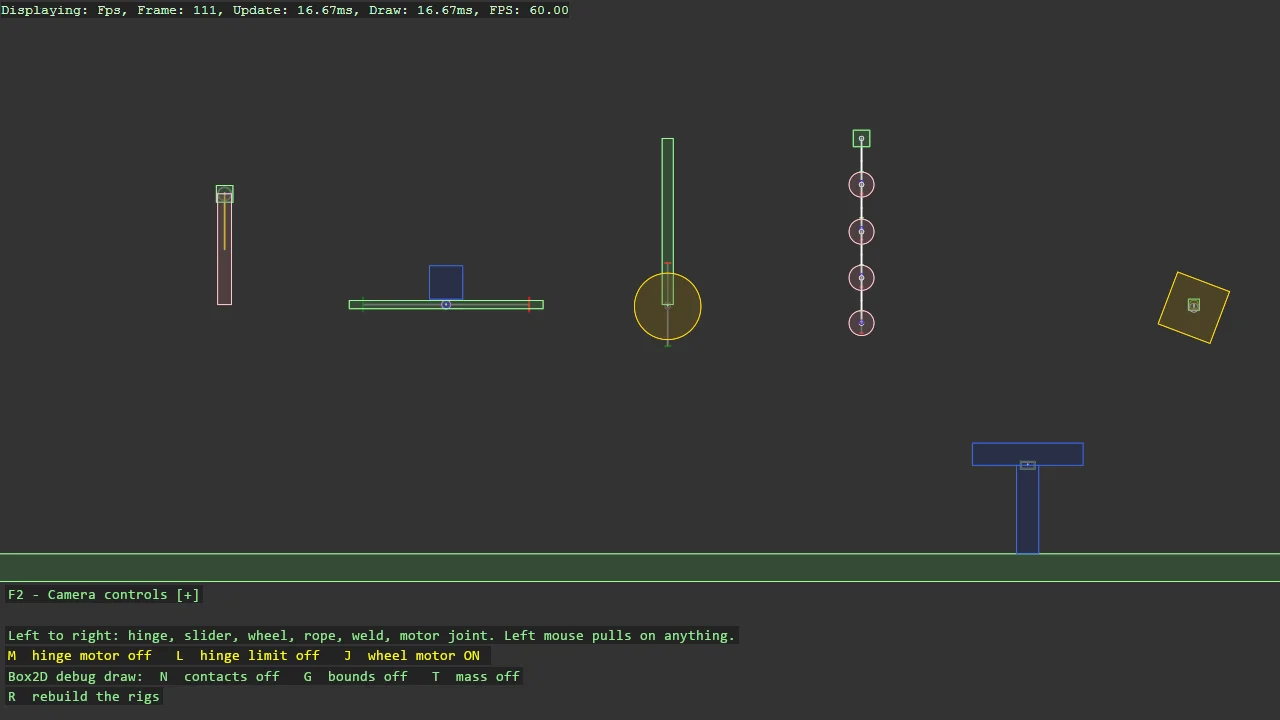
Every Box2D joint, one rig each, in a row you can pull on: a hinge pendulum with a motor and a limit, a slider on a spring, a wheel on a suspension, a...
Box2D Car
Physics
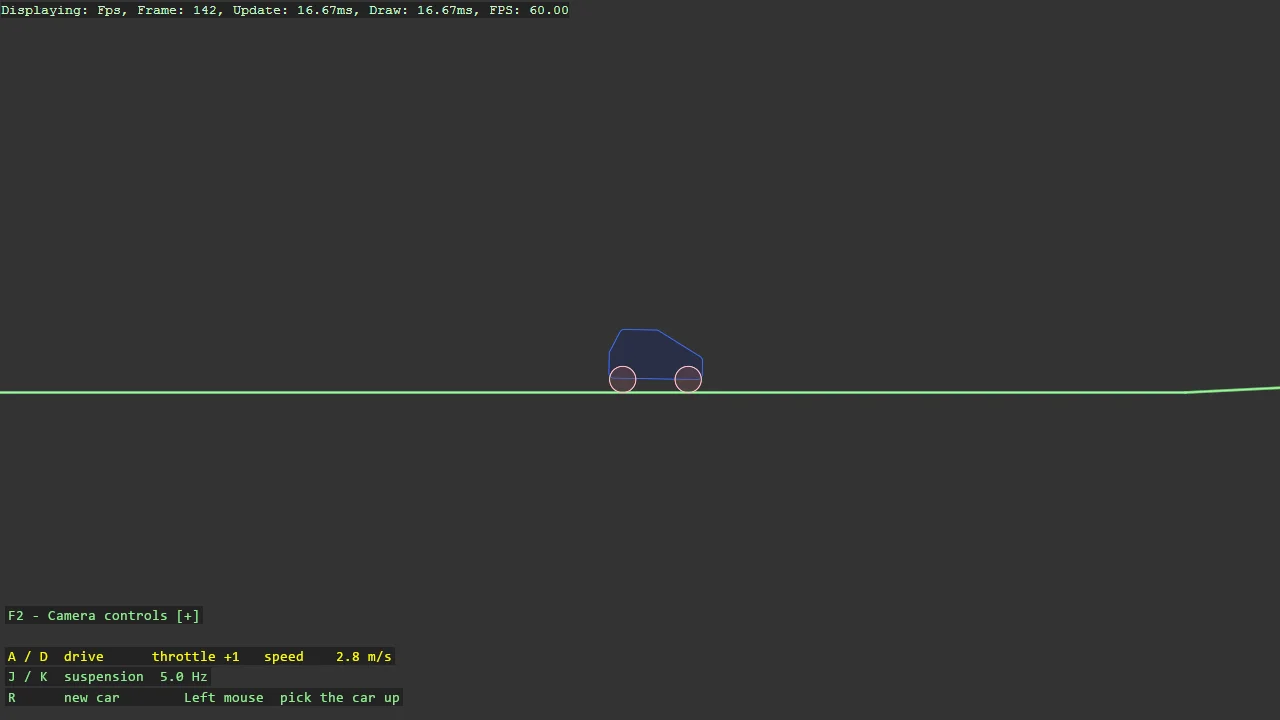
A car on two wheel joints over hilly terrain: the wheel joint pins the wheel, lets it turn, springs it along the suspension axis with a travel limit,...
Box2D Character Mover
Physics
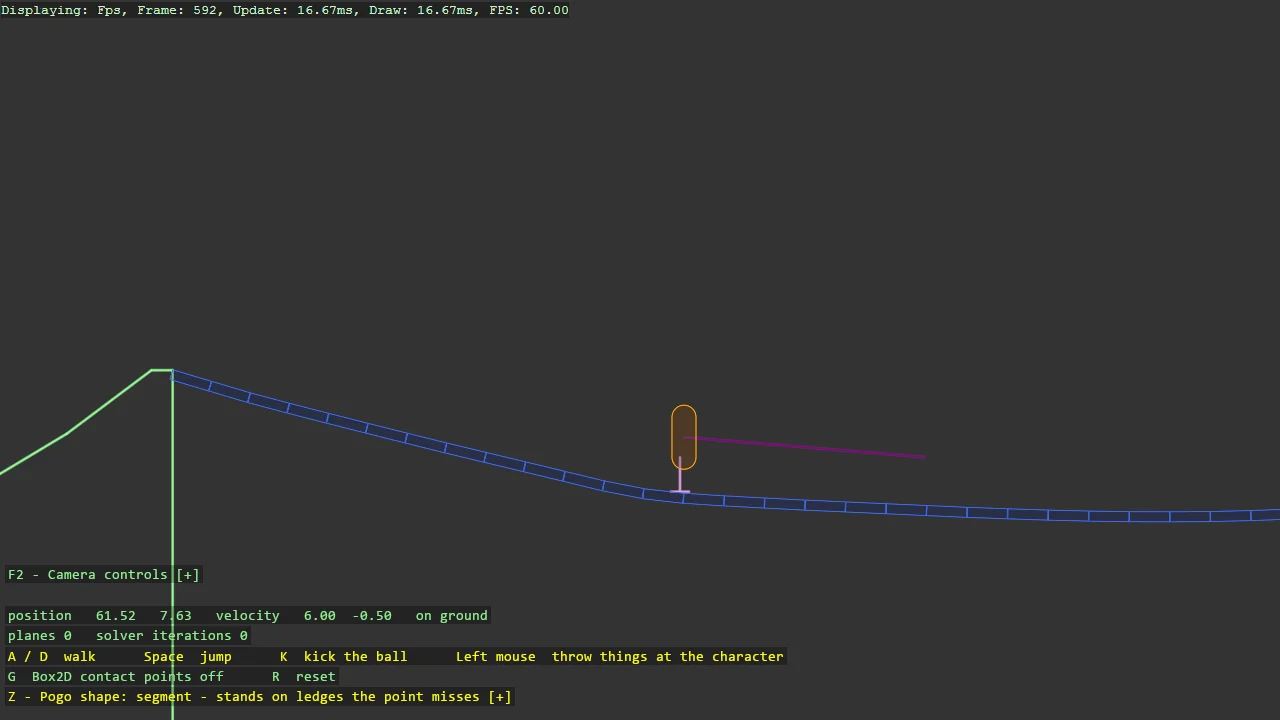
A platformer character with no rigid body, on Box2D v3's mover API: a capsule the game moves itself, Quake style, asking the world only what it...
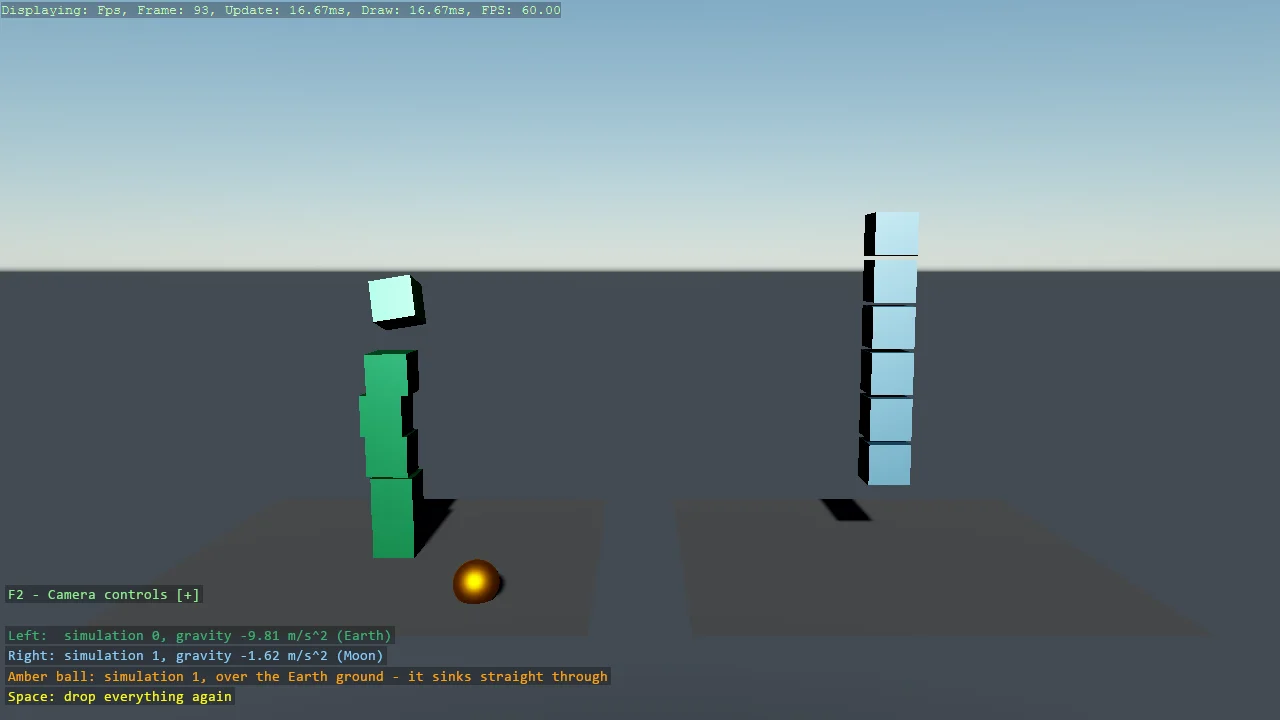
Multiple Physics Simulations
Physics
Two Bepu simulations in one game, side by side: the left lane falls under Earth gravity, the right under Moon gravity, and an amber ball that belongs...
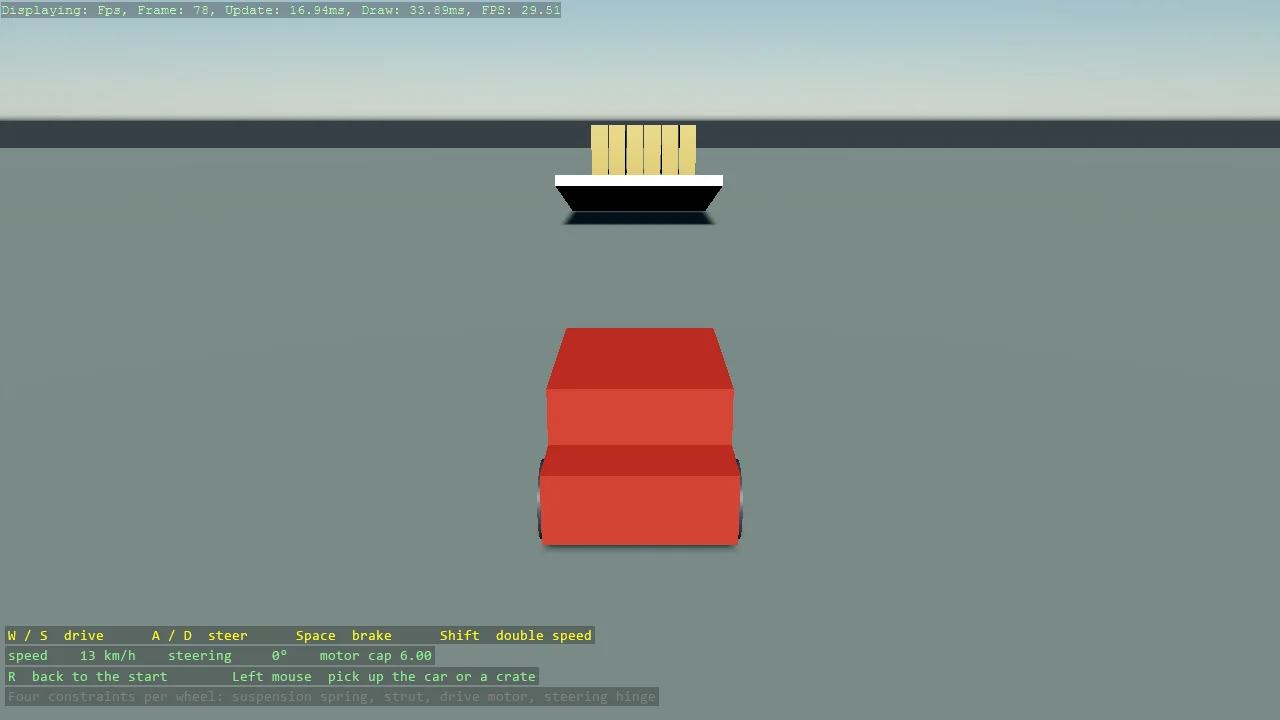
Car
Physics
A drivable car from four constraints per wheel, the recipe of bepuphysics2's own car demo in Stride's components: a linear axis servo as the...
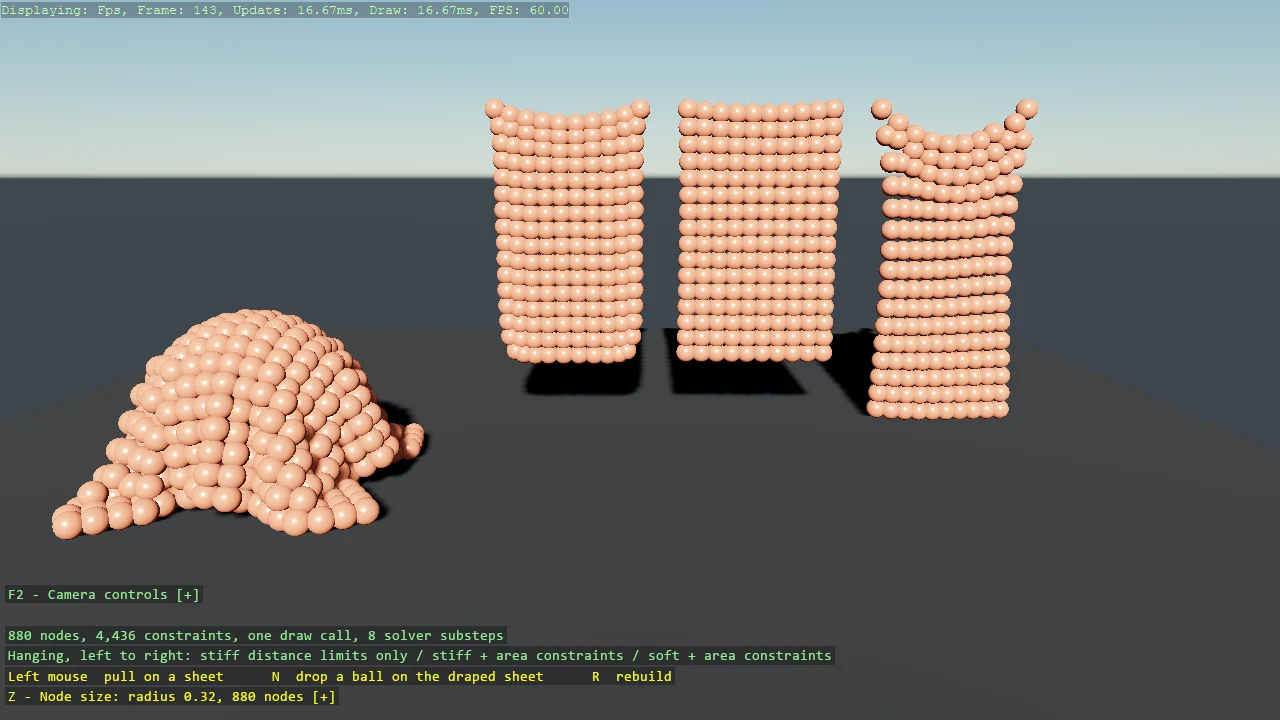
Cloth
Physics
Cloth from ordinary bodies and constraints, the way bepuphysics2's own demo does it: a lattice of sphere nodes tied by distance limits that may bunch...
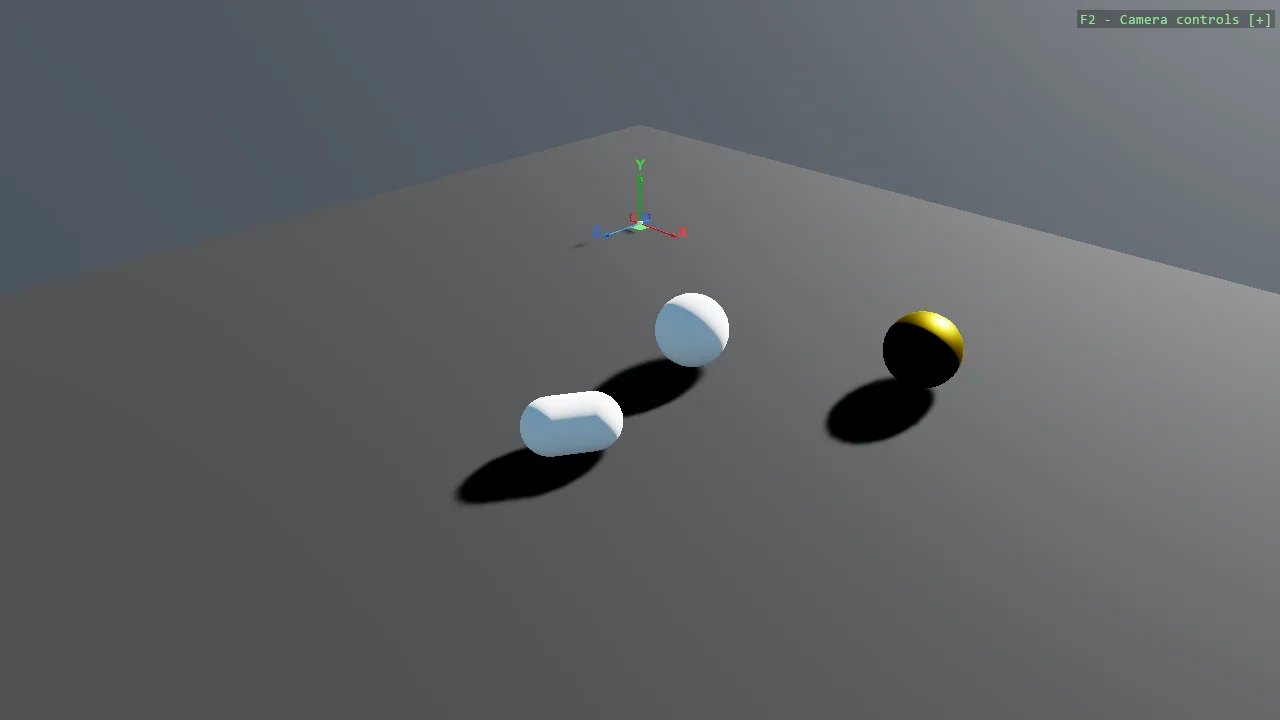
Simple Constraint
Physics
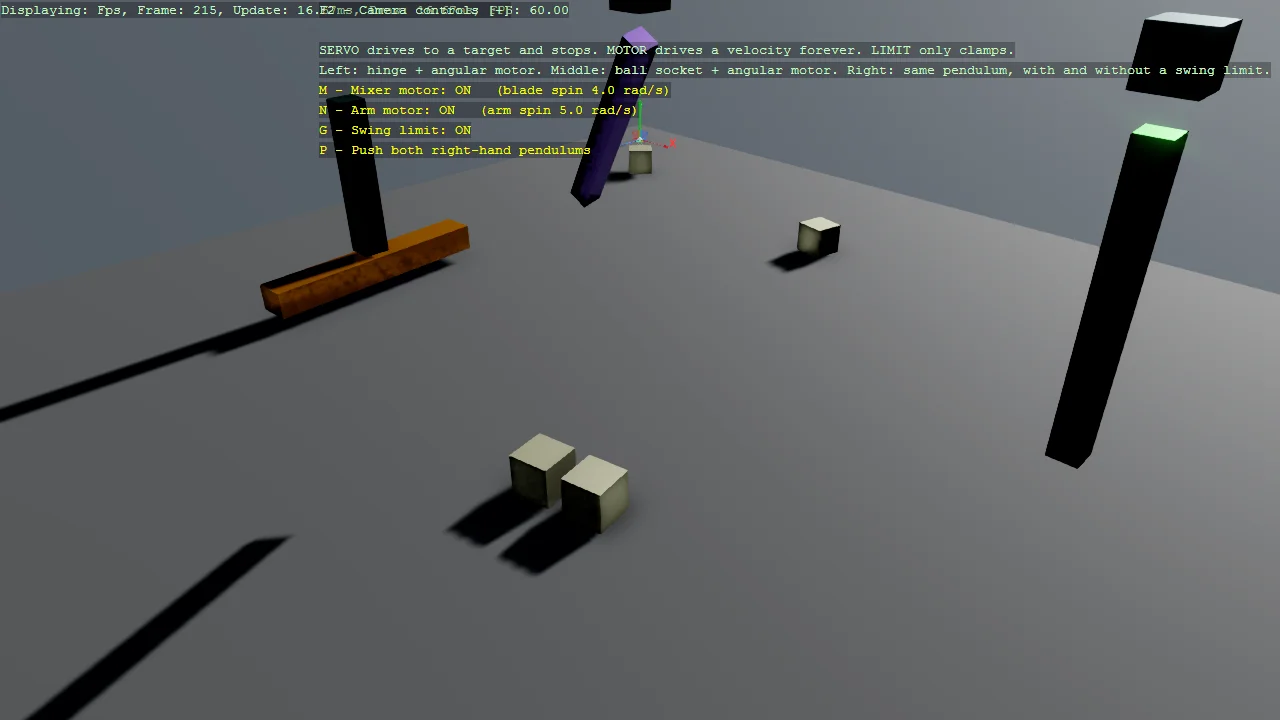
One constraint, doing one thing: a distance servo holding two spheres three units apart, pulling them together or pushing them apart until they settle...
First-Person Character (Bepu)
Physics
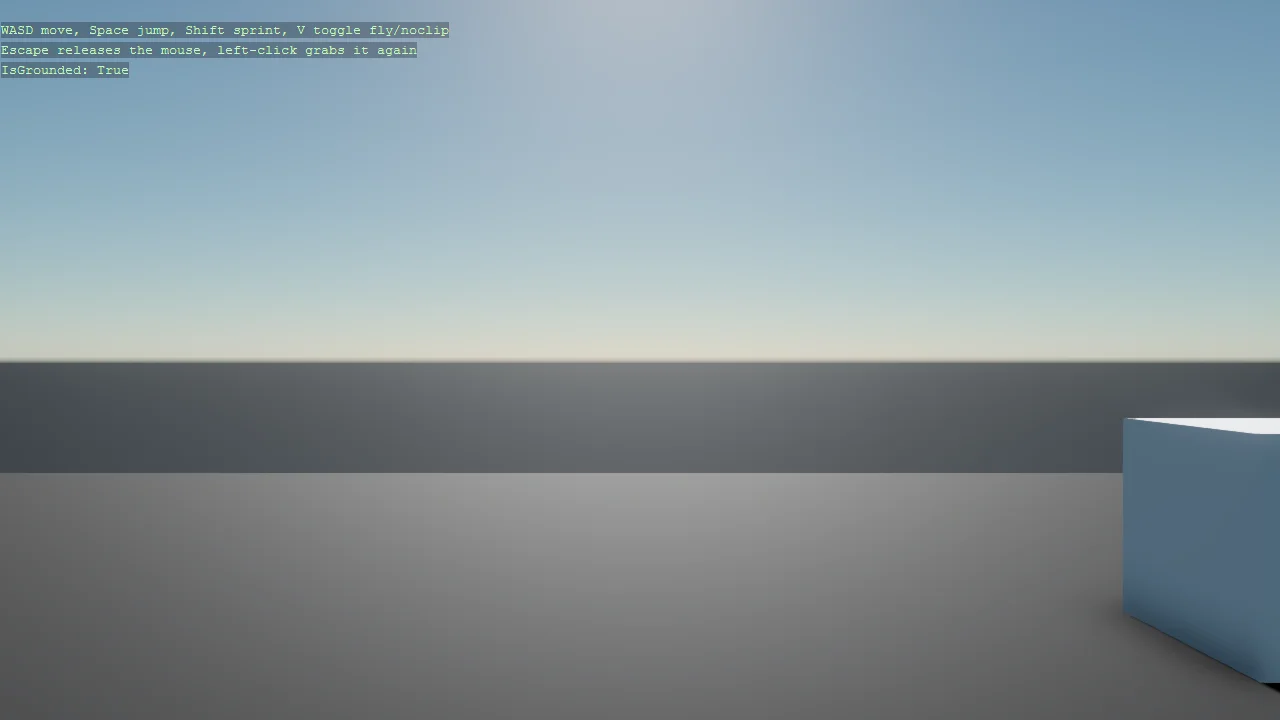
A first-person character built entirely from code - no Game Studio scene - on a Bepu CharacterComponent, with boxes to walk into and jump onto.
GPU Instancing
Performance
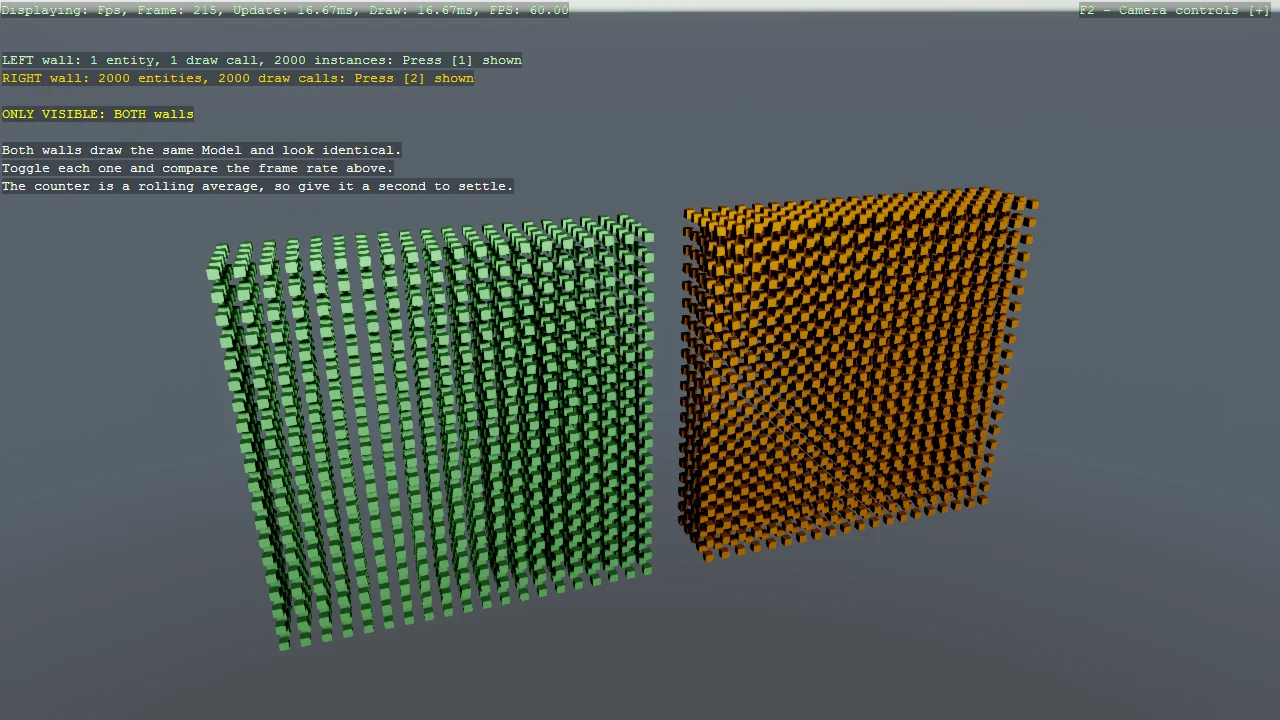
Render two identical walls of cubes built two different ways, side by side.
Particle Gallery
Rendering
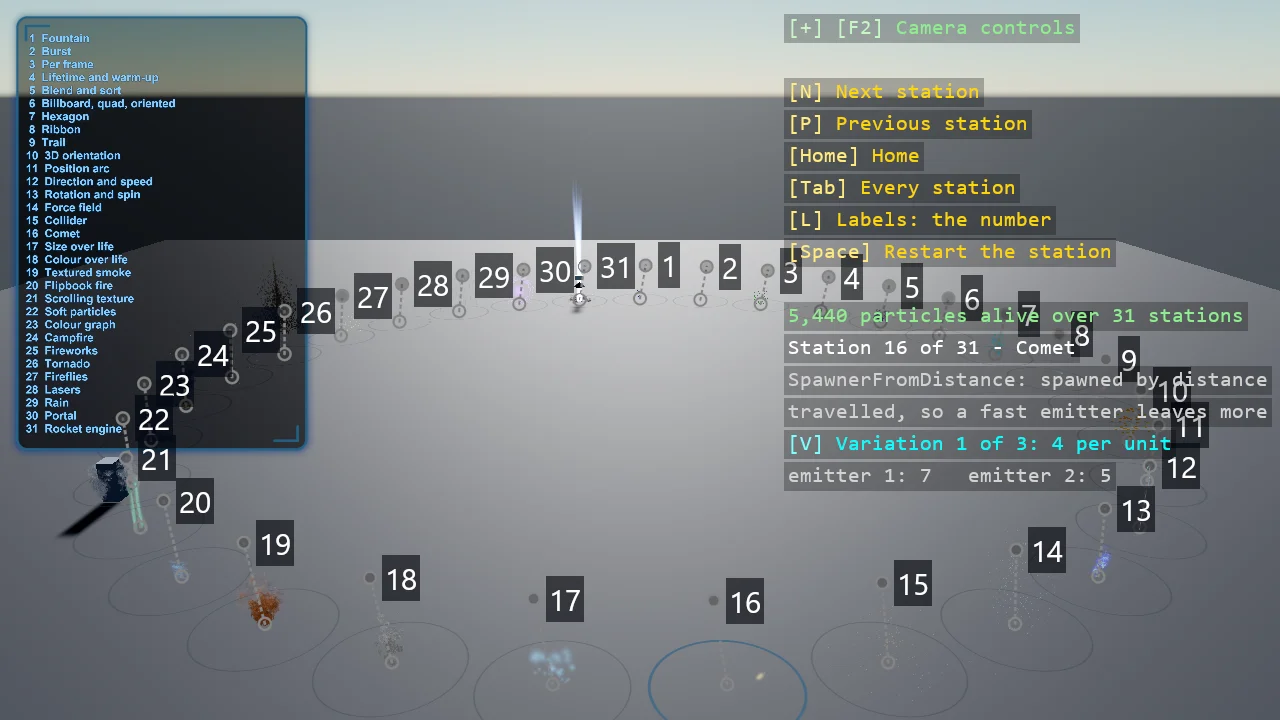
Thirty-one particle systems on a ring of stations, all built from code: the building blocks one at a time - spawners, shapes, initializers, updaters,...
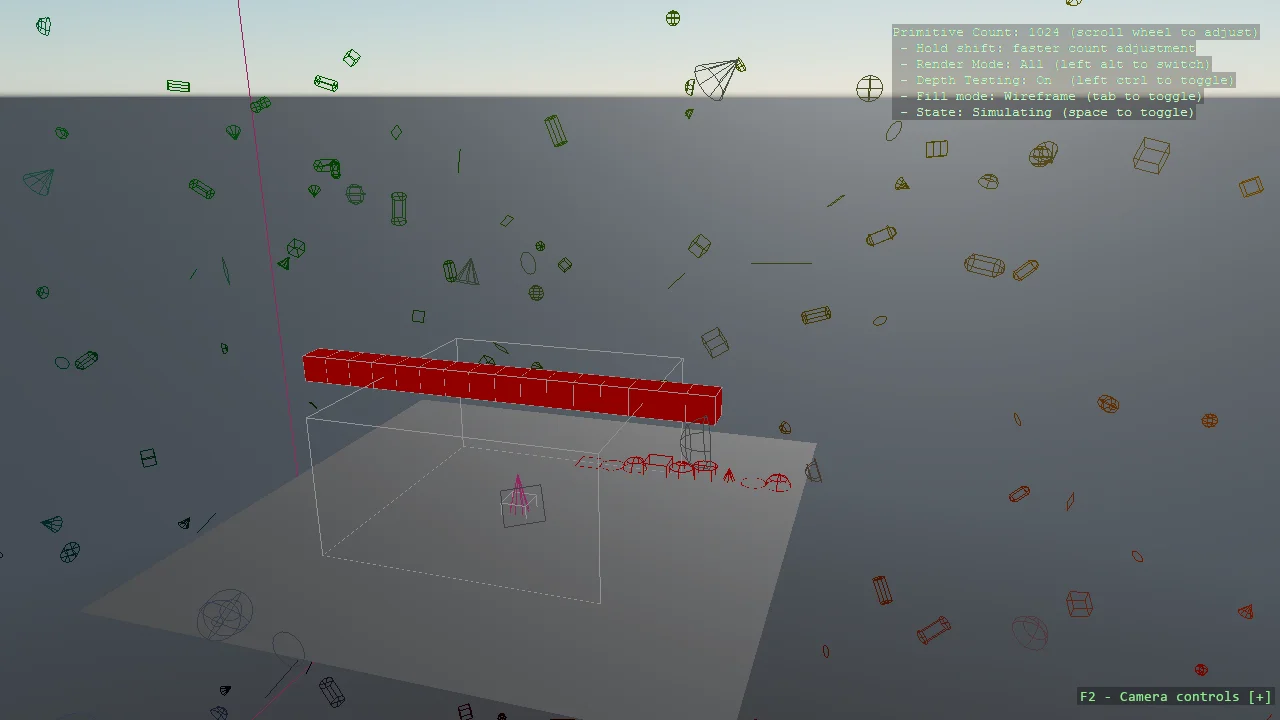
Debug Shapes
Debug
The full tour of the DebugShapes package: every immediate-mode primitive it can draw, exercised from a ShapeUpdater component so the shapes animate...
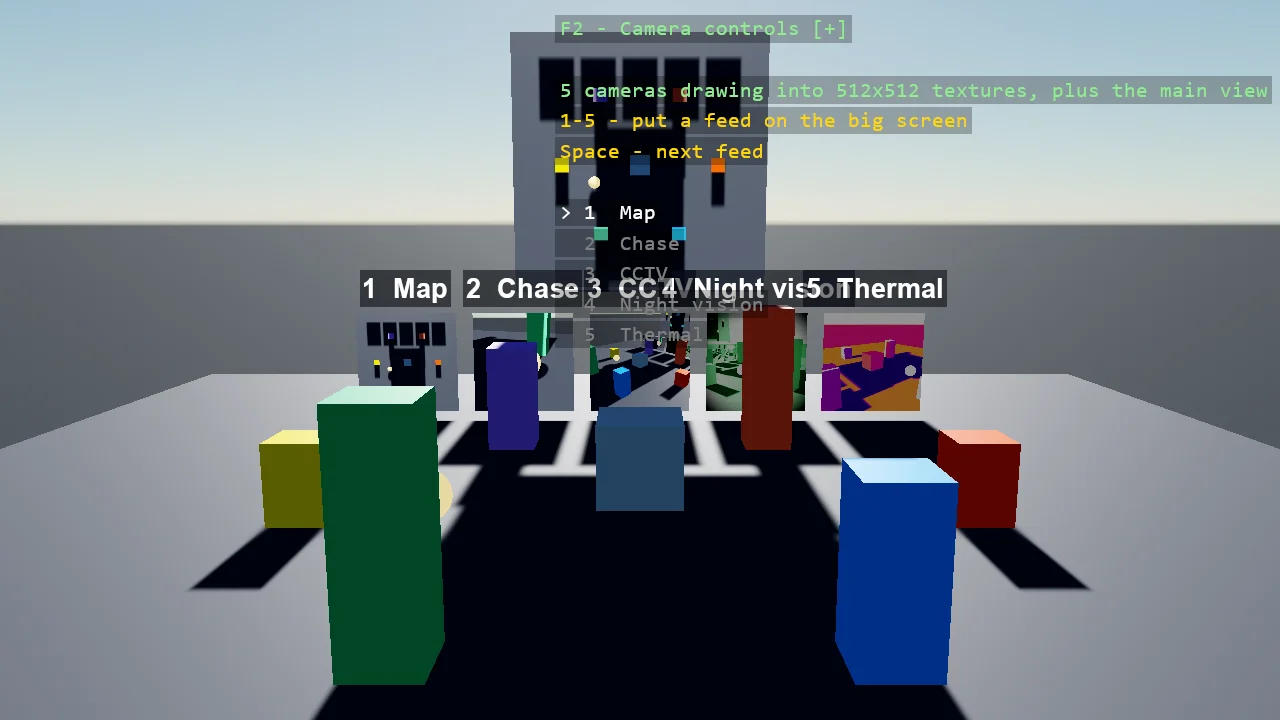
Render to Texture
Rendering
Five cameras watch one scene and each draws into a texture shown on a monitor: an overhead map, a chase camera following an orbiting ball, a fixed...
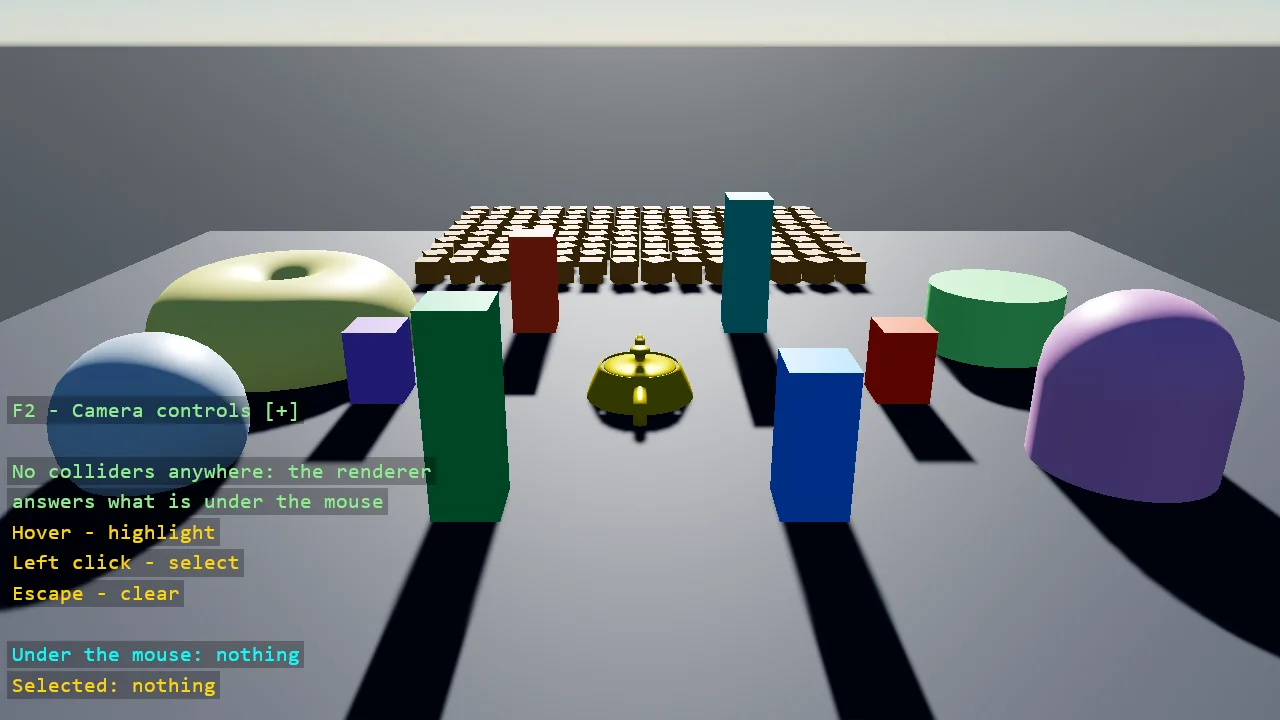
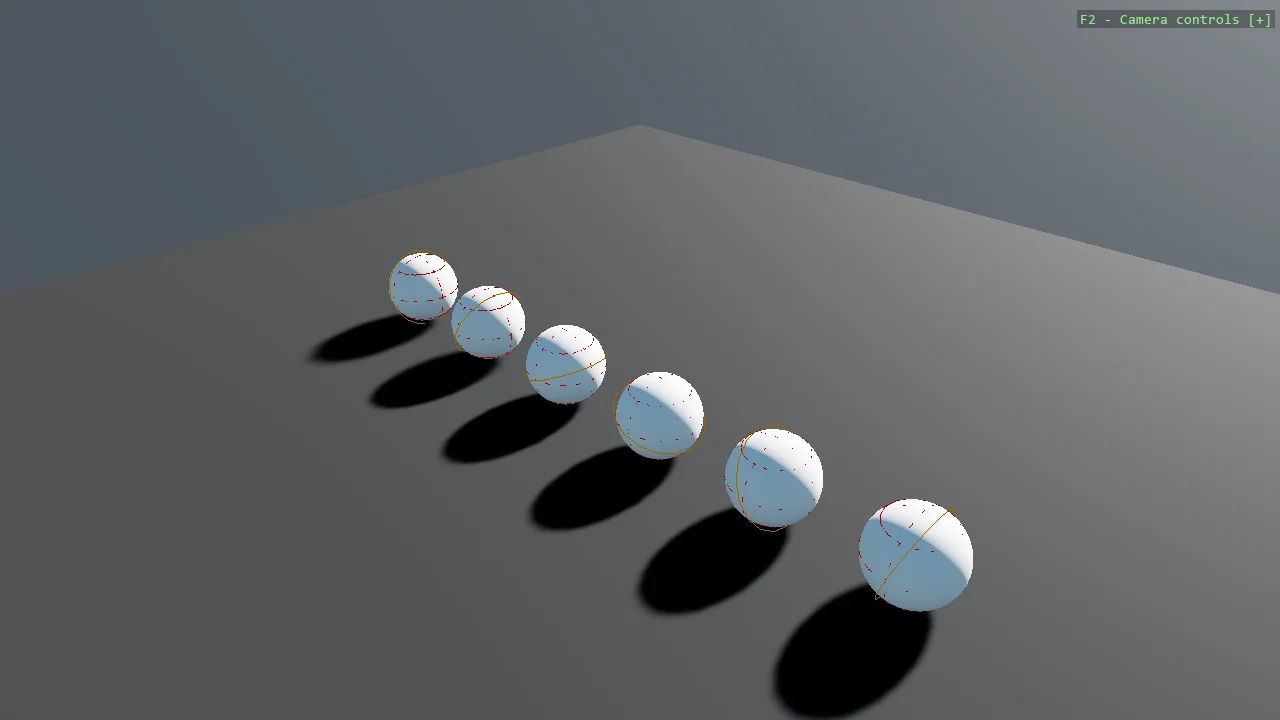
Debug Shapes Usage
Debug
The short version of the debug shapes example: turn the system on, draw a sphere and a circle, done.
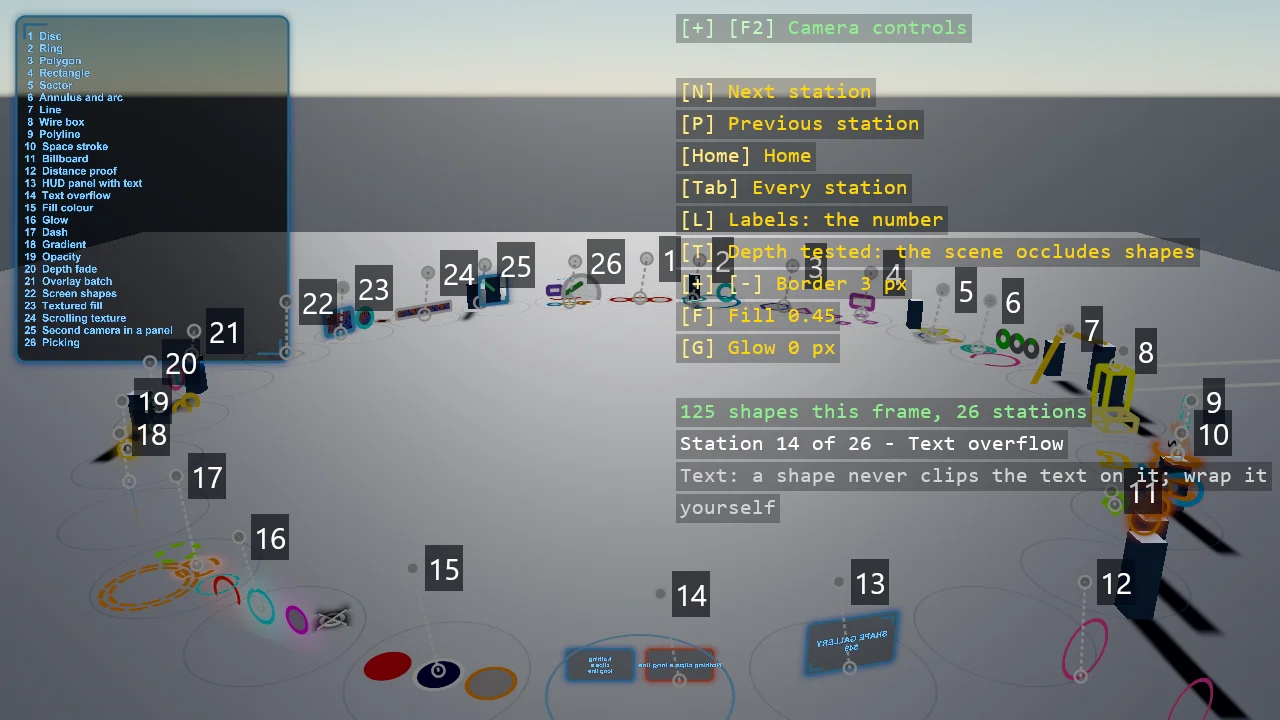
ShapeBatch Gallery
Rendering
A ring of numbered stations, one ShapeBatch idea each, from a single disc to a scrolling textured panel: discs, rings, polygons and rectangles on any...
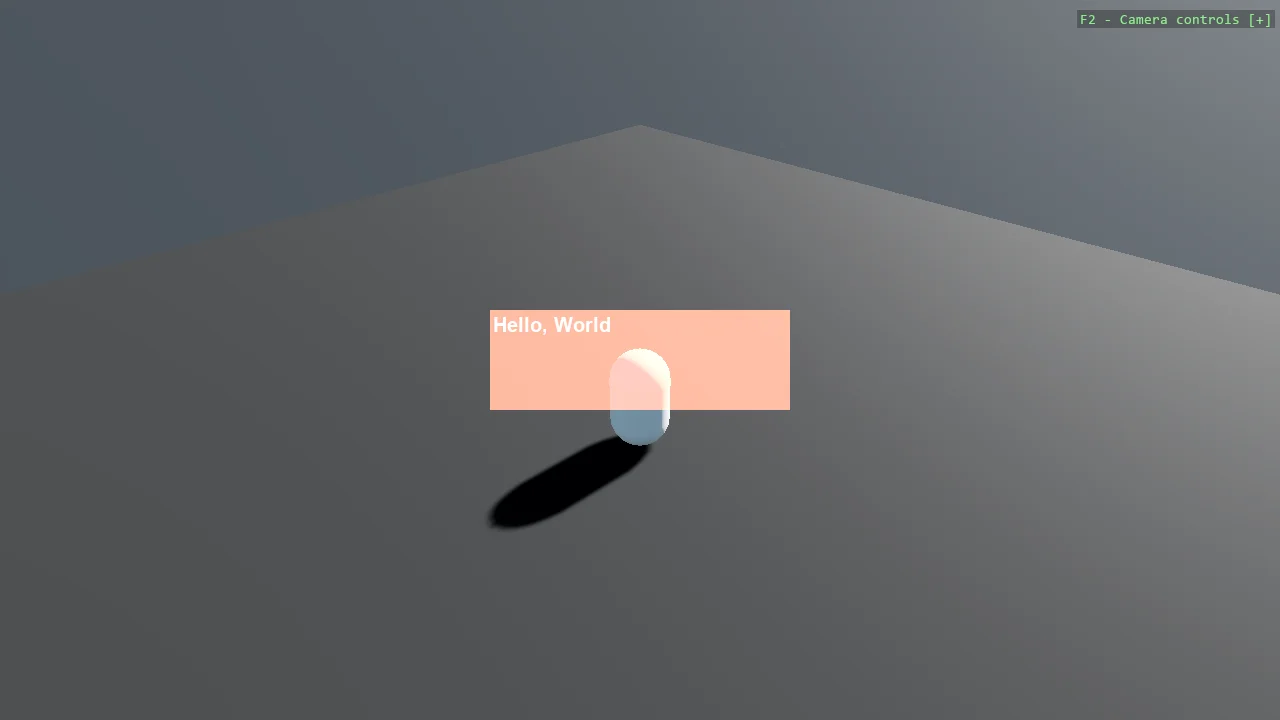
Stride UI - Capsule and Window
UI
A capsule in a 3D scene with a "Hello, World" panel drawn over it using Stride's built-in UI.

Stride UI - Button Hover Animation
UI
A main menu built from code whose buttons grow a blue underline while the pointer is over them.
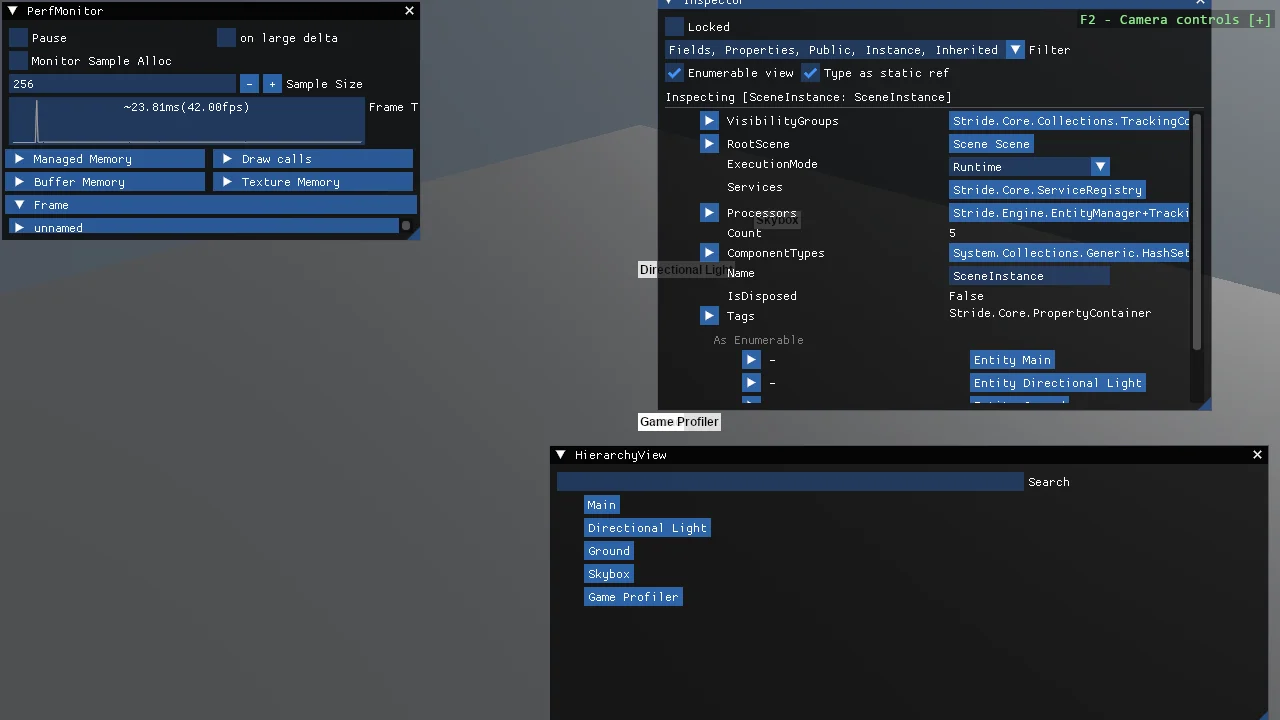
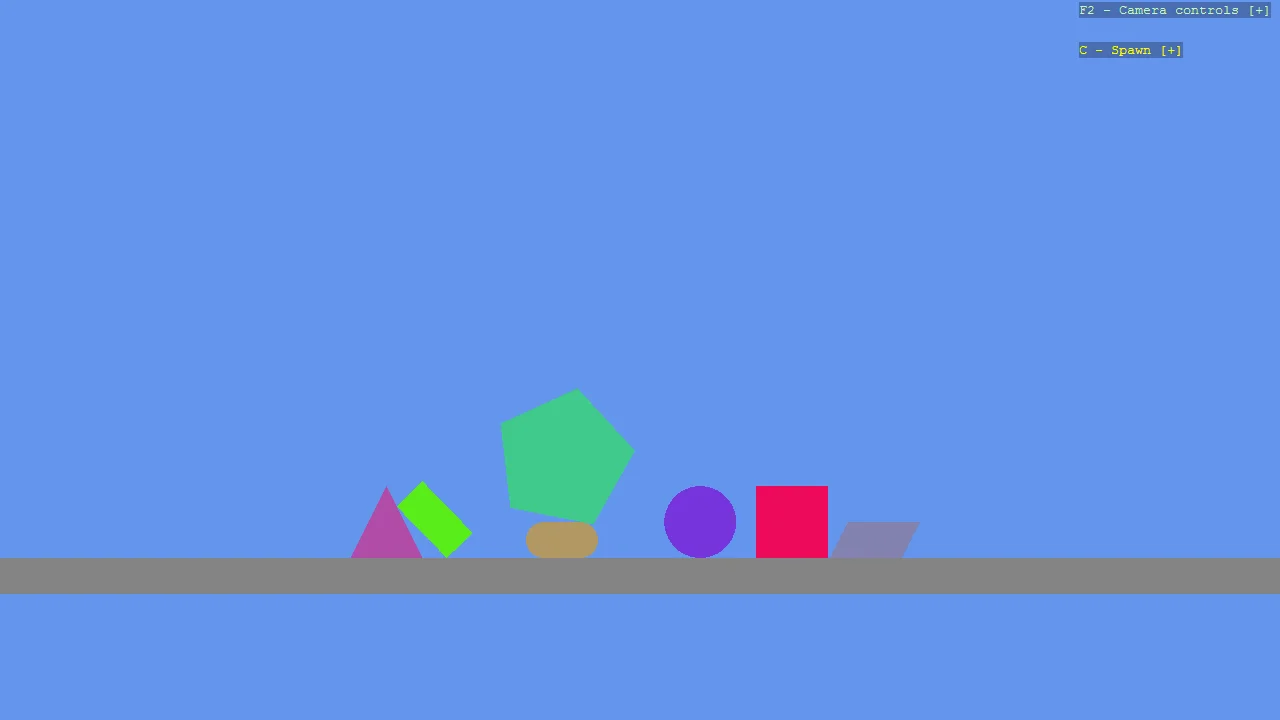
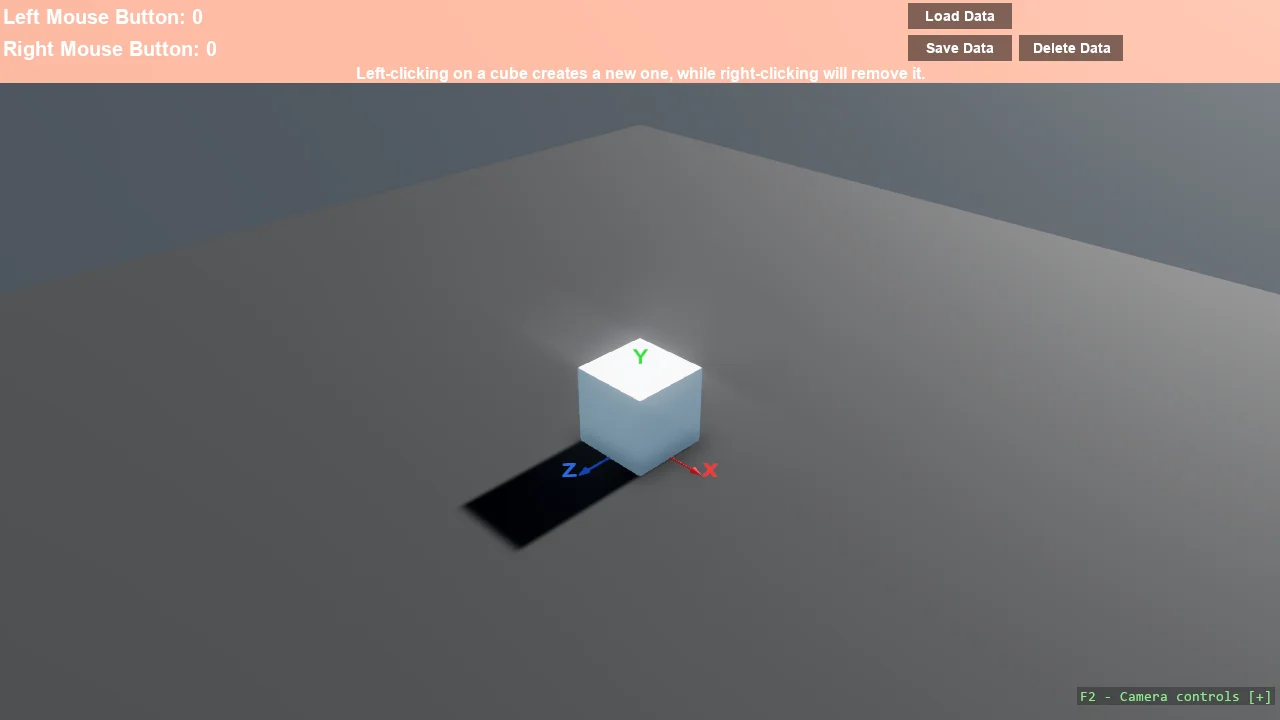
Cube Clicker
UI
A small clicker game: cubes appear, left and right clicks are counted, and both the score and the cube positions are written to disk so the next run...
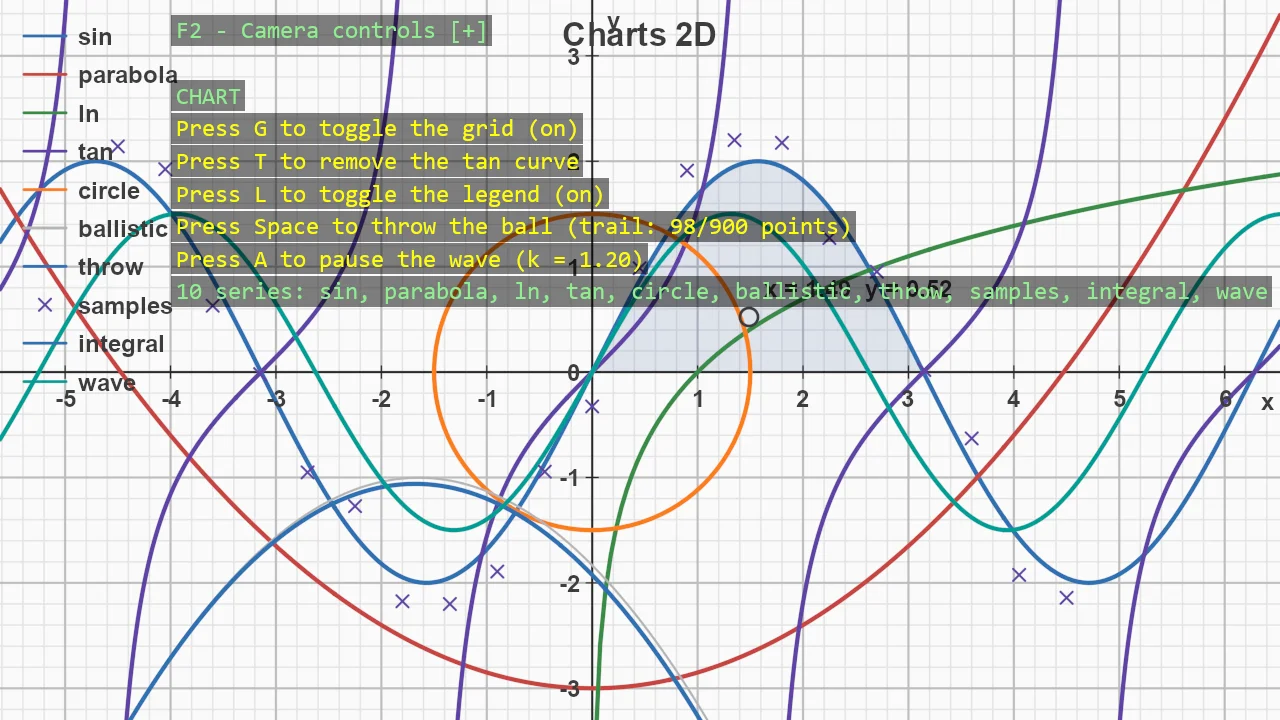
Charts 2D
Rendering
A flat, paper-like chart drawn entirely in code - no assets, no chart control, every line a pixel-width stroke in a shape batch.
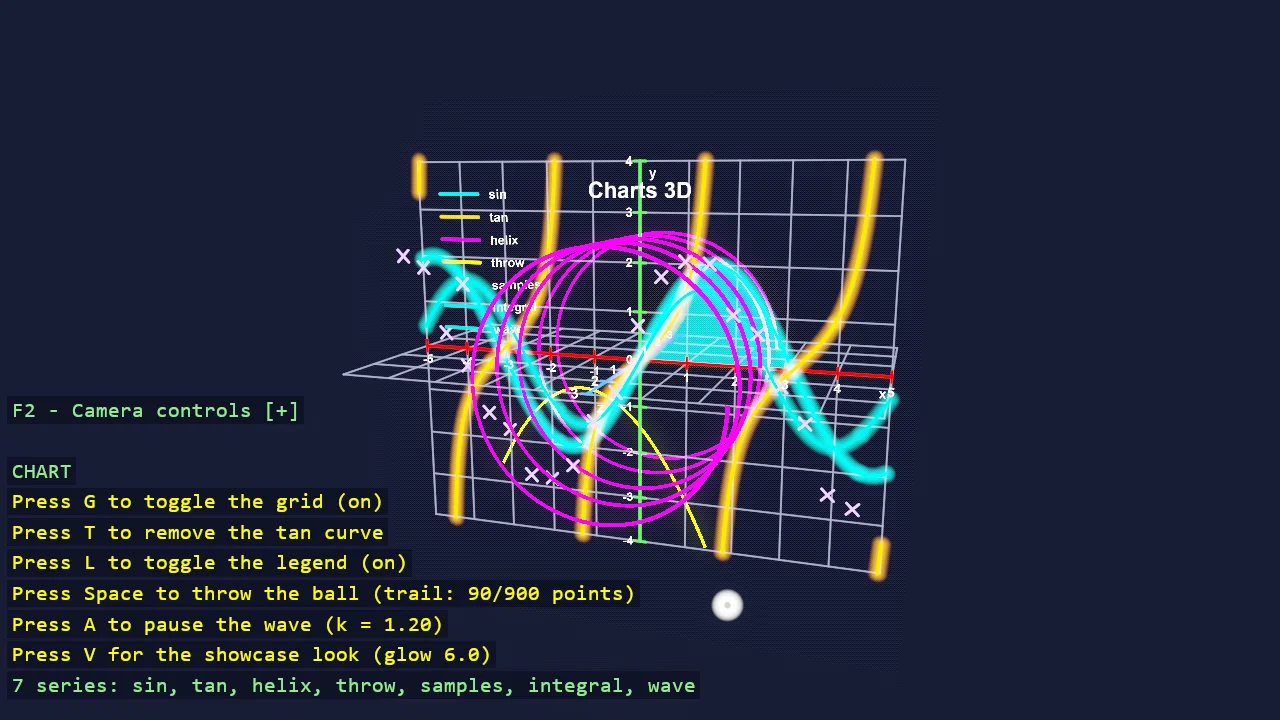
C# Advanced
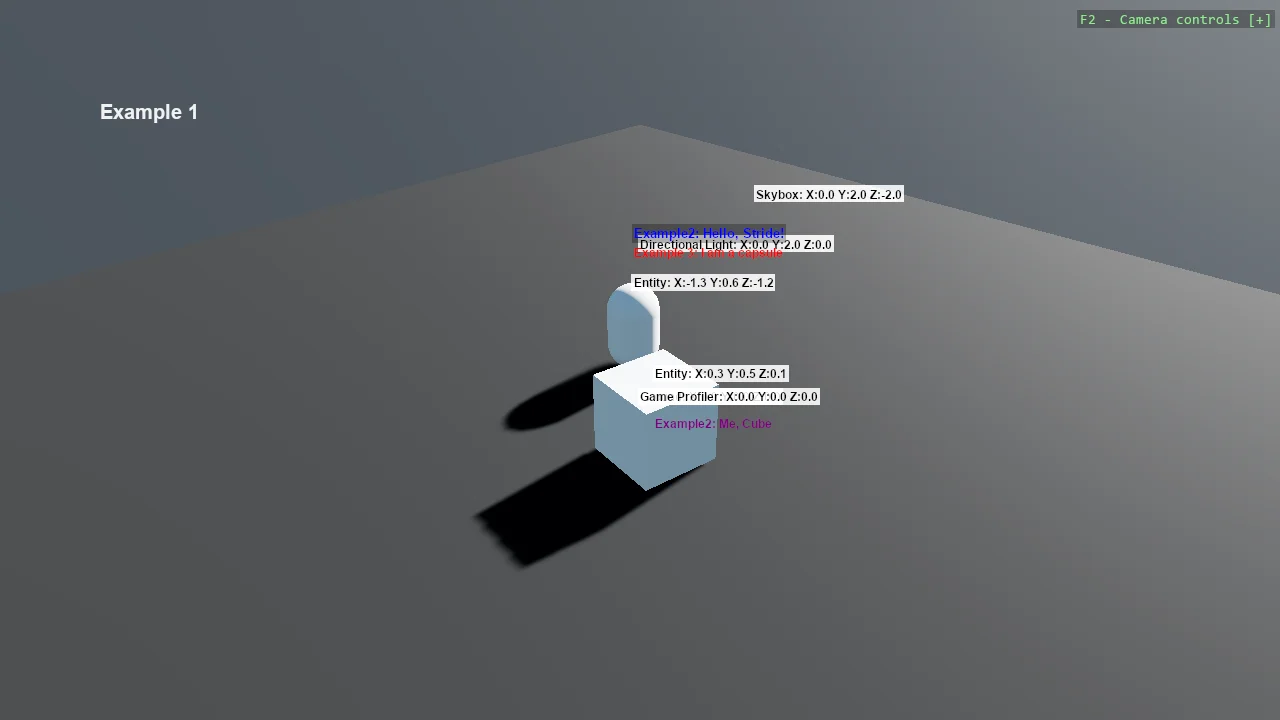
Custom Scene Renderers
Rendering
Two ways to draw your own 2D content over a 3D scene, side by side.

Root Renderer Shader
Rendering
An animated ribbon background drawn by a custom RootRenderFeature, which is the deepest extension point Stride offers short of writing your own...
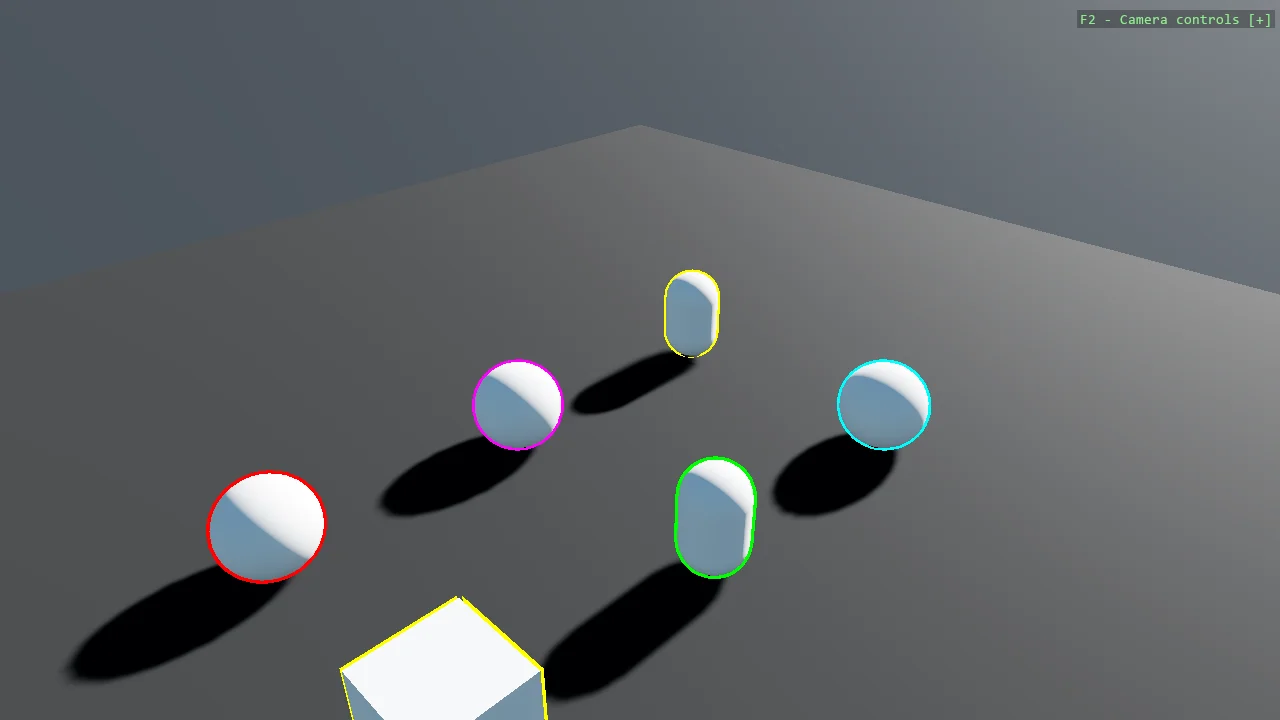
Mesh Outline Render Feature
Rendering
Draw coloured outlines around 3D primitives with a custom RootRenderFeature.
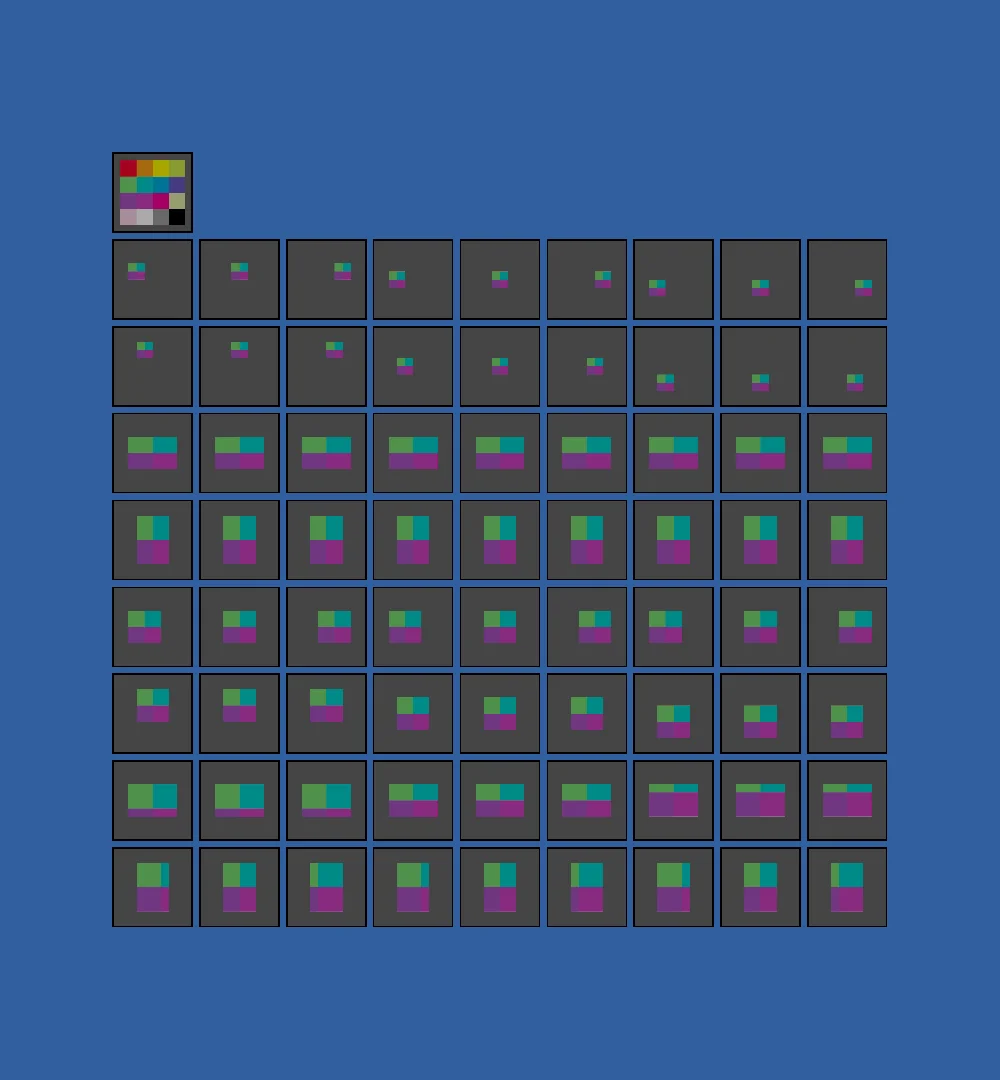
Image Processing (TextureCanvas)
Rendering
Every combination of anchor and stretch that TextureCanvas can apply, drawn as a grid of thumbnails so the options can be compared rather than read...
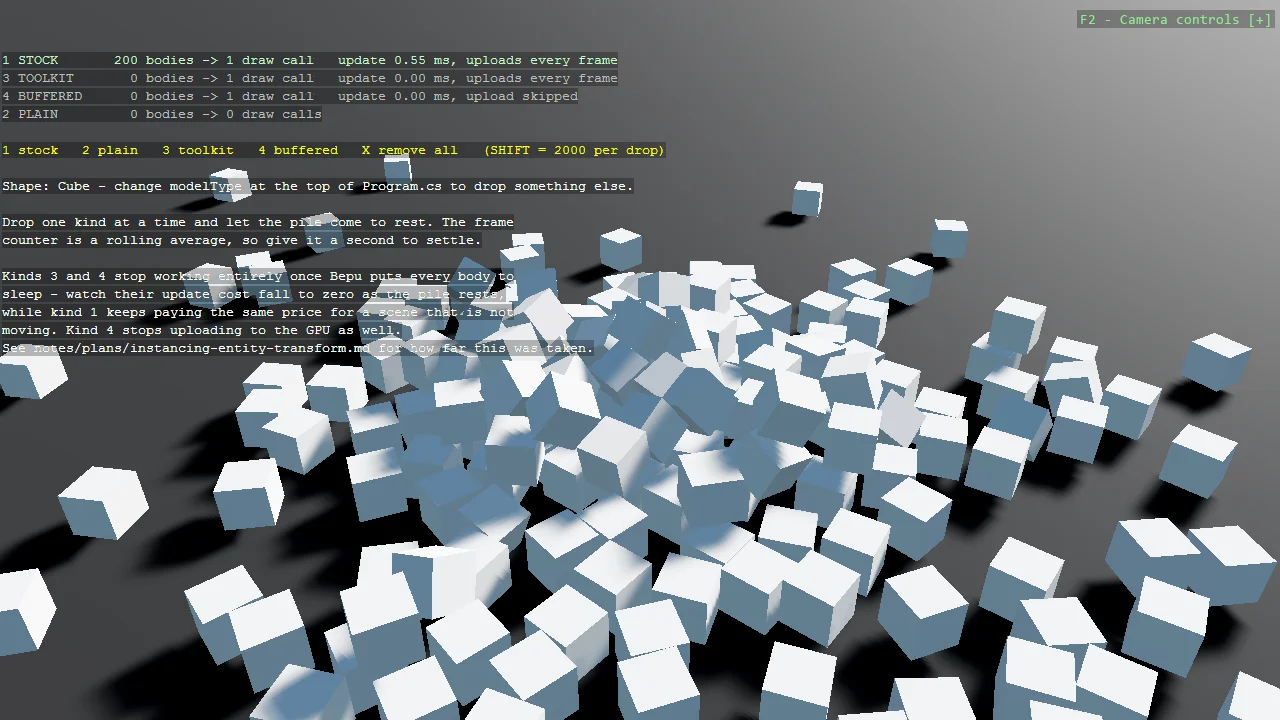
Instancing with Entity Transforms
Performance
Keep every object a real entity - with a transform, a physics body and anything else you need - while still drawing the whole crowd in a single draw...
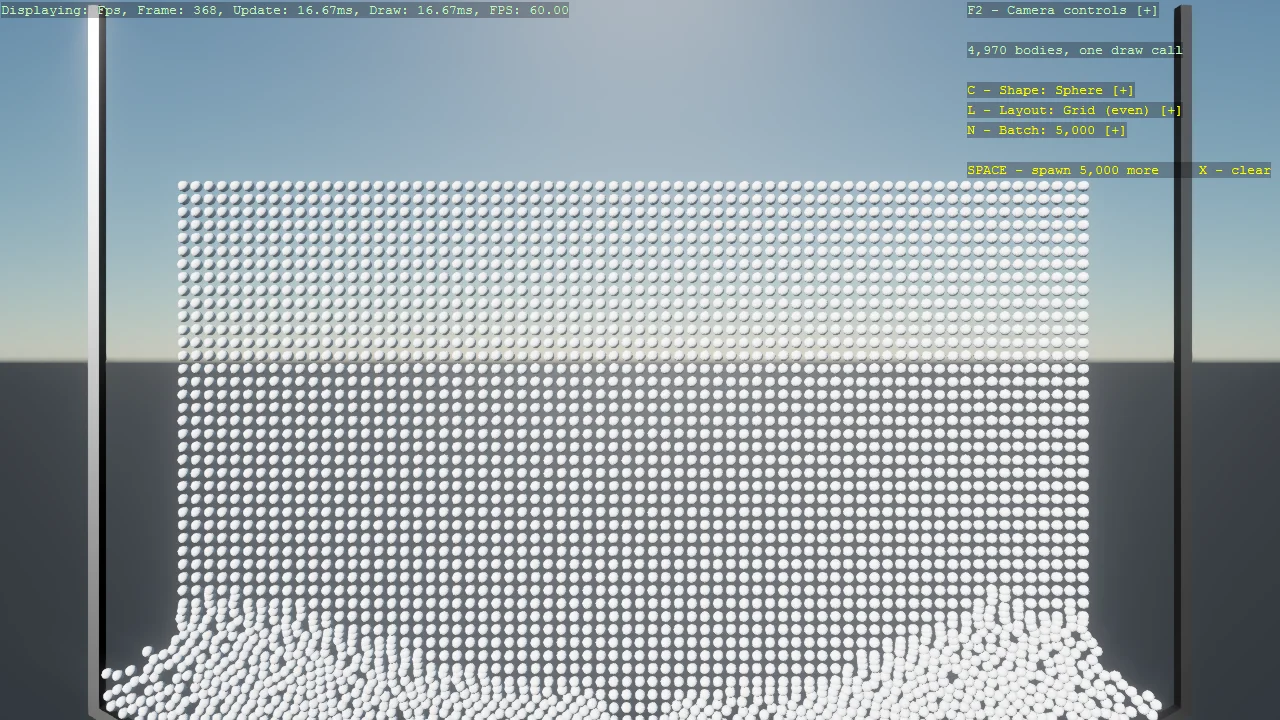
Basic2D Scene (Stress Pile)
Performance
Thousands of 2D physics bodies piling up, drawn in two instanced draw calls - awake bodies through one master, sleeping bodies tinted green through...
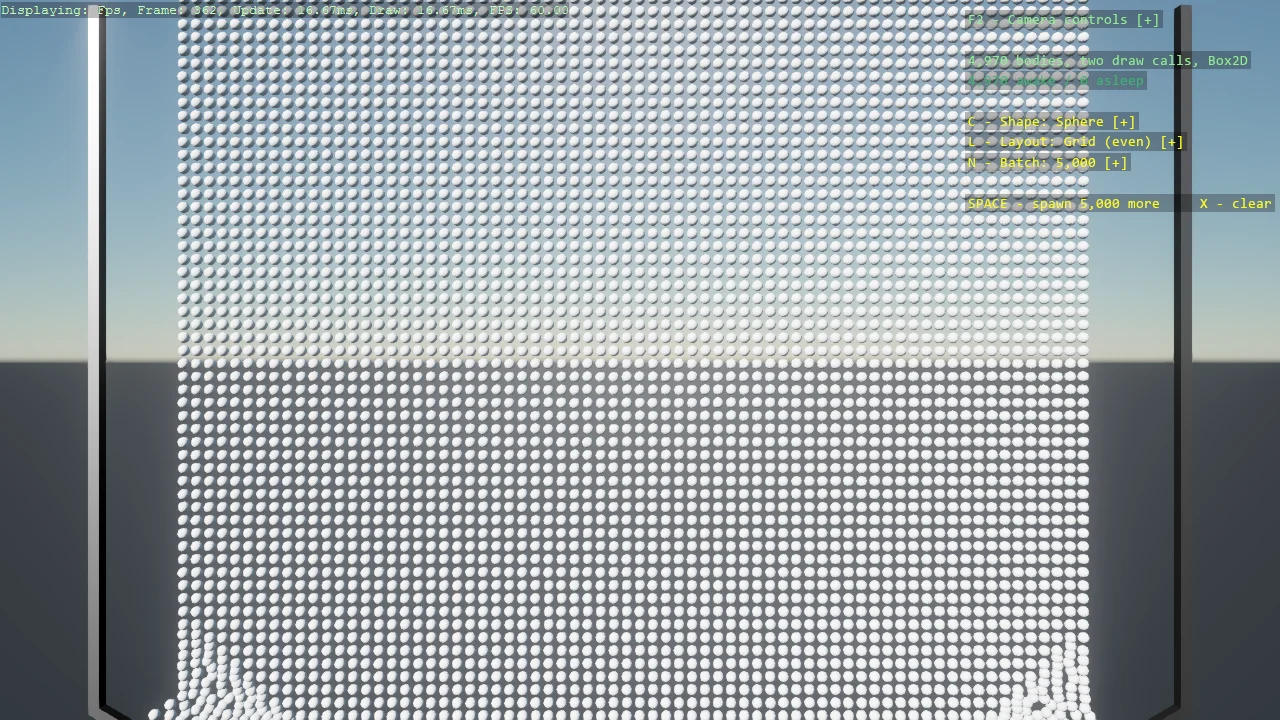
Basic 2D Scene (Stress Pile, Box2D)
Performance
The Box2D twin of the stress pile: thousands of bodies piling up, drawn in two instanced draw calls - awake bodies through one master, sleeping bodies...
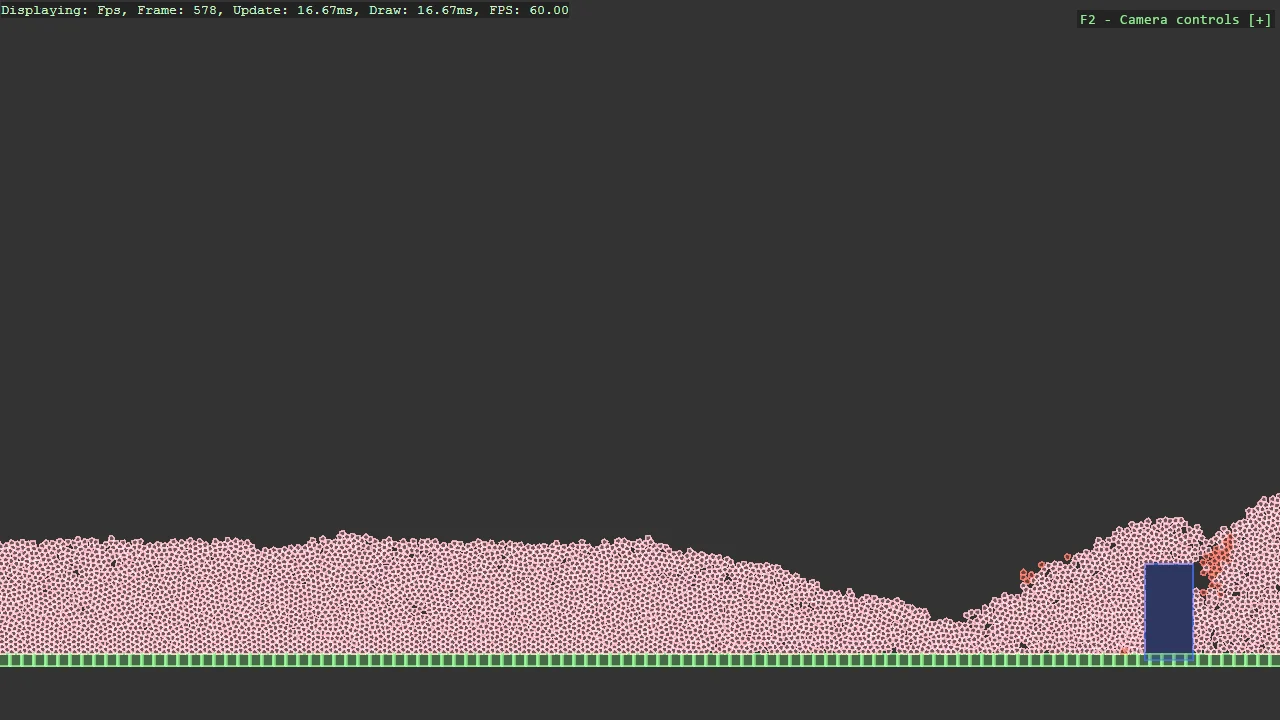
Junkyard (Box2D)
Performance
A faithful replica of the Box2D.NET BenchmarkJunkyard sample: 8,000 small five-sided rocks rain into a walled yard and a kinematic plow sweeps back...
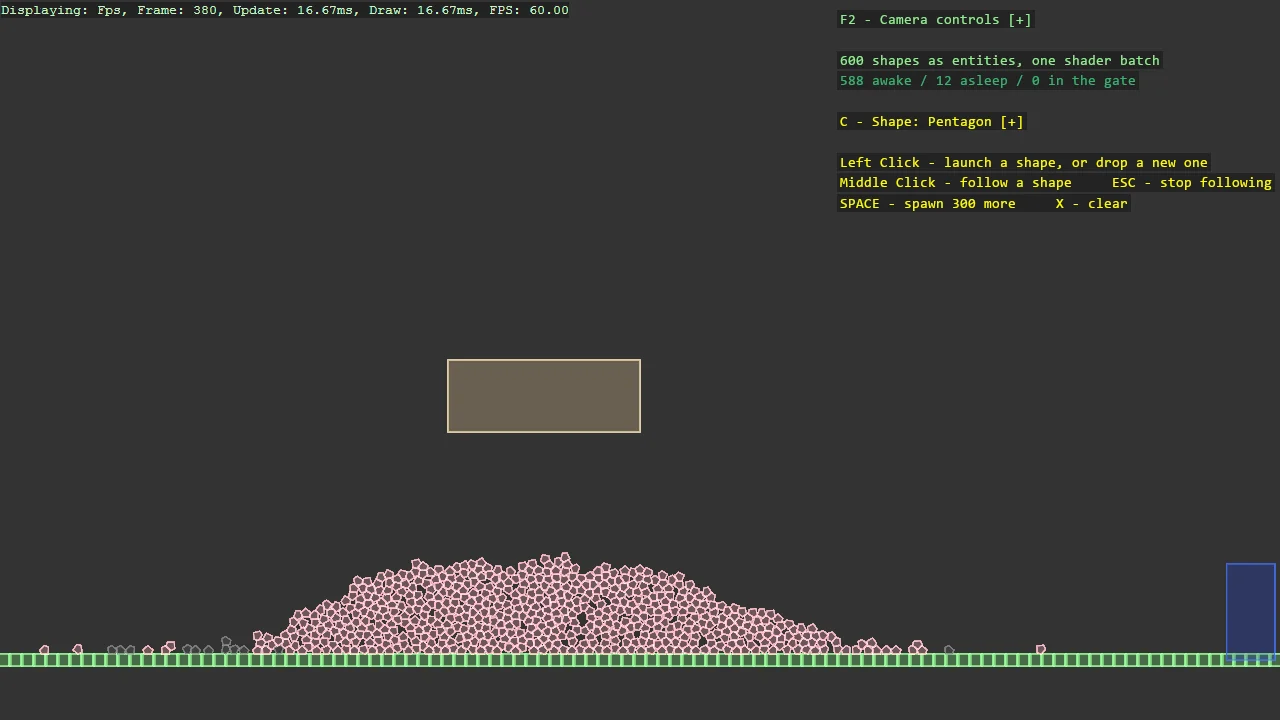
Junkyard Playground (Box2D)
Physics
The playground sibling of the Junkyard replica: the same walled yard and sweeping plow, built the Stride way - every shape is an entity carrying...
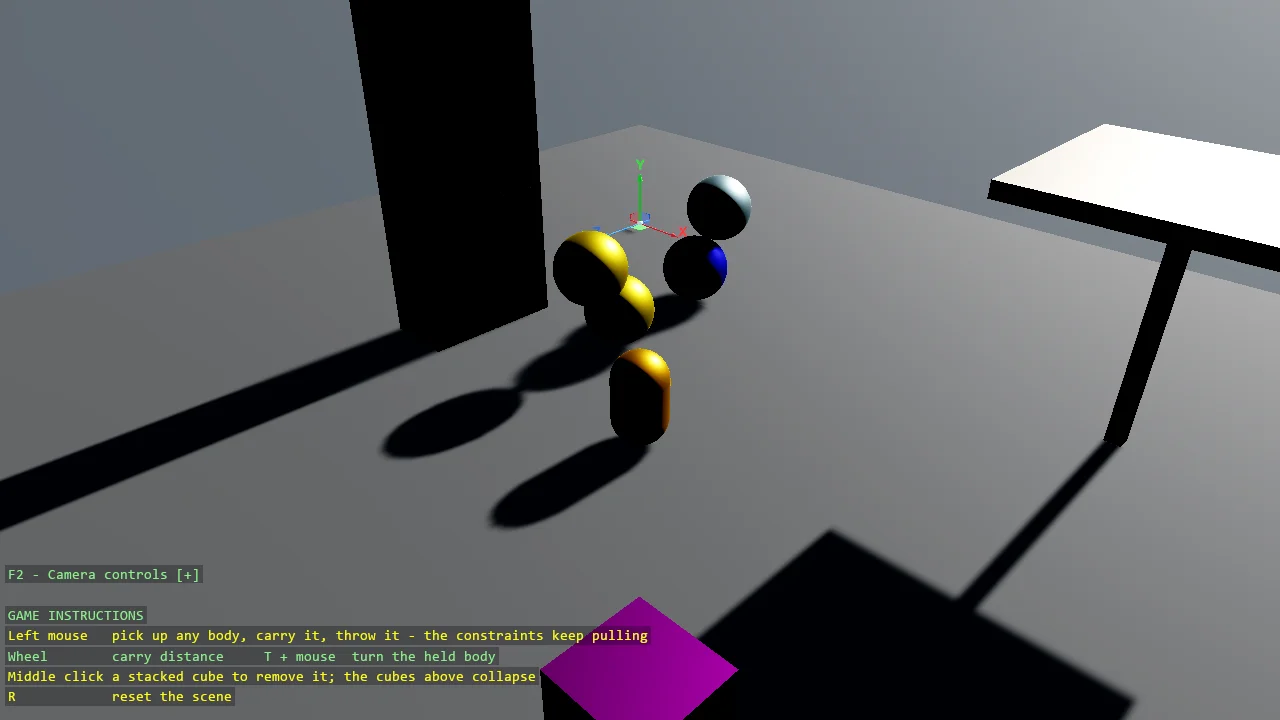
Various Constraints
Physics
The full tour of Bepu constraints in one interactive scene: a distance limit holding two spheres within a range, a distance servo actively driving a...
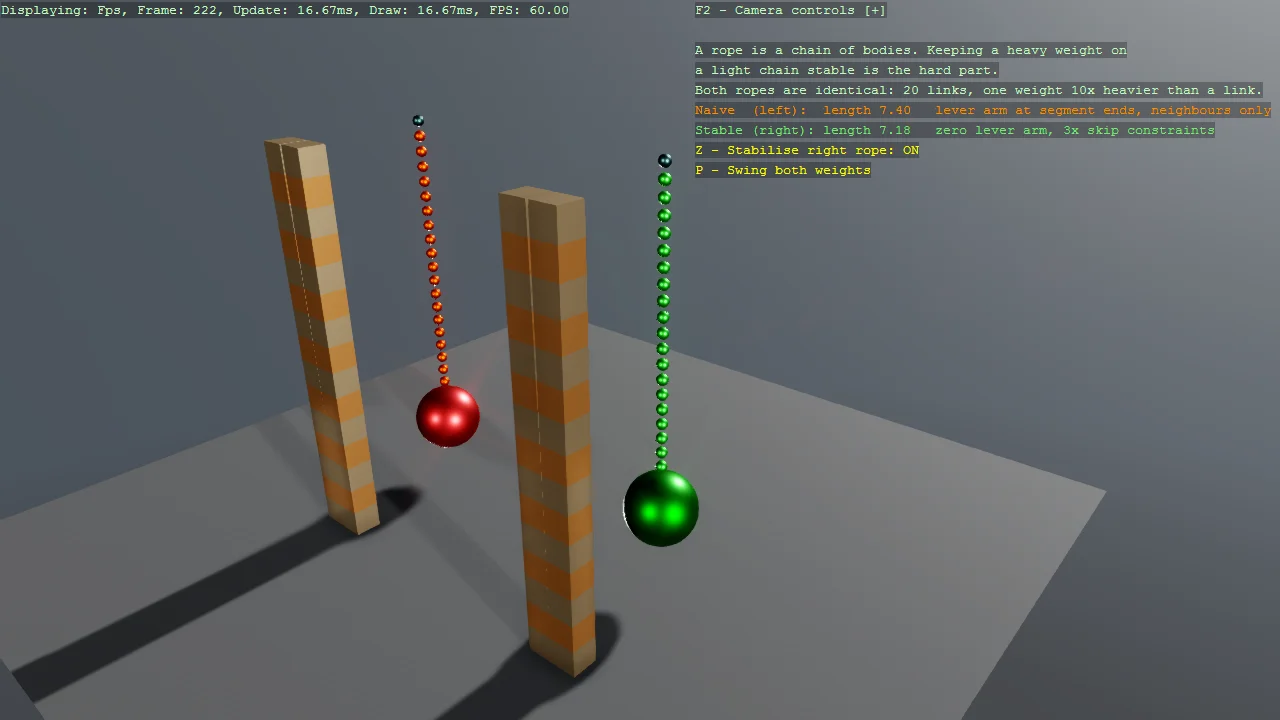
Rope - building a stable chain of constraints
Physics
Bepu has no rope type, so a rope is a chain of small bodies tied together at runtime.
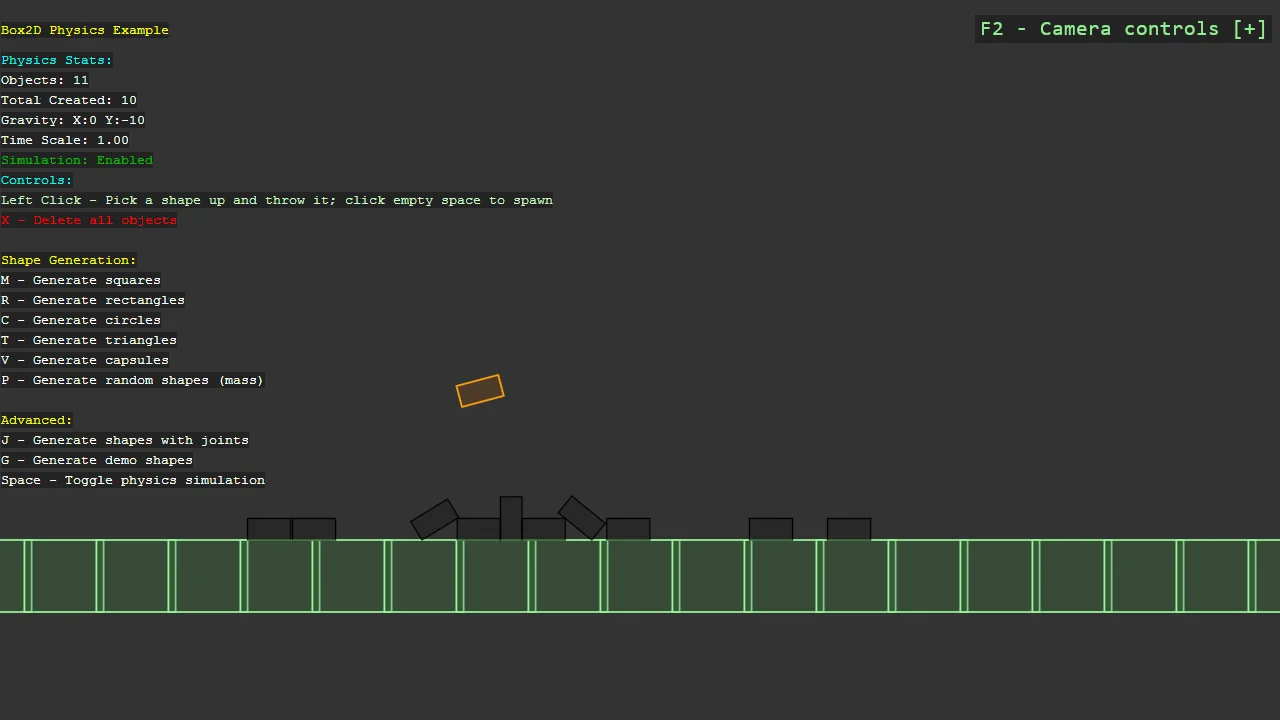
Box2D.NET Physics
Physics
A 2D simulation run by Box2D.NET rather than by Stride's own physics, with Stride reduced to drawing the result.
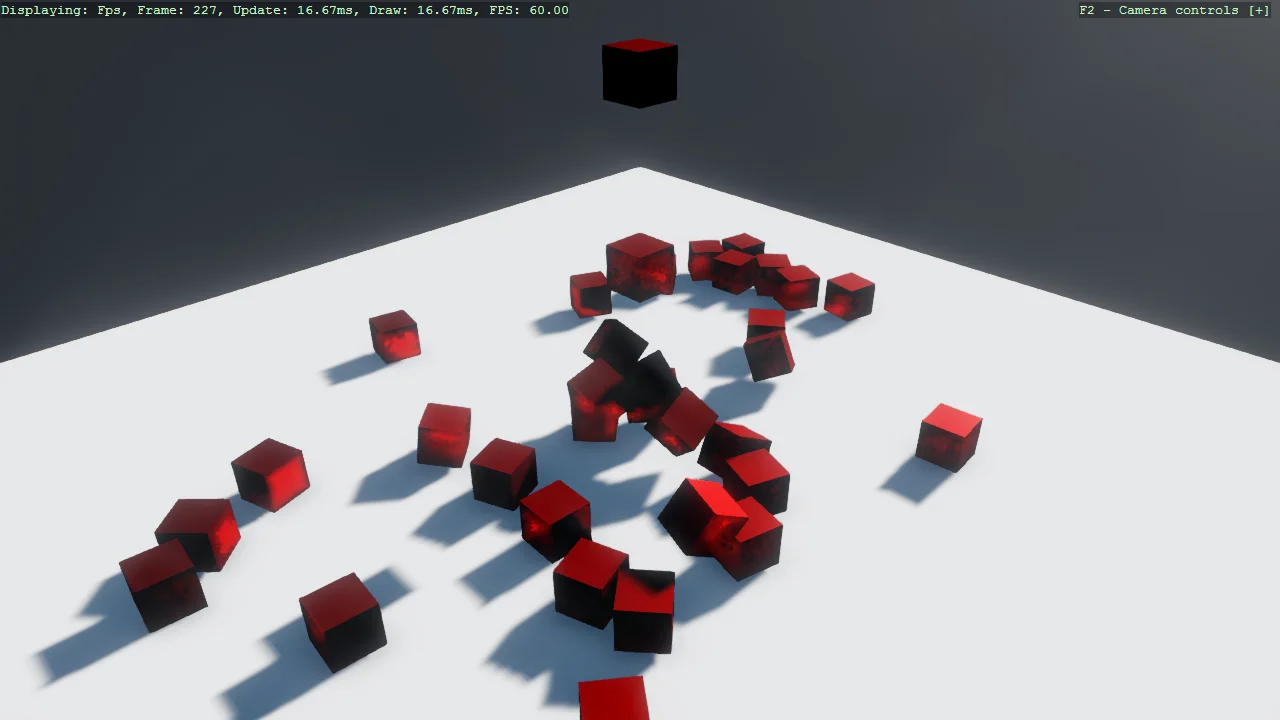
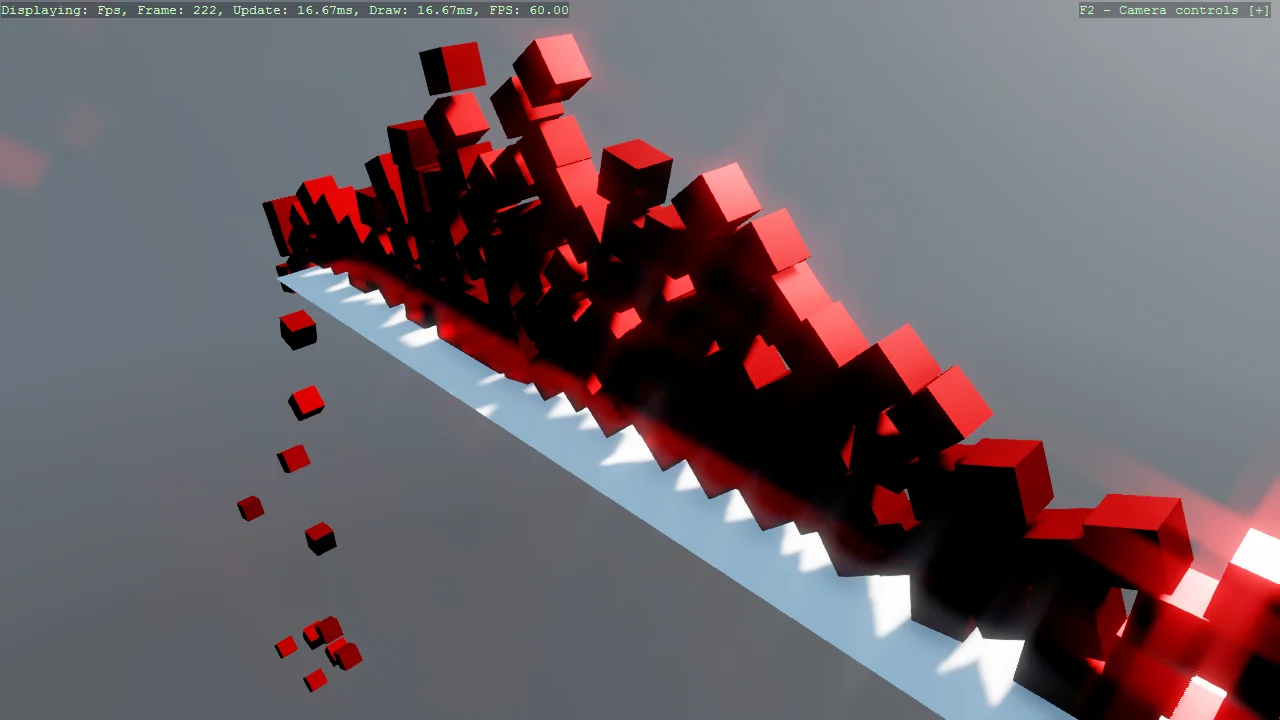
Jitter2 Physics - Constraining to 2D
Physics
Demonstrates constraining a Jitter2 3D physics simulation to 2D-style behaviour.
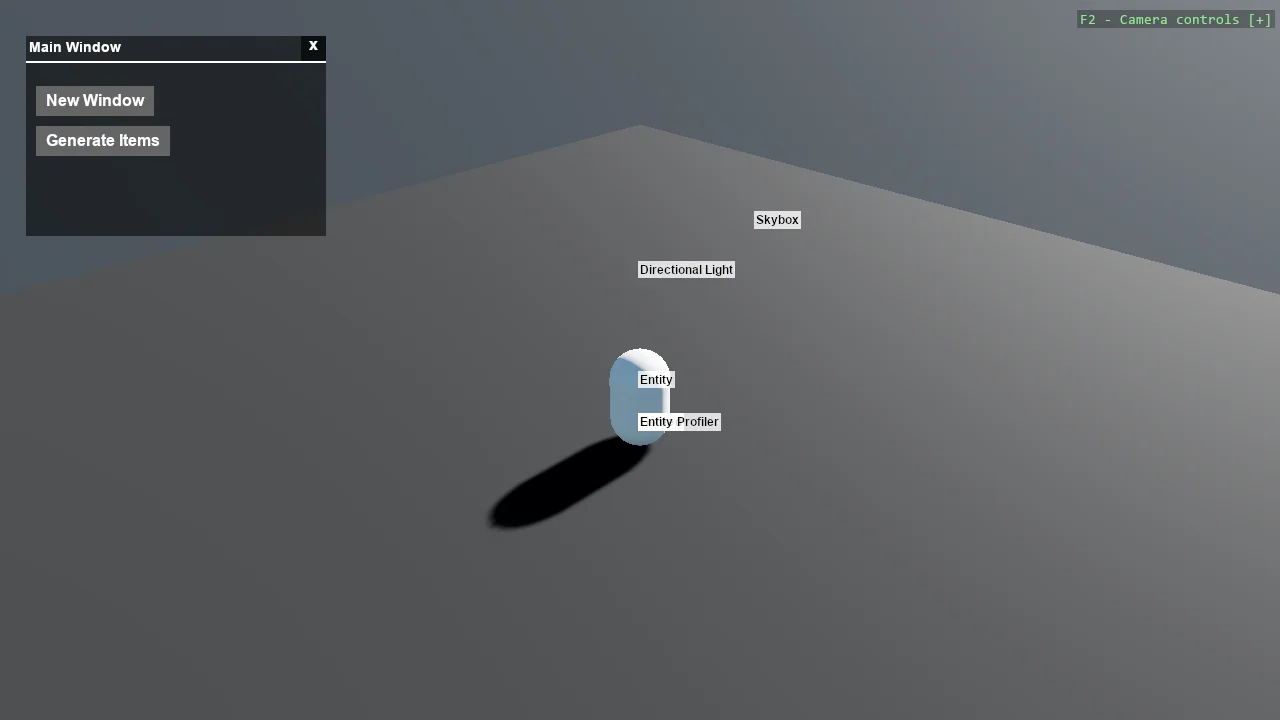
Stride UI - Draggable Window
UI
A windowing system built on Stride's UI: windows with title bars and close buttons that can be dragged around, and that come to the front when...
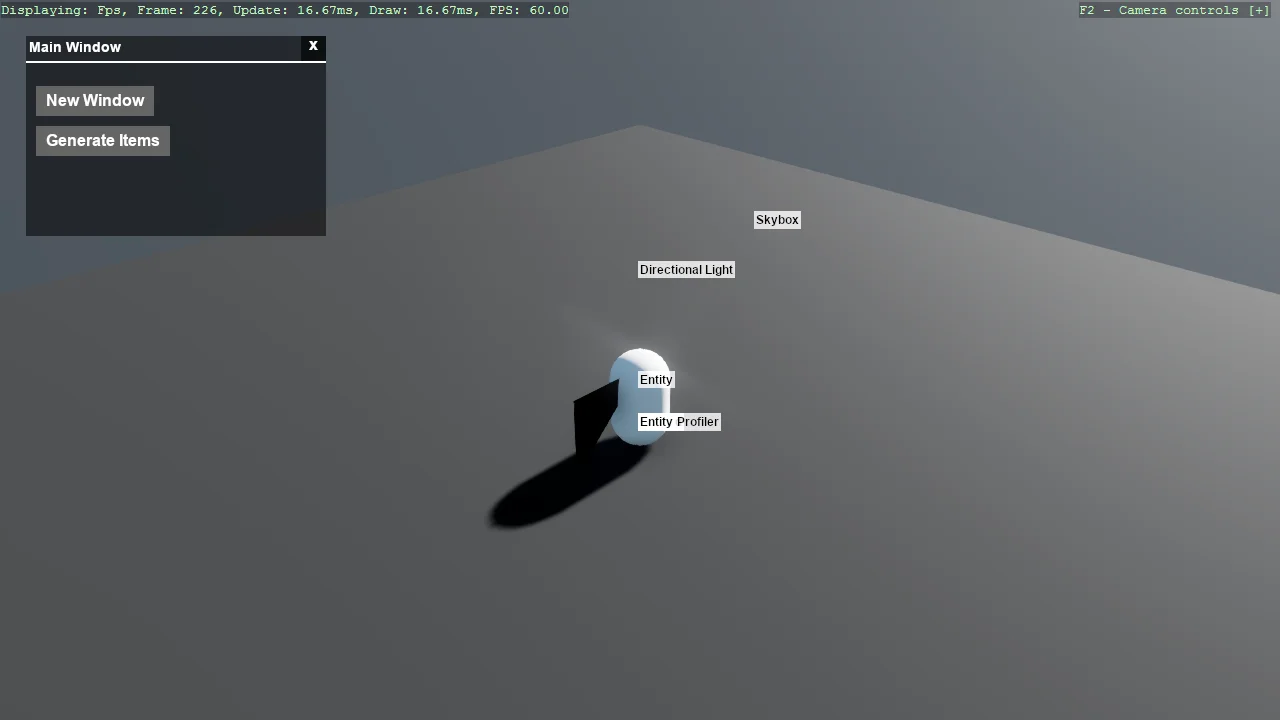
Stride UI - Draggable Window - Bullet Physics
UI
The draggable window example running on the legacy Bullet physics engine.
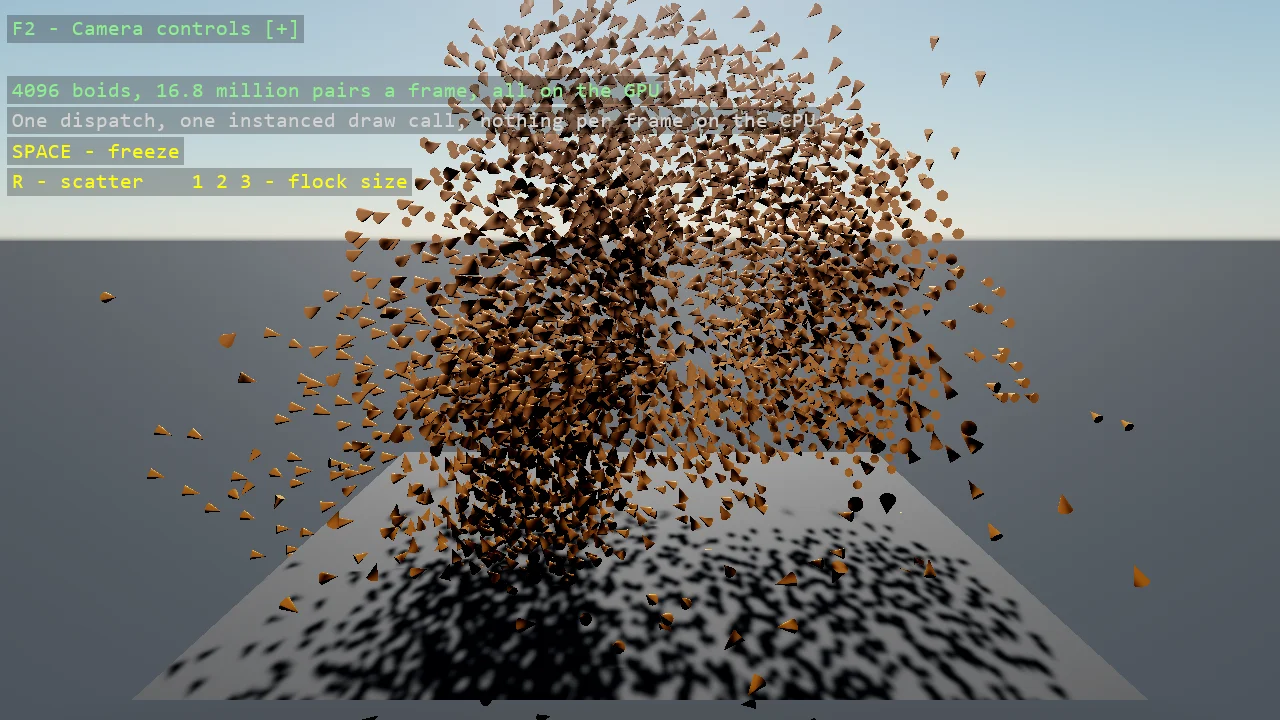
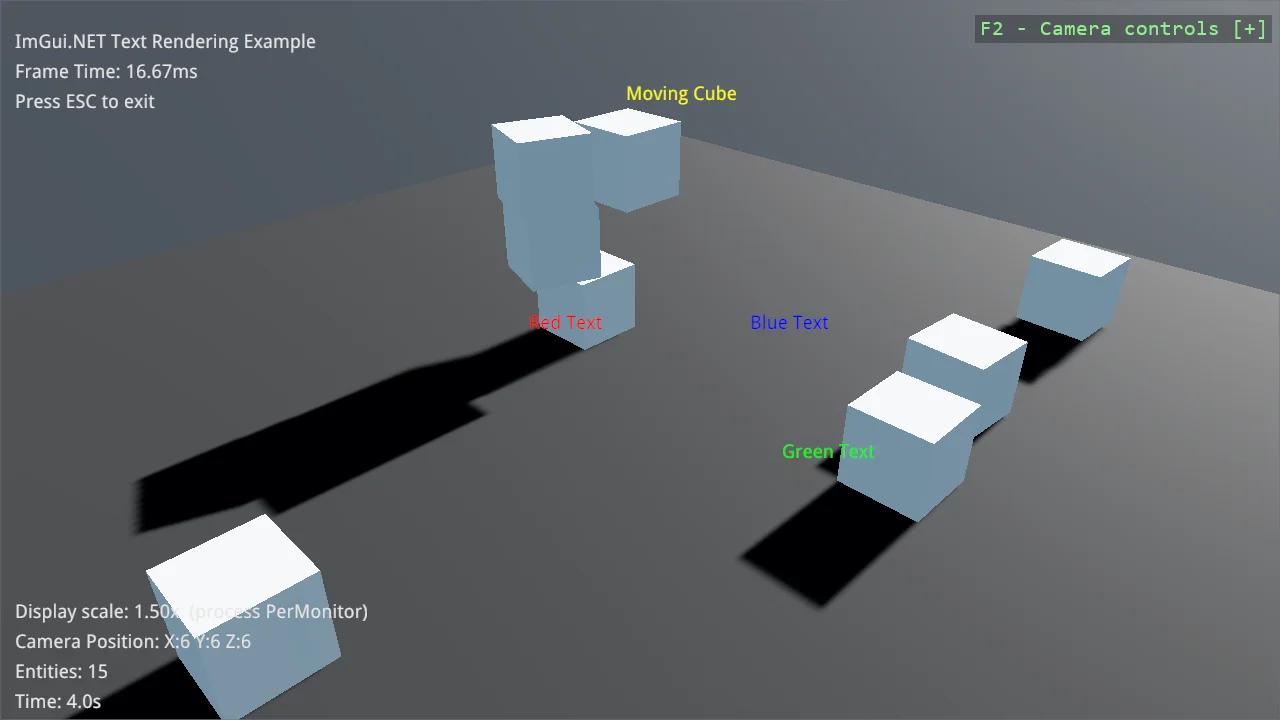
ImGui.NET Text Rendering
UI
Render debug text with ImGui.NET, both in screen space and anchored to positions in the 3D scene.
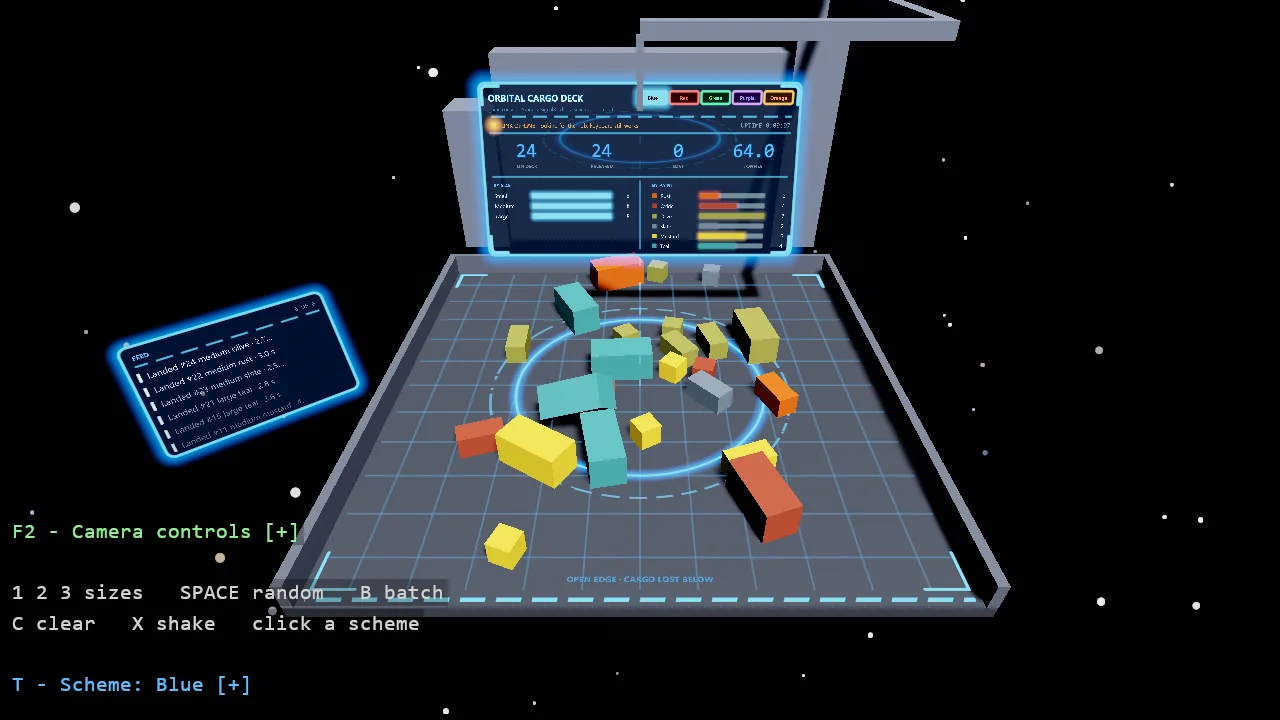
Stride + SignalR - Orbital Cargo Deck
Networking
A Stride game and a Blazor web page as two consoles of the same orbital cargo deck, talking both ways over a SignalR hub.
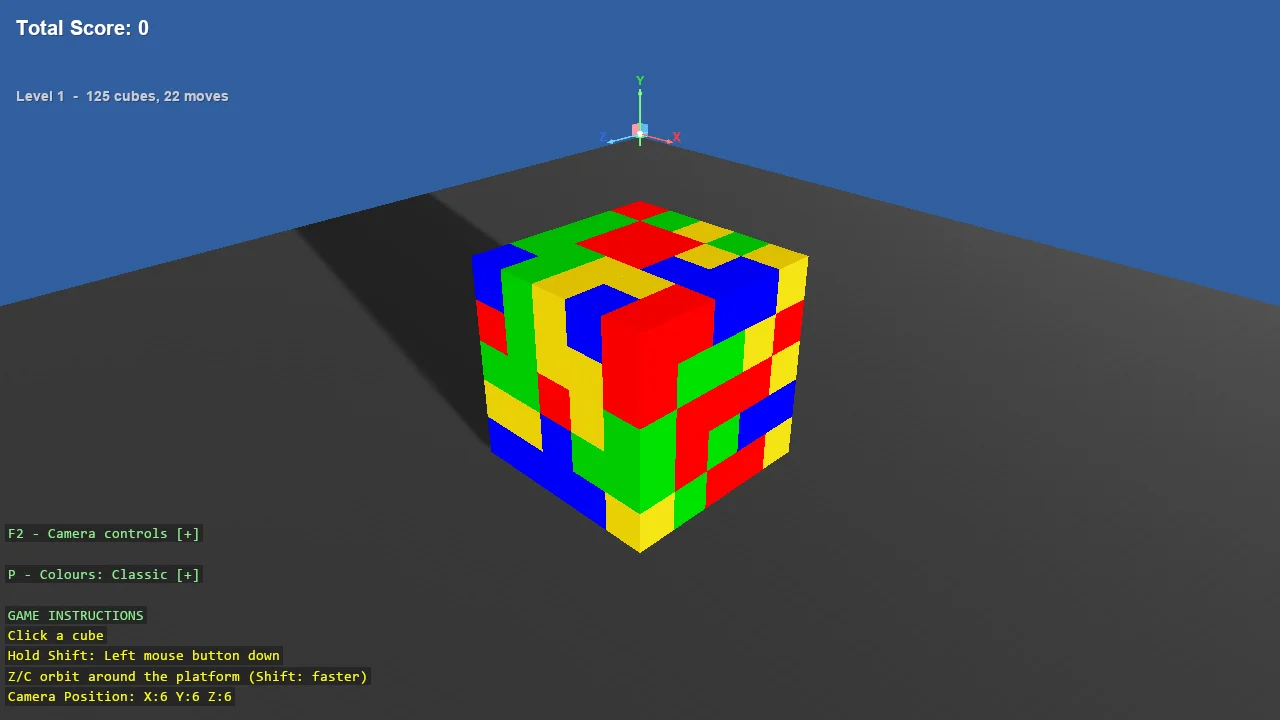
C# Other
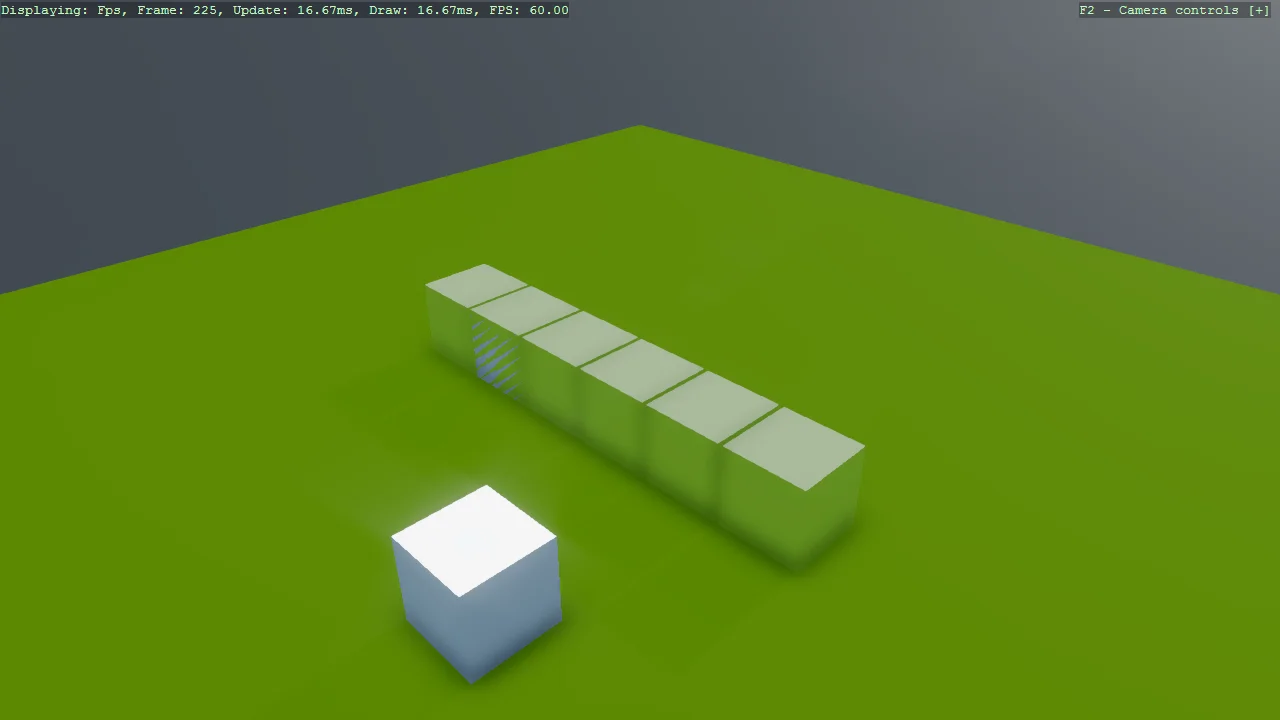
Collidable Gizmo
Debug
A single-purpose demo of CollidableGizmoScript, which draws the collider Bepu is actually using so it can be compared against the model you think you...
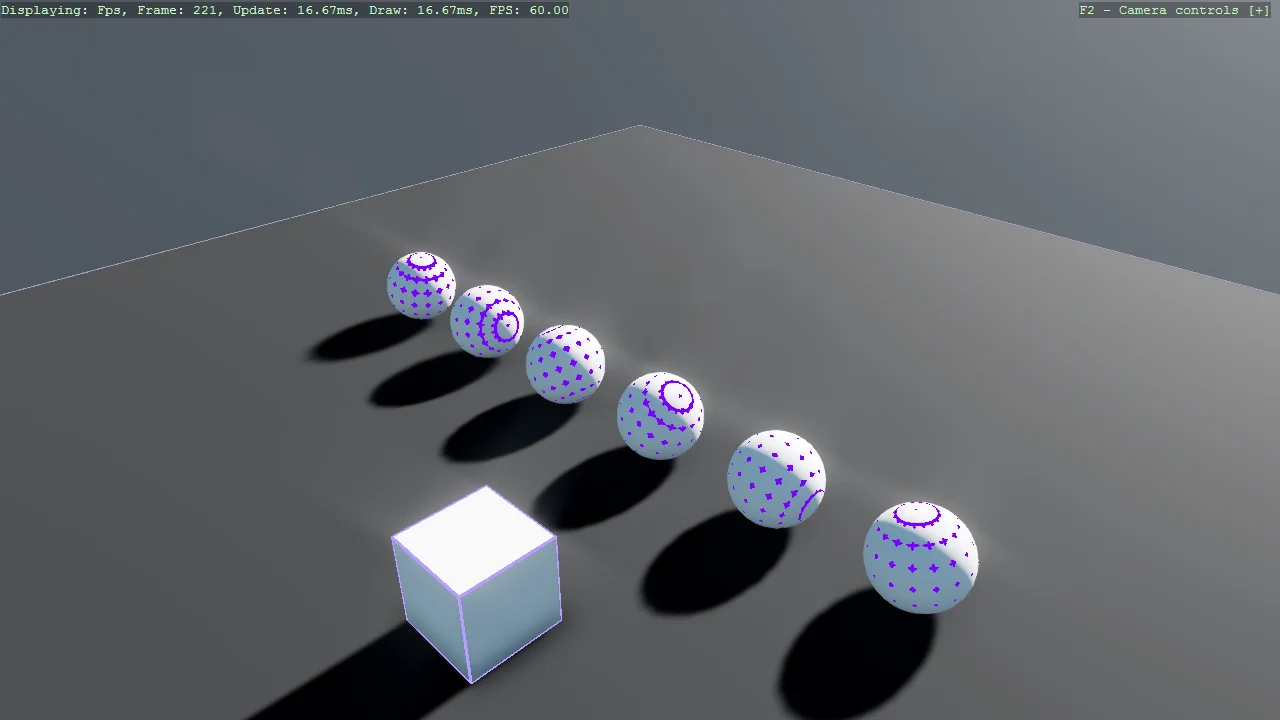
Debug Render Component
Debug
The companion to the collidable gizmo: DebugRenderComponentScript draws the wireframe of an entity's own mesh rather than its collider.
F# Getting Started
F# Intermediate
Visual Basic Getting Started